Getting a model running in a chat window is the easy part. The moment you want something else to use it, your code editor, a script, a second device, a little app you're building, you need to serve it: expose the model as an API that other software can call. This is where local AI graduates from a toy to infrastructure, and where a lot of people get lost in a fog of acronyms: Ollama, vLLM, TGI, SGLang, OpenAI-compatible, continuous batching.
Here's the plain-English map: what "serving" means, the spectrum from a one-command personal endpoint to a production throughput engine, the one concept (batching) that explains the whole split, and the real point where your own box stops making sense and renting a cloud GPU wins.
What "serving a model" means
Serving means putting your model behind an HTTP endpoint that other programs can send requests to. In practice, that endpoint almost always speaks the OpenAI API format, the same request shape OpenAI uses, which has become the universal standard. The payoff is huge: any tool that can talk to OpenAI (coding assistants, automation scripts, chat front-ends, libraries) can be pointed at localhost instead, and it just works, talking to your local model for free and in private.
So the question isn't whether to use an OpenAI-compatible endpoint, it's which engine should serve it. And that depends entirely on one thing: how many requests at once.
The spectrum: easy vs. high-throughput
Serving engines line up on a spectrum from "dead simple, one user" to "complex, many users":
- Ollama / llama.cpp server, the easy end. One command gives you an OpenAI-compatible endpoint, models swap on the fly, and it runs anywhere including CPU and Apple Silicon. Perfect for personal use: you, your editor, a home automation, a side project.
- vLLM / TGI / SGLang, the production end. These are throughput engines built to serve many concurrent requests efficiently, at the cost of more setup and heavier hardware assumptions (usually a proper GPU, full VRAM residency).
The community framing is refreshingly blunt. In a thread literally titled "Has vLLM made Ollama and llama.cpp redundant?", the top breakdown lands exactly where the engineering does:
"vLLM was up to 3.23× faster than Ollama… So for casual users, Ollama is a big winner [on ease of use]."
, u/pilkyton, summarizing the throughput-vs-simplicity trade
Neither is "better." They're built for different request volumes.
The one concept that explains the split: batching
Why is vLLM dramatically faster under load but overkill for one user? Continuous batching. As we covered in our prompt-processing guide, generating tokens for a single user is memory-bandwidth-bound, the GPU spends most of its time waiting on memory, with its compute mostly idle. Batching fills that idle compute by serving many requests at once: one read of the weights from memory serves every request in the batch.
The breakthrough was doing this continuously, slotting new requests into the batch the instant an old one finishes, rather than waiting for the whole batch to complete. This "iteration-level" scheduling was introduced by Orca (Yu et al., OSDI 2022) and is now standard in every serious serving engine. vLLM combined it with PagedAttention (Kwon et al., 2023), efficient KV-cache memory management, to report up to 24× higher throughput than naive serving. The foundational analysis of these latency/throughput trade-offs comes from Pope et al.'s "Efficiently Scaling Transformer Inference" (2022).
The practical takeaway: if you're the only user, Ollama's simplicity wins because batching has nothing to batch. The moment you have real concurrent traffic, a continuous-batching engine like vLLM turns idle compute into many-fold throughput.
APIs and routing: when you have more than one model
Serve a couple of models, or mix local with an occasional cloud call, and you hit a new problem: every backend has its own endpoint and quirks. A gateway / router (LiteLLM and similar) sits in front and gives you a single OpenAI-compatible endpoint that fans out to whatever's behind it: route this request to the local model, that one to a cloud API, fall back if one is down, balance load, manage keys, and log usage in one place. This is the "APIs & routing" layer, the glue that makes a pile of models feel like one tidy service, and the natural step once local serving graduates into something you depend on.
The catch: when to rent instead of buy
Local serving has a ceiling, and pretending otherwise wastes money. There's a real point where renting a cloud GPU (RunPod, Vast.ai, and the like) is simply the rational call:
- The model is too big for any box you'd buy. Need to serve a 200B+ model occasionally? Renting a multi-GPU node for the hours you use it beats buying hardware that sits idle.
- You have real, concurrent traffic. Serving an app with bursty load is exactly what cloud GPUs are good at, spin up under load, spin down after.
- The workload is occasional or spiky. A big batch job once a week doesn't justify owning a server; per-hour rental does.
The economics are a fixed-vs-variable trade. Owning hardware is a fixed up-front cost that's superb for steady, everyday local use, the machine is always there, private, and "free" per query once bought. Renting is pay-per-hour: ideal for bursts, oversized models, and serving real traffic, wasteful for idle time. The rule of thumb: buy for your steady baseline, rent for the spikes and the oversized one-offs. A 24/7 personal assistant on an 8B model? Buy. A weekend project that needs a 120B for ten hours? Rent.
Throughput vs latency: pick your target
"Faster" hides two different goals, and serving forces you to choose. Latency is how quickly a single request finishes, what one user feels. Throughput is total tokens per second across all requests, what a busy server cares about. They trade off: pushing the batch size higher lifts throughput (the GPU does more total work per memory read) but can raise each individual user's latency, because their request rides in a bigger batch. A personal setup optimizes latency, you want your answer now. A service optimizes throughput, it wants the most total tokens per GPU-hour, even if any single reply is a touch slower. Know which you're tuning for, or you'll "optimize" a personal box for a server's goal (or the reverse), and it's exactly why the same hardware reads as "fast" or "slow" depending on whose benchmark you're looking at.
The hidden cost of concurrency: KV cache × users
Here's the serving gotcha that catches people sizing a box. Model weights are a one-time cost, loaded once, shared by everyone. But the KV cache is per request: every concurrent user, and every token of their context, needs its own slice. So a serving box's memory bill is roughly weights + (KV cache × concurrent requests). Ten users at long context can demand more memory for KV cache than the model itself, precisely the fragmentation problem PagedAttention was built to tame, packing many caches efficiently instead of pre-reserving worst-case slabs. The lesson for buyers: a box that comfortably runs a model for you can fall over serving that same model to ten people, not because the weights grew, but because ten KV caches did. Serving capacity is a memory question as much as a compute one.
The decision cheat-sheet
| Your situation | Reach for… |
|---|---|
| Just you + your tools, local | Ollama / llama.cpp server |
| An app with concurrent users | vLLM / TGI / SGLang |
| Multiple models / mixed local+cloud | A gateway/router (one OpenAI endpoint) |
| Oversized model, occasional use | Rent a cloud GPU by the hour |
| Steady 24/7 baseline load | Buy, own hardware amortizes |
One practical warning: don't expose it carelessly
An OpenAI-compatible endpoint is trivially easy to stand up, which makes it trivially easy to expose by accident. By default these servers bind to localhost (only your own machine can reach them), and that's the safe default. The moment you bind to 0.0.0.0 or forward a port so you can reach the model from your phone or another device, you've put an unauthenticated AI endpoint on your network, and if it's reachable from the internet, anyone who finds it can run your GPU on your electric bill, or worse. If you need remote access, do it properly: put the endpoint behind an API key, a reverse proxy with authentication, or a private tunnel/VPN rather than a raw open port. The same convenience that makes local serving great is what turns a careless deployment into a liability.
What this means for your hardware
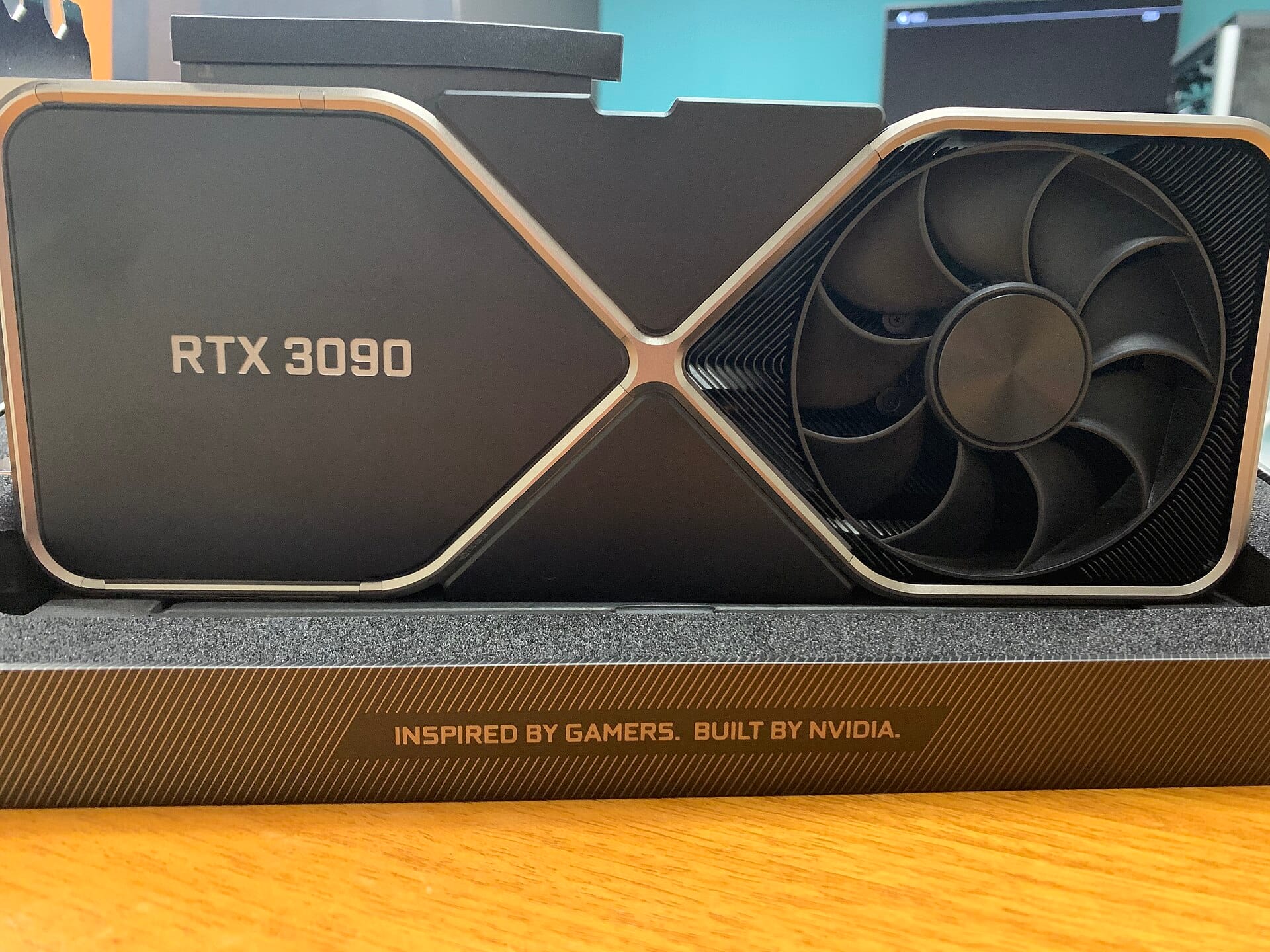
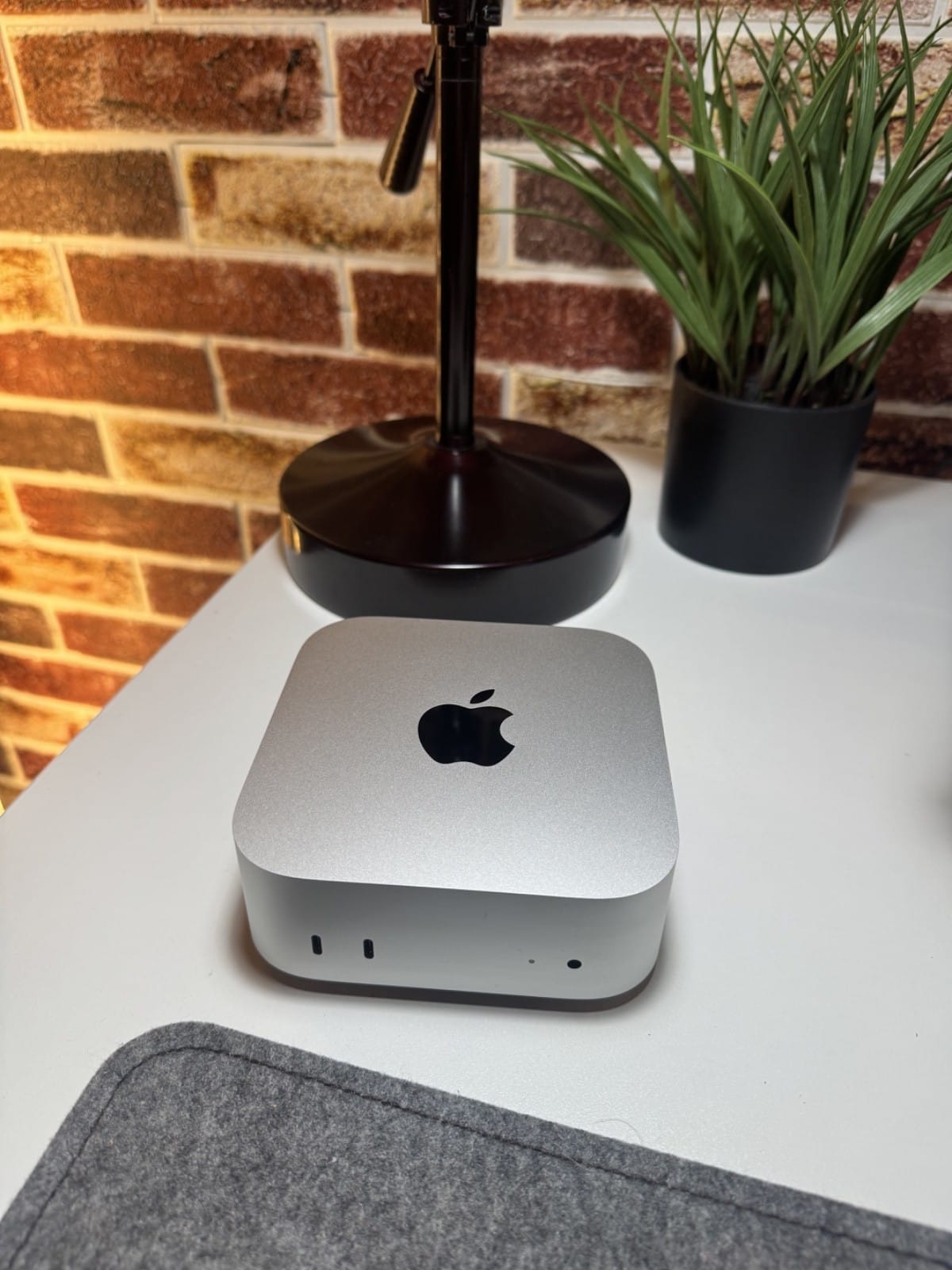
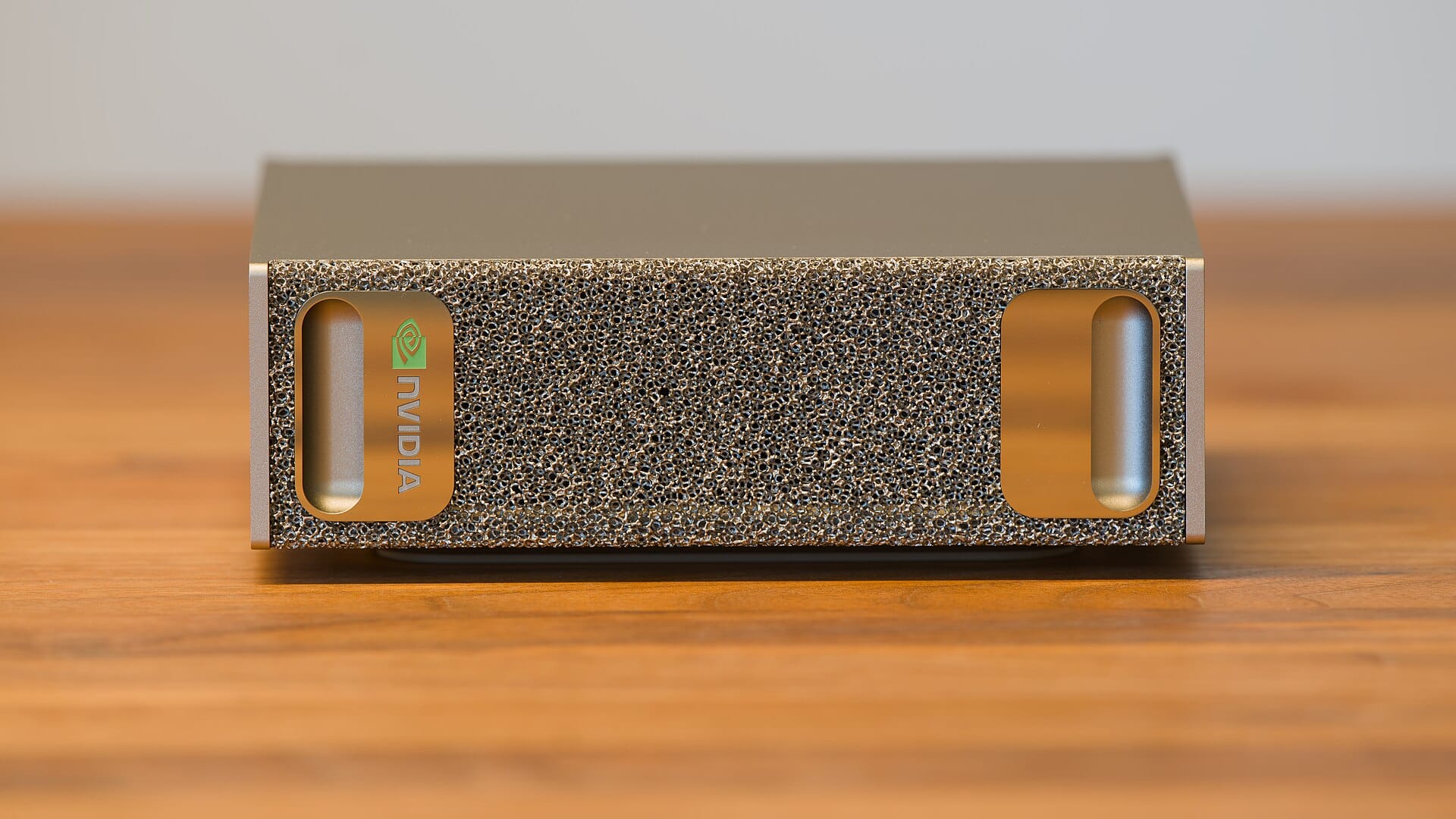
Serving changes the buying calculus. A personal-inference box is optimized for single-user generation, memory bandwidth and enough capacity to hold your model (see our unified-memory guides). A serving box is a different animal: concurrency means batching, batching uses compute, so a serving machine leans harder on raw GPU compute and full-VRAM residency than a cozy single-user box does. If you're sizing hardware to serve other people or apps, not just yourself, weight your budget toward compute and a proper GPU, or skip ownership entirely and rent for the hours you serve.
The straight summary: Ollama to get serving in one command, vLLM when real traffic arrives, a router when models multiply, and a rented GPU when your own box stops being the economical answer. Match the tool to your request volume and you'll never over- or under-build.
Where serving fits in the stack
Serving is the top layer of the local-LLM software stack this series has walked through. Underneath it, each layer answers one question: quantization shrinks the weights to fit your memory; a model's Mixture-of-Experts design decides how much of it runs per token; the KV cache holds the context (and eats the VRAM); prompt processing vs generation sets which hardware spec you should buy for; and RAG feeds the model your documents without bloating that context. Serving is what exposes the whole stack to the outside world as an API. Get each layer right for your workload and a surprisingly modest local box does genuinely useful work, serving is just the doorway the rest of your tools walk through.
Sources & how we researched this
This explainer synthesizes the primary serving literature, PagedAttention/vLLM (Kwon et al., 2023) for continuous batching and KV-cache memory management; Splitwise (Patel et al., 2023) for prefill/decode disaggregation; and "Efficiently Scaling Transformer Inference" (Pope et al., 2022) for the latency/throughput trade-offs, alongside the Orca paper (Yu et al., OSDI 2022), which introduced iteration-level continuous batching now standard across serving engines. The Ollama-vs-vLLM framing and throughput figure are owner reports from r/LocalLLaMA, linked so you can verify; we have not benchmarked these setups first-hand.
Related guides
- Prompt processing vs generation (why batching works)
- The KV cache, explained (what PagedAttention manages)
- Unified-Memory AI boxes (personal-inference hardware)