
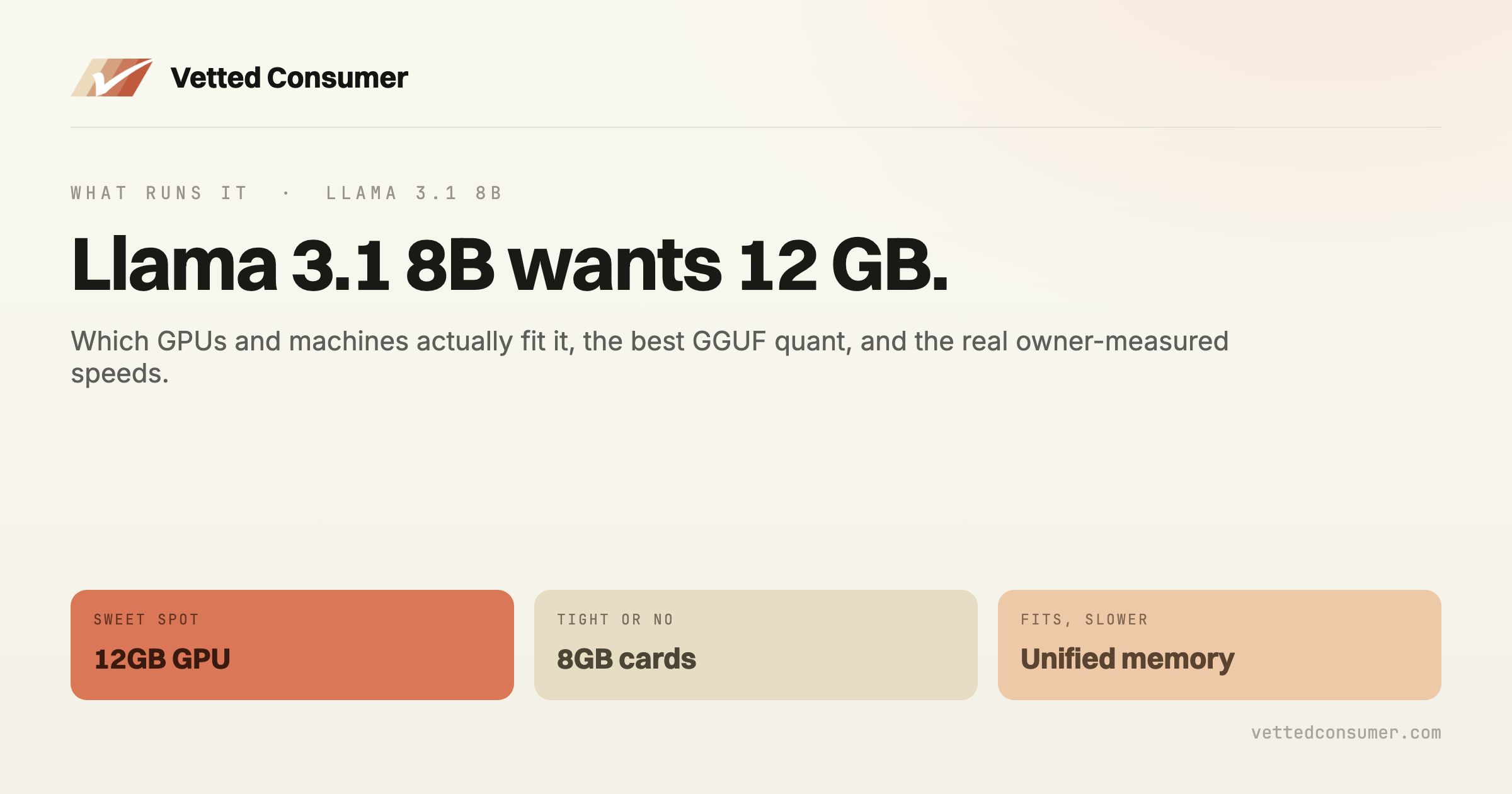
Llama 3.1 8B is a 8-billion-parameter dense model (Llama 3.1 Community) with a 128k native context. Meta's widely-used 8B model and the default small local LLM for chat, RAG, and agents. The question for running it locally is memory: whether it fits, and how fast, comes down to your hardware and which quant you pick. Below is every machine we track, what fits, and the real speeds.
The short version: you need about 12 GB of memory to run Llama 3.1 8B comfortably at a 4-bit quant.
The full hardware-fit matrix
Every machine we track, at 8k context with an f16 KV cache, showing the highest-quality GGUF quant that fits. The tok/s figure is a theoretical ceiling from memory bandwidth; real generation runs lower, which is why the owner-measured column matters. 23 of the 23 machines here can run Llama 3.1 8B.
| Machine | Memory | Best quant (8k ctx) | Weights size | ~tok/s (ceiling) | Owners measure | Verdict |
|---|---|---|---|---|---|---|
| NVIDIA RTX 3060 12GB | 12 GB | Q6_K | ~6.6 GB | ~47 | – | Runs well |
| NVIDIA RTX 4070 12GB | 12 GB | Q6_K | ~6.6 GB | ~66 | ~71.2–76.3 tok/s | Runs well |
| NVIDIA RTX 5070 12GB | 12 GB | Q6_K | ~6.6 GB | ~88 | ~43.6–85.8 tok/s | Runs well |
| Intel Arc B580 12GB | 12 GB | Q6_K | ~6.6 GB | ~59 | – | Runs well |
| NVIDIA RTX 4060 Ti 16GB | 16 GB | Q8_0 | ~8.5 GB | ~30 | ~45.8–48.2 tok/s | Runs well |
| NVIDIA RTX 4080 16GB | 16 GB | Q8_0 | ~8.5 GB | ~75 | ~88.3–90.9 tok/s | Runs well |
| NVIDIA RTX 5080 16GB | 16 GB | Q8_0 | ~8.5 GB | ~100 | ~44.9–129.1 tok/s | Runs well |
| NVIDIA RTX 5070 Ti 16GB | 16 GB | Q8_0 | ~8.5 GB | ~94 | ~65.5 tok/s | Runs well |
| NVIDIA RTX 5060 Ti 16GB | 16 GB | Q8_0 | ~8.5 GB | ~47 | ~51.4–69.2 tok/s | Runs well |
| AMD RX 9060 XT 16GB | 16 GB | Q8_0 | ~8.5 GB | ~33 | ~53.2 tok/s | Runs well |
| Mac, 16GB unified (M-series) | 16 GB (unified) | Q4_K_M | ~4.8 GB | ~20 | – | Runs well |
| NVIDIA RTX 3090 24GB | 24 GB | FP16 | ~16 GB | ~55 | ~95–141 tok/s | Runs well |
| NVIDIA RTX 4090 24GB | 24 GB | FP16 | ~16 GB | ~59 | ~90–131 tok/s | Runs well |
| AMD RX 7900 XTX 24GB | 24 GB | FP16 | ~16 GB | ~56 | ~49.8–96 tok/s | Runs well |
| NVIDIA RTX 5090 32GB | 32 GB | FP16 | ~16 GB | ~105 | ~66 tok/s | Runs well |
| Mac, 32GB unified (Pro-class) | 32 GB (unified) | FP16 | ~16 GB | ~16 | ~26.3–42 tok/s | Usable |
| CPU-only PC, 32GB DDR5 | 32 GB (unified) | FP16 | ~16 GB | ~5 | – | Fits, slow |
| 2× RTX 3090 (48GB) | 48 GB | FP16 | ~16 GB | ~55 | – | Runs well |
| Mac, 64GB unified (Max-class) | 64 GB (unified) | FP16 | ~16 GB | ~32 | ~34.5–50.7 tok/s | Runs well |
| CPU-only PC, 64GB DDR5 | 64 GB (unified) | FP16 | ~16 GB | ~5 | – | Fits, slow |
| Mac, 128GB unified (Max-class) | 128 GB (unified) | FP16 | ~16 GB | ~32 | ~52 tok/s | Runs well |
| Strix Halo box, 128GB unified | 128 GB (unified) | FP16 | ~16 GB | ~15 | ~42–48 tok/s | Usable |
| Mac Studio, 512GB unified (Ultra) | 512 GB (unified) | FP16 | ~16 GB | ~48 | – | Runs well |
Weights size is the model file at the listed quant; the KV cache and about 1.5 GB of overhead are already factored into the fit. Change the context or KV precision in the calculator to see how it shifts.
The cheapest box that runs it
The cheapest catalogued, buyable machine that runs Llama 3.1 8B at Q4 is the Intel Arc B580 (about $249). Check it against your needs, and weigh buying versus renting in the cost calculator.
What owners measure
Theoretical ceilings assume perfect efficiency; real generation runs lower. Reported numbers for this model class, each linked to its source:
- NVIDIA RTX 3090 24GB: ~95–141 tok/s (source)
- NVIDIA RTX 4090 24GB: ~90–131 tok/s (source)
- NVIDIA RTX 5090 32GB: ~66 tok/s (source)
- Mac, 128GB unified (Max-class): ~52 tok/s (source)
- Strix Halo box, 128GB unified: ~42–48 tok/s (source)
How this is calculated
Memory math, no magic. The model file is parameters × bits-per-weight / 8, so this model at Q4_K_M (about 4.8 bits) is roughly 4.8 GB. On top you need the KV cache plus about 1.5 GB overhead. Generation speed is bound by memory bandwidth: the card re-reads the active weights every token, so tok/s is roughly bandwidth / bytes-per-token. See the quantization guide, the VRAM guide, and prompt processing vs generation.
Check your exact setup
This matrix uses 8k context. Your numbers shift with longer context, a different KV precision, or CPU offload. Plug in your exact machine:
- Can I Run It? tests Llama 3.1 8B against any hardware, including your own machine.
- Quant picker shows the full quant ladder so you can trade quality for context.
- Cost calculator weighs buying against renting a cloud GPU.
Sources and method
Last verified July 2026. Specs and model sizes are re-checked as new hardware and quants ship; owner-measured figures are dated at their source.
- Fit and theoretical tok/s: computed from each machine's memory and bandwidth with the same engine as our calculator.
- Owner-measured tok/s: aggregated from the cited public benchmarks; where the measured quant differs it is noted at the source.
- A fit-and-speed reference, not first-hand testing by Vetted Consumer.