"How much VRAM do I need to run a 70B model?" is the question that turns a software hobby into a hardware purchase, and it's where most people get tripped up. The short answer: a single 24 GB gaming GPU can't do it at a usable quality, and you'll need roughly 40–48 GB of fast memory. Here's the simple math to size any model, and the three real ways to get that much memory.
The math: size any model in 10 seconds
A model's memory footprint is roughly parameters × bytes-per-weight, plus a few gigabytes for context. The bytes-per-weight depends on the quantization (how aggressively the model is compressed):
- FP16 (full, ~2 bytes/param): a 70B model needs ~140 GB. Don't.
- Q8 (~1 byte): ~70 GB. Near-lossless, but heavy.
- Q4 (~0.5 byte): ~35–40 GB + context → ~40–48 GB total. This is the sweet spot almost everyone uses, minimal quality loss, half the memory.
So when people say "you need ~48 GB for a 70B," they mean a Q4 quant with room for a reasonable context window. (Q4 means each weight is squeezed into roughly 4 bits instead of 16, a big size cut for minimal quality loss.) The same formula sizes anything: a 30B at Q4 ≈ 18–20 GB (fits a 24 GB card), a 120B MoE needs 60 GB+, and so on.
Why one GPU won't cut it
The fastest consumer card most people own tops out at 16–24 GB, enough for an 8B or a 30B model, but not a 70B. That single fact is why "running 70B locally" becomes a hardware question. You have three real ways to reach ~48 GB+.
Route 1, Stack GPUs (fastest, hottest)
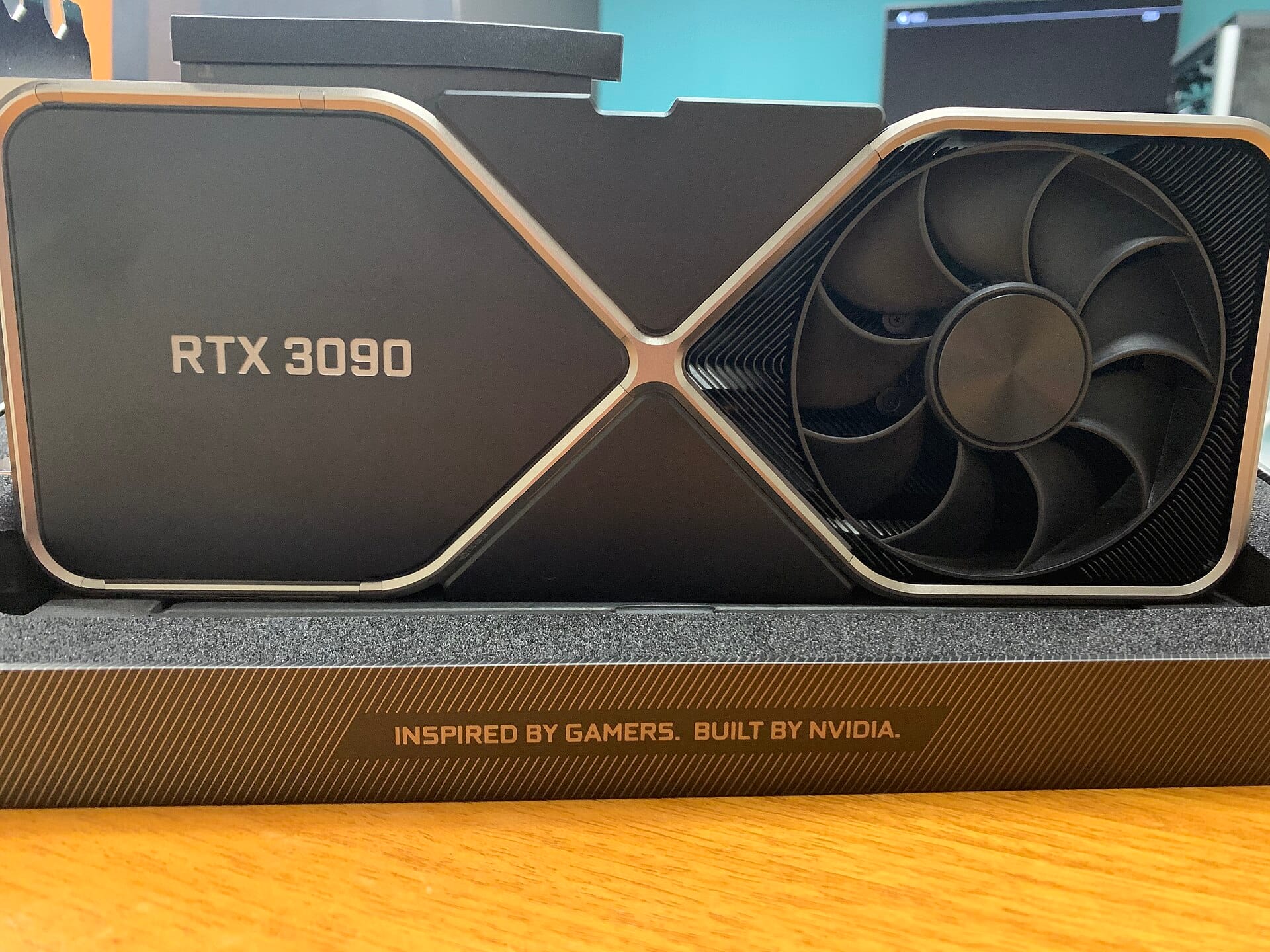
Two GPUs pool their VRAM: a pair of used RTX 3090s gives you 48 GB of fast CUDA memory for ~$1,400–1,800, and the local-LLM crowd goes even cheaper with ex-datacenter cards, one r/LocalLLaMA build hit 256 GB of VRAM across 8 AMD MI50s for about $3k. It's the fastest path, but it's loud, power-hungry, and a real build. (Fair warning from the community: it's a slippery slope, "you start with the hardware you've got, then buy cheap ex-datacenter cards on eBay, and next thing you know you've cleared out your Micro Center," joked u/Ulterior-Motive_.) See our GPUs-for-local-LLM guides.
Route 2, Unified memory (quietest, simplest)
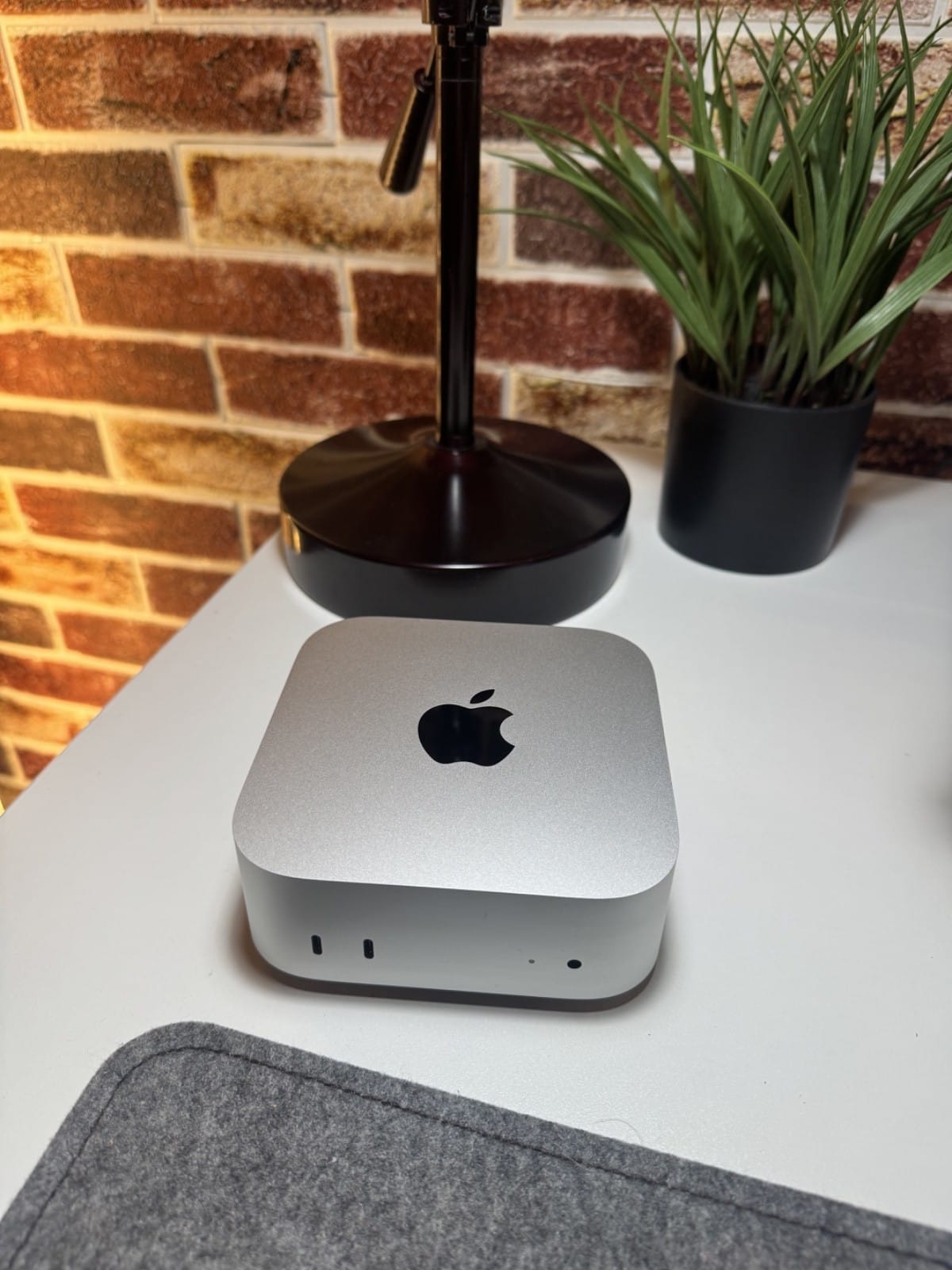
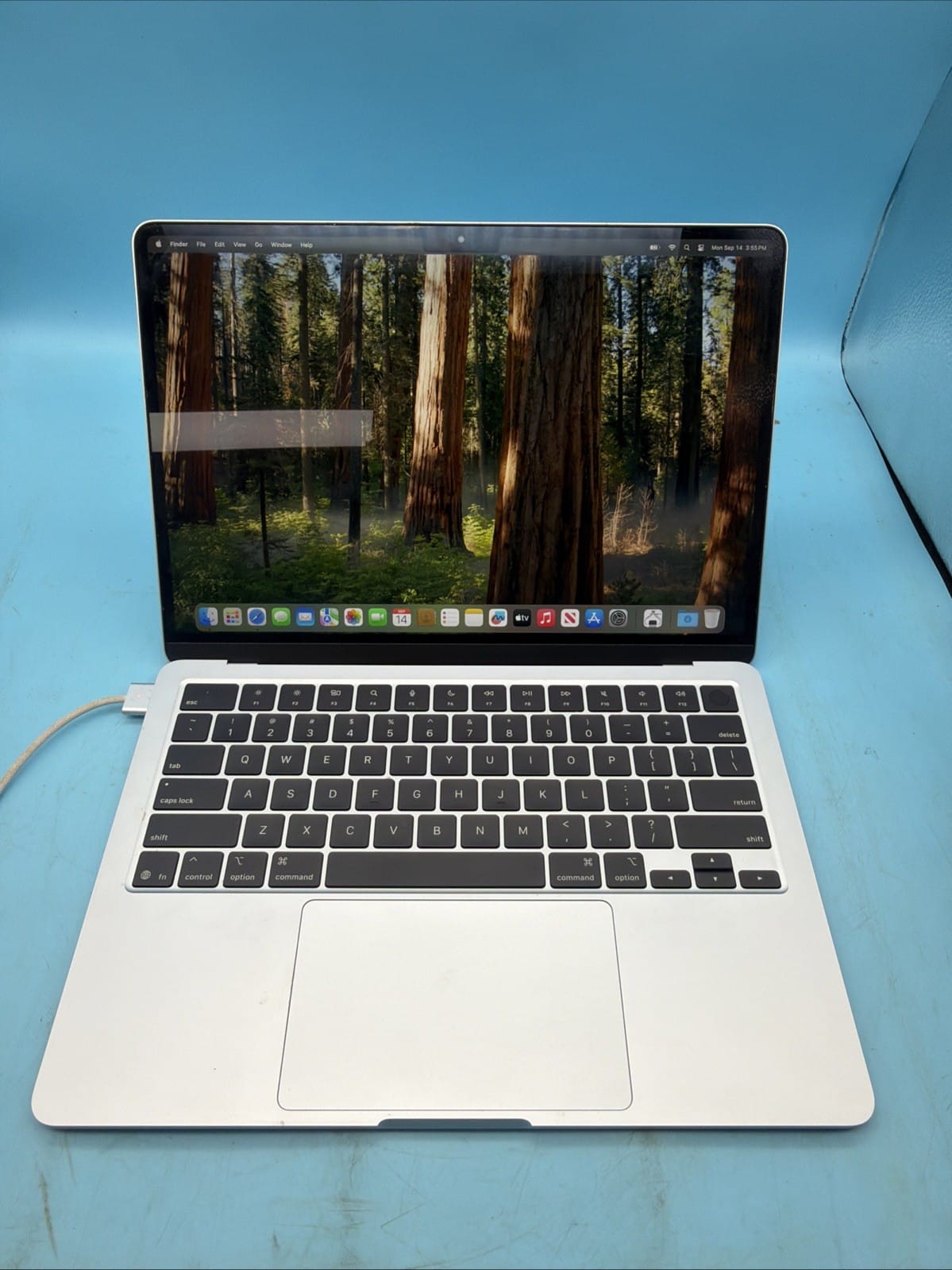
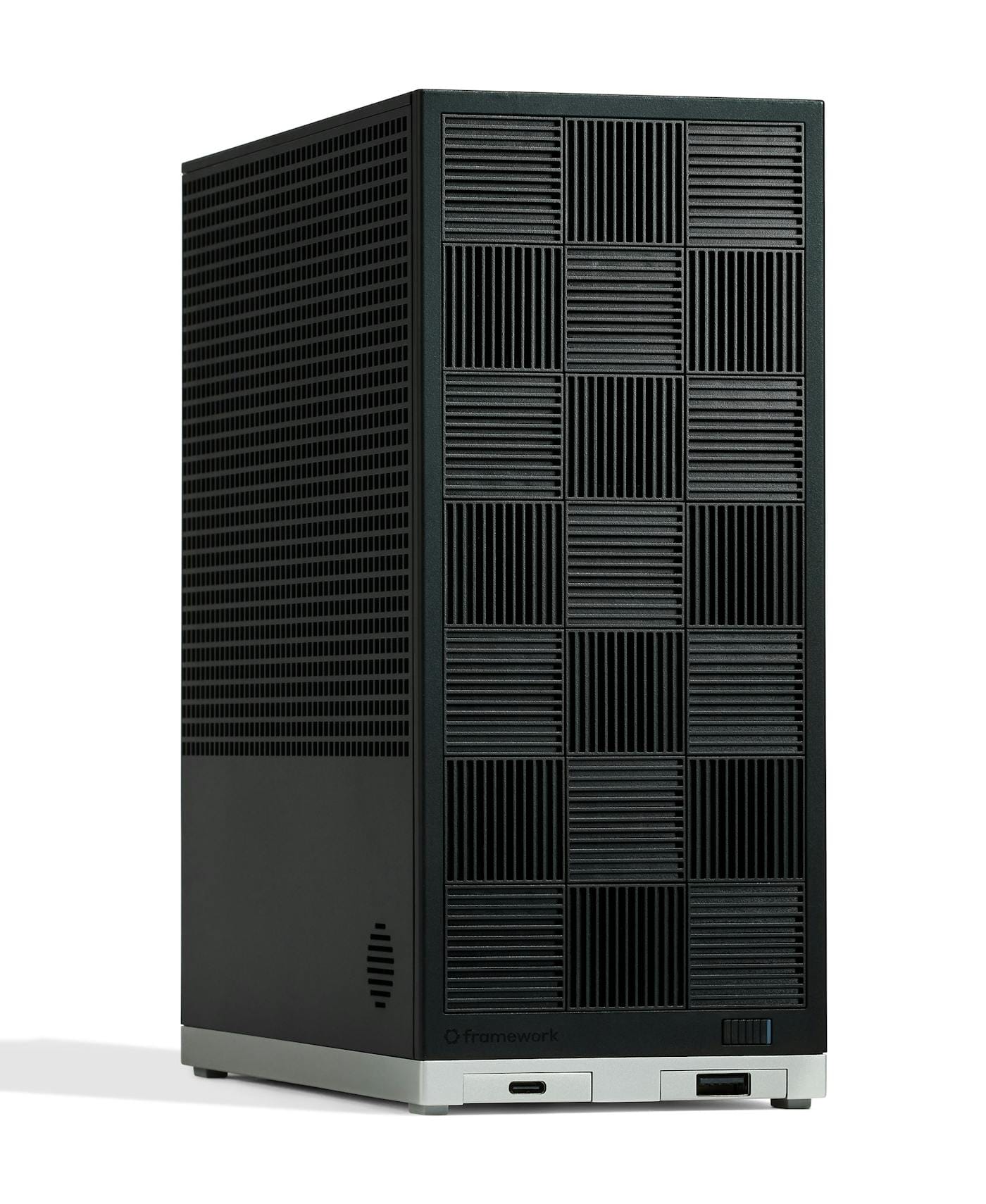
This is where a lot of buyers land, because the real constraint isn't money, it's power and noise. As one owner weighing the options put it, "I know GPUs give more VRAM and bandwidth for less money, but I want something that can run 12–16 hours a day without turning into a 1kW space heater" (u/Jezel123). A Ryzen AI Max+ 395 box (128 GB unified, ~$1,500) or a Mac Studio fits a 70B model in fast shared memory, quietly, sipping power, at the cost of slower prompt processing. Our detailed picks: the GMKtec EVO-X2, Framework Desktop, and Mac Studio M3 Ultra.
Route 3, Don't buy at all (rent)
If you only need a 70B occasionally, renting a cloud GPU by the hour can be cheaper than any box, you skip the hardware entirely and pay only when you run. It's the right call for bursty or experimental use; it stops making sense once you're running models daily, where a one-time box purchase wins. (We'll cover the full buy-vs-rent cost math in a dedicated guide.)
The bottom line
Size your model with the quant math, then match the memory: ~48 GB unlocks a 70B at Q4. For most people, a 128 GB Ryzen AI Max+ 395 box is the simplest, quietest way to get there; stack GPUs if you want raw speed and don't mind the heat; rent if your usage is occasional. Either way, you now know exactly how much memory to buy, and why your current GPU came up short.
Sources & how we researched this
The quantization math is standard; the build costs and real-world tradeoffs below come from r/LocalLLaMA owners, linked so you can verify.
- "Cheapest way to stack VRAM" (MI50 / dual-GPU costs)
- "8x AMD MI50, 256GB VRAM rig for $3k" (extreme VRAM stacking)
- "Cheapest and most efficient way to run 30B–40B" (the power/noise tradeoff)