If you want to run genuinely large language models at home, 70B, 120B, even 400B-class quants, without assembling a multi-GPU space heater, the Apple Mac Studio with M3 Ultra keeps coming up as the answer. Its trick is up to 512 GB of unified memory at roughly 819 GB/s, in a silent box that sips power. But there's a catch hanging over it right now: the M5 generation is knocking. We pulled together what actual r/LocalLLaMA owners say so you can decide whether to buy or wait.
🧮 Not sure your machine can run the models discussed here? Check it in our calculator →
What it is
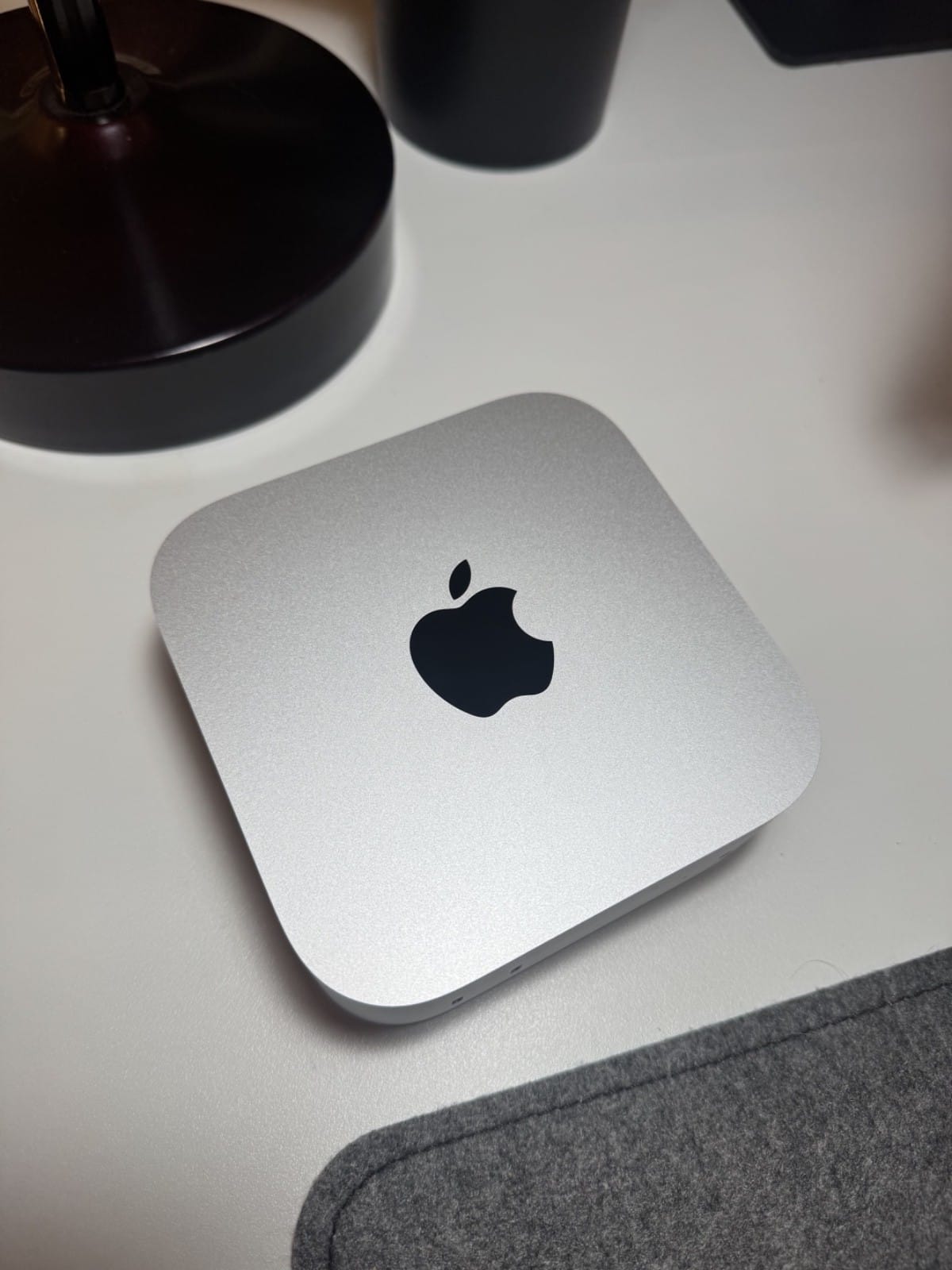
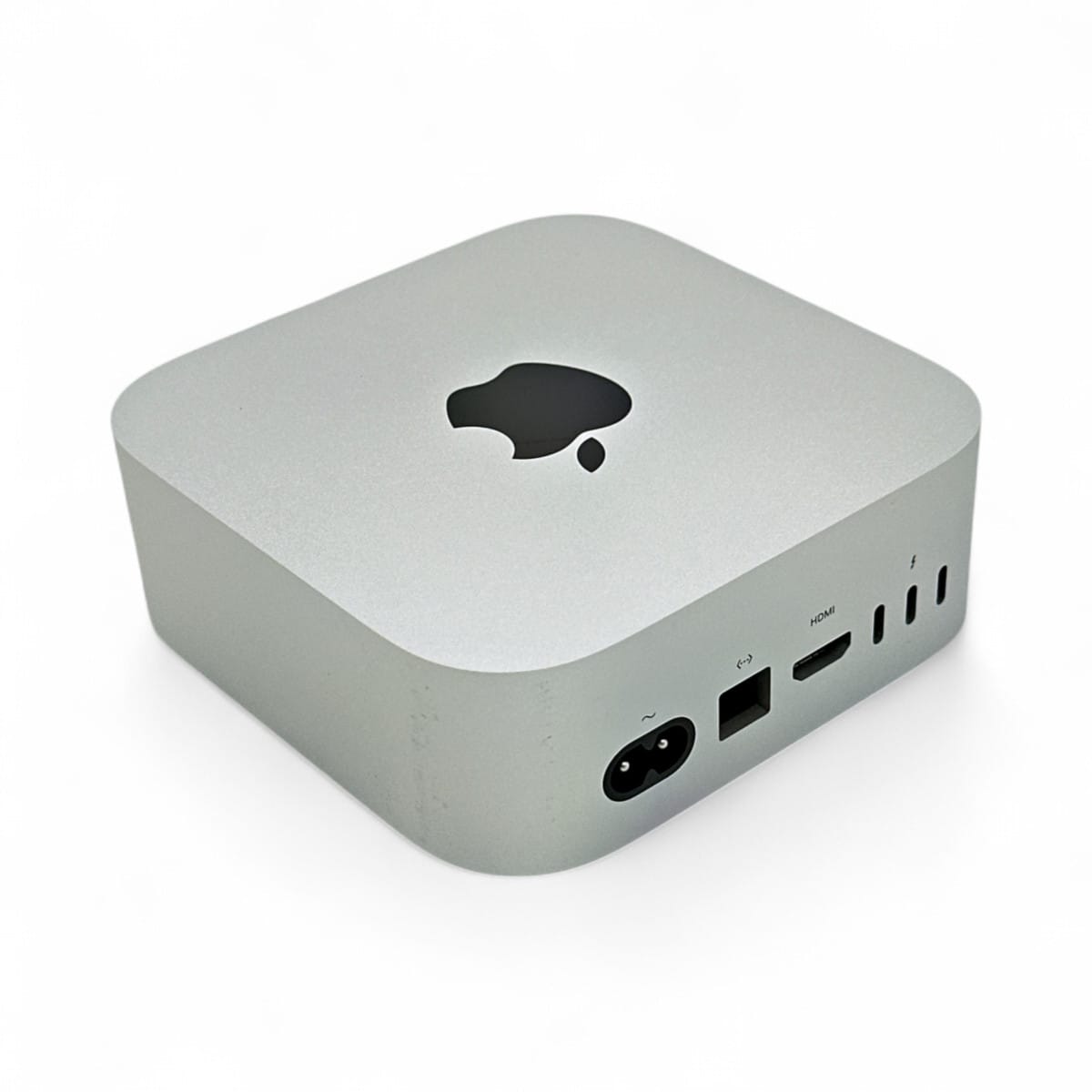
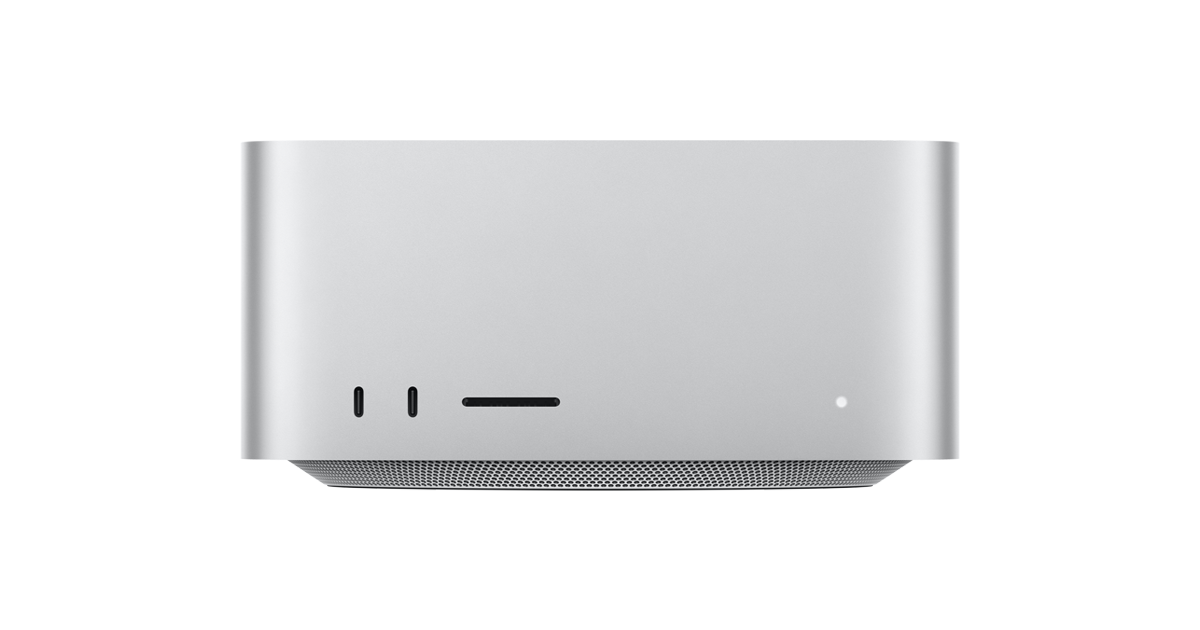
The Mac Studio's M3 Ultra configuration pairs a 32-core CPU and up to an 80-core GPU with an enormous unified-memory pool, configurable to 96, 256, or 512 GB. For local AI, that memory is the product: it lets a single quiet desktop hold models that would otherwise demand a rack of GPUs. The Mac Studio M3 Ultra isn't cheap, but per-gigabyte of fast, model-ready memory, nothing else in this form factor is close.
How it changes the buying decision
The reason people pick it over a mini PC or a single GPU is bandwidth plus capacity. As one owner bluntly put it comparing it to a Mac mini:
"Your M3 Ultra is WAAAAY better than the M4 Pro you'd get with a Mac mini, the memory is something like 3x faster on the M3 Ultra.", u/Hanthunius, r/LocalLLaMA
That bandwidth is why token generation on big models stays usable. It's also why buyers tolerate the price: in the "Just bought an M3 Ultra" thread, an owner who needed 24/7 uptime grabbed a pre-owned 96 GB Studio for $3,300 precisely because no high-RAM M4 mini existed.
What owners are saying
The community is refreshingly blunt about the limits. First, pick the right memory tier, the small one is a trap:
"128 is about the sweet spot. Running models bigger than that is gonna be like watching a snail crawl, lol.", u/Safe_Sky7358
Second, set expectations on speed. As u/Direct_Turn_1484 cautioned in the "M3 Ultra 96GB useless?" thread, there's plenty of room for 60–80 GB models, "just don't expect it to run inference as fast as an H100." Prompt processing on very long contexts is the real soft spot. And third, the elephant in the room, the next generation looms:
"The M5's AI-accelerator blocks on its GPU would run circles around an M3 Ultra. I'm personally waiting for a 128GB M5 Max or Ultra Studio.", u/Prudent_Sentence
With WWDC in mid-June 2026, that wait-or-buy tension is live. The counterpoint from current owners: an M5 Pro Mac mini is expected to cap around 64 GB, so for large-memory local AI, a well-priced M3 Ultra may stay the value pick until an M5 Ultra Studio ships.
Who should (and shouldn't) buy it
Buy if you run big local models day-to-day, value silence and low power, and want a turnkey appliance, ideally the 256 GB or 512 GB tier, or a discounted pre-owned unit. Skip if your models fit in 32–64 GB (a cheaper Mac or a Ryzen AI Max+ 395 mini PC will do), if you need maximum raw inference speed (that's GPU territory), or if you can comfortably wait for the M5 Ultra to land.
The bottom line
The Mac Studio M3 Ultra remains the most practical way to fit very large models in fast memory on a desk, a genuine local-AI workhorse. Just buy the right memory tier (256 GB+ for big models), watch WWDC before paying full price for the top config, and consider the strong pre-owned market that owners keep recommending.