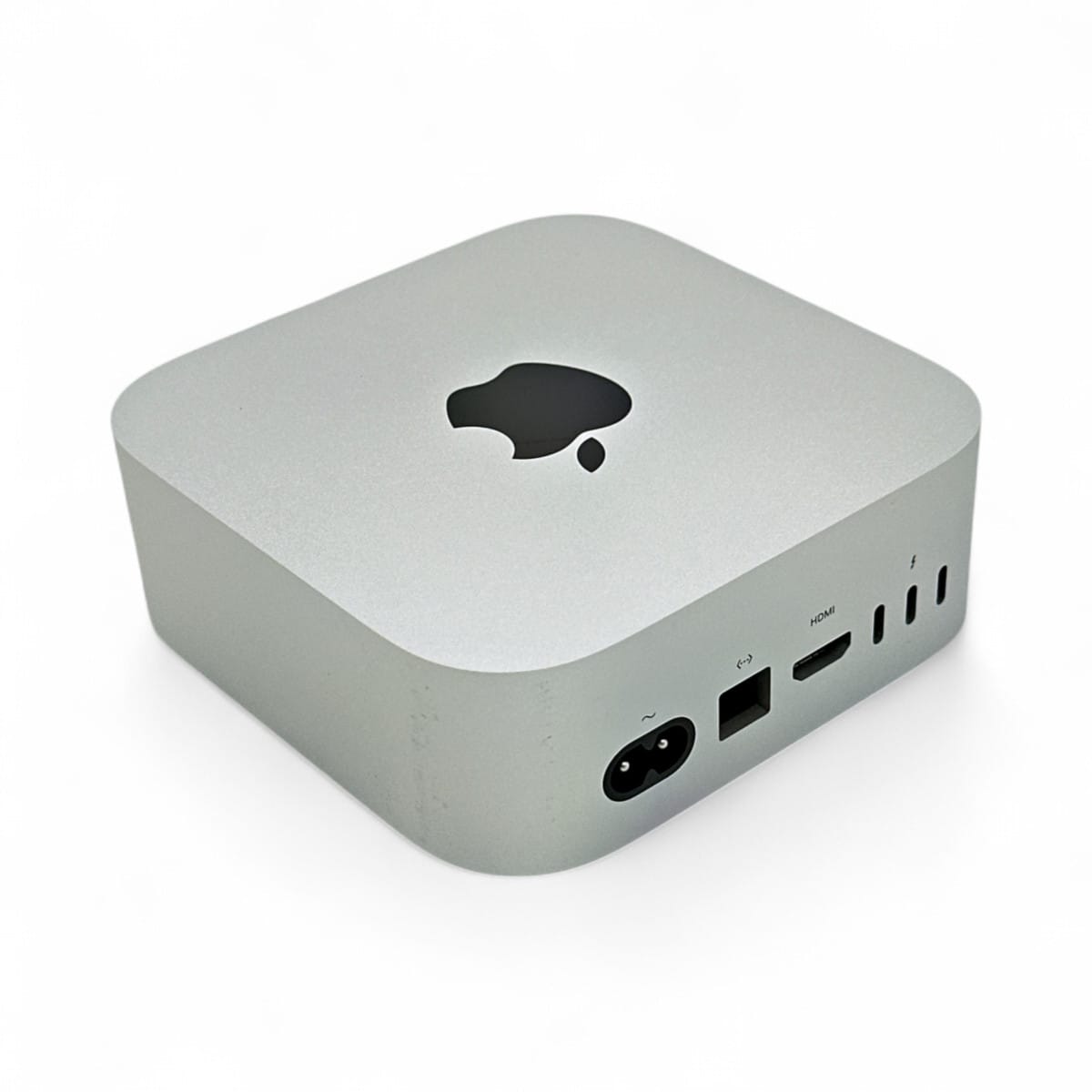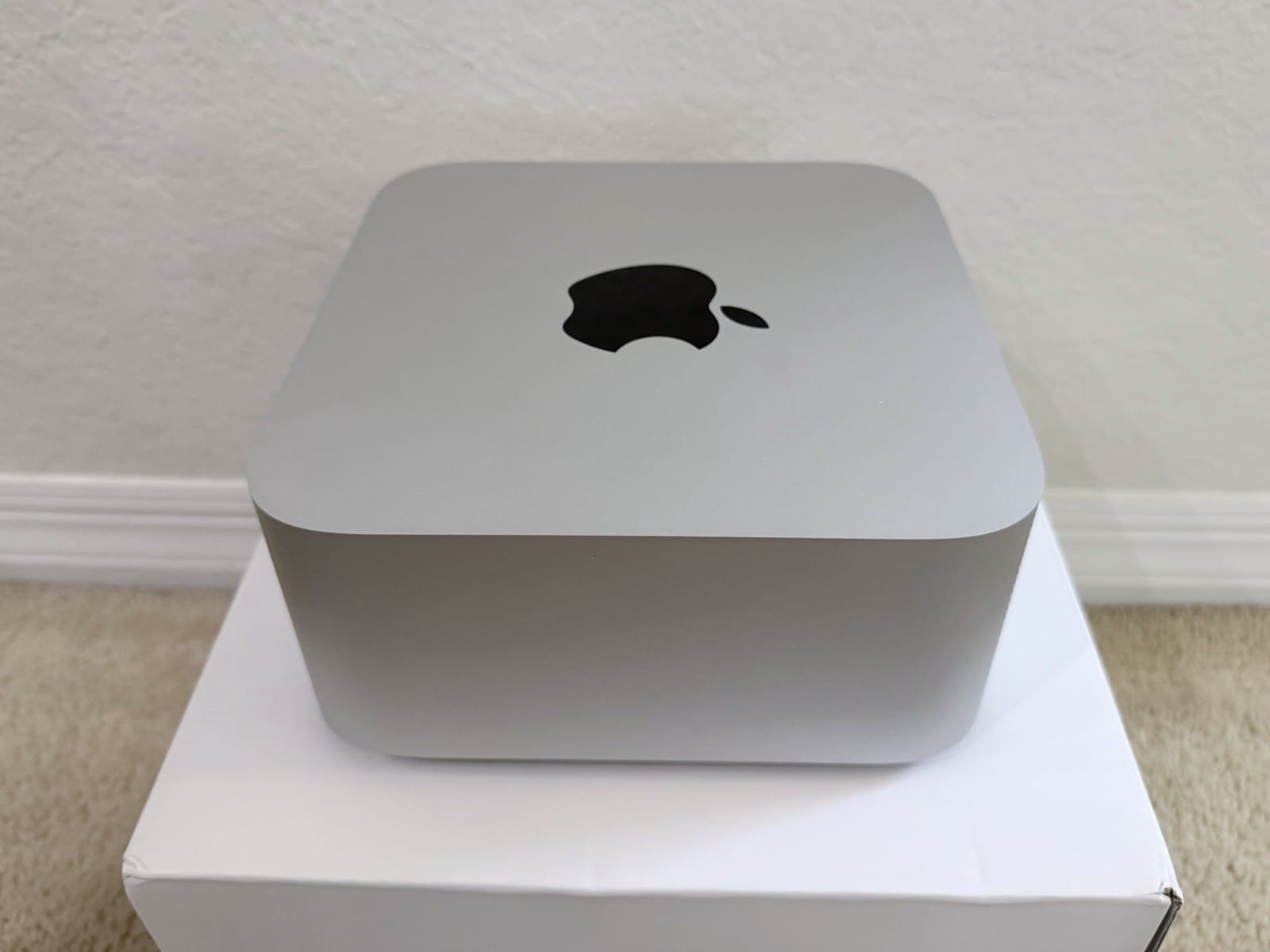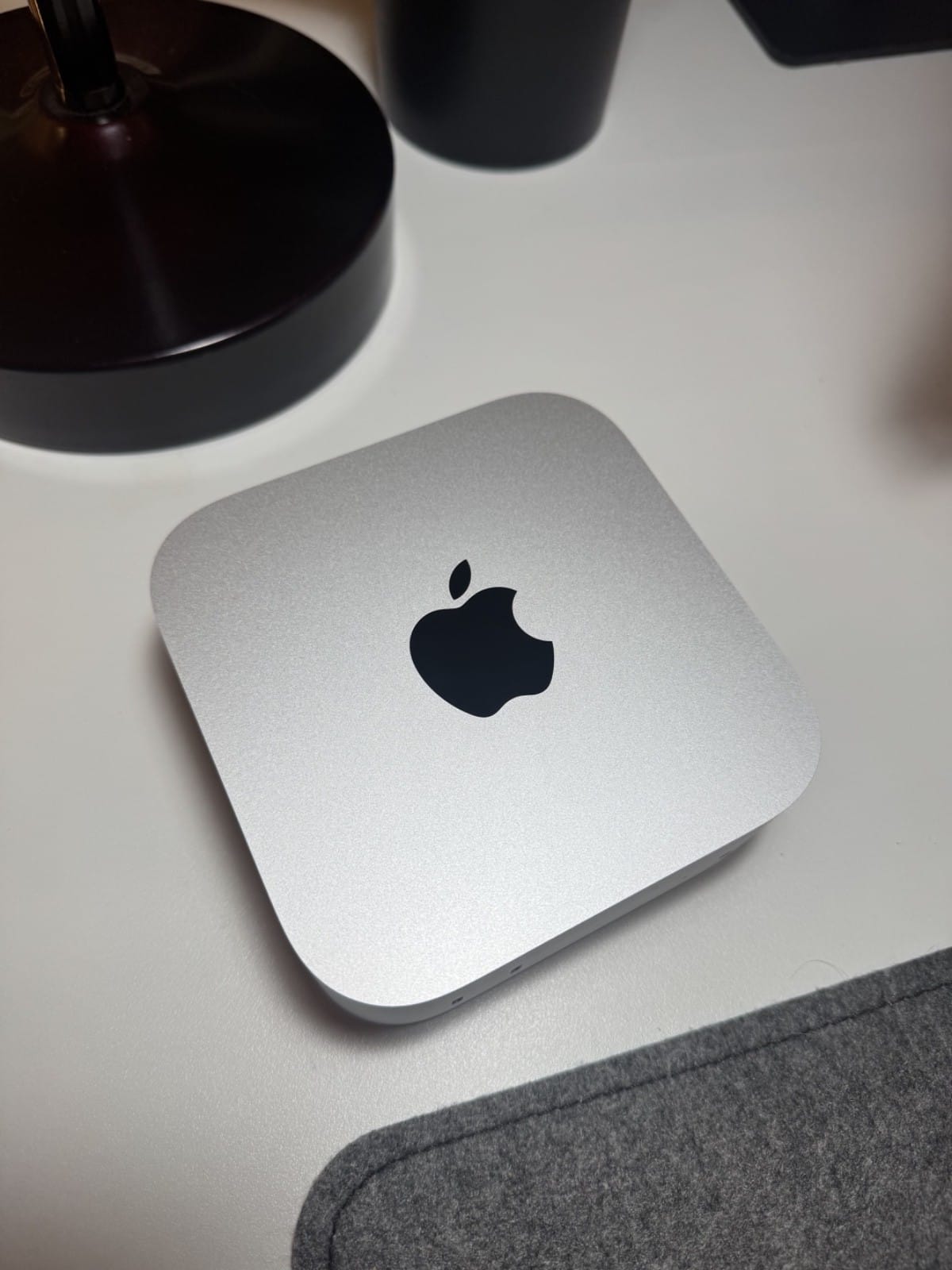
What this is: the site's own measurements, not owner reports. Machine: Mac mini, Apple M4 (10-core GPU), 32GB unified memory, macOS 26.6.2. Runtime: llama.cpp build b10929 (official macOS arm64 release, Metal). Date: 12 September 2026. Nothing was rented, borrowed or sponsored; the site is non-commercial.
Most speed figures on Vetted Consumer are attributed to whoever measured them. This one is ours. We ran llama.cpp's own benchmark tool on the one machine the site owns, a base Mac mini M4 with 32GB, against the two model sizes most people put on a machine like it: Qwen3 4B and Qwen3 8B, both at Q4_K_M. The point is not to crown the mini. It is to give the calculators on this site a measured anchor at the entry tier, and to show how much a full context window costs you on 120GB/s of memory bandwidth.
The numbers
| Model (Q4_K_M GGUF) | File | Prompt tok/s (512 tokens) | Generation tok/s | Prompt tok/s (8,192 tokens) | Generation tok/s at 8K depth |
|---|---|---|---|---|---|
| Qwen3 4B | 2.49GB | 416.6 | 36.2 | 299.9 | 24.6 |
| Qwen3 8B | 5.02GB | 223.8 | 19.7 | 174.5 | 16.1 |
Every cell is the mean reported by llama-bench. Standard deviation across repetitions was under 0.4 tok/s in every cell, which is what you expect from a machine doing nothing else.
What it means if you are shopping
- 8B at Q4 sits right on the 20 tok/s line. That is the threshold this site's tools use for "fast enough to read as it types". At 19.7 tok/s a fresh chat feels fine; at 16.1 tok/s with 8K tokens of history it starts to feel like waiting. Applying the same 79% to the ceiling for a 14B model puts it near 10 or 11 tok/s on this machine, which is why the buyer's guide calls 8B the practical ceiling for daily use, not 14B.
- Context costs more than people expect. Both models lost roughly a third of their generation speed between an empty cache and 8K tokens of depth (36.2 to 24.6 for 4B, 19.7 to 16.1 for 8B). The KV cache is read on every token, and on a 120GB/s machine that read is a large share of the budget. If your use is long documents or agent loops, plan on the right-hand column, not the middle one.
- Prompt processing is the pleasant surprise. 224 tok/s on 8B means a 4,000-token document is digested in about 18 seconds. That is the M4 GPU doing compute-bound work, where bandwidth matters less.
- The calculator's ceilings hold up as ceilings. Can I Run It divides memory bandwidth by the bytes read per token. On this machine that gives 25.0 tok/s for 8B and 50.0 for 4B with an empty context, and 20.4 and 35.9 once 8K tokens of KV cache are being read too. Measured: 19.7 and 36.2 empty, 16.1 and 24.6 at 8K depth. So real generation lands at 70 to 80% of the theoretical number in every cell, which is the normal gap between a bandwidth ceiling and a runtime, and it is why the tools call these figures ceilings rather than predictions.
Method, so you can repeat it
- Binary: the official llama.cpp release build for macOS arm64, tag b10929, unpacked as shipped. No compile flags of ours.
- Models:
Qwen3-4B-Q4_K_M.ggufandQwen3-8B-Q4_K_M.gguffrom the unsloth organisation on Hugging Face, checked against the publisher's SHA-256 before running (the hashes matched on two independent lookups). - Standard runs:
llama-bench -m model.gguf -p 512 -n 128 -r 3 -o json, then-p 8192 -n 128 -r 1for the long prompt. - Depth runs:
llama-bench -m model.gguf -p 0 -n 128 -d 8192 -r 2 -o json. The-dflag pre-fills the KV cache before timing generation, which is the number that matters for a long conversation. Note that-p 8192 -n 128does not do this; it times two separate tests, and we fell into that trap on the first pass before correcting it. - Every layer on the GPU (llama-bench's default on Apple Silicon), 4 threads, nothing else running.
The raw JSON from llama-bench and the shell script are kept in the site's repository, and the same table lives on the About page. These two rows now show up in Can I Run It, the Quant Picker and the MCP server labeled "Measured on our Mac mini", kept separate from the owner-reported ranges so the two are never confused.
Limits
One machine, one runtime, two models, one day. Ollama, LM Studio and MLX will differ, usually by a few tok/s in either direction. We did not raise macOS's wired-memory limit, and we did not test flash attention or KV quantisation, both of which change the 8K-depth column. If your numbers disagree, tell us at [email protected] and the corrections log gets an entry.