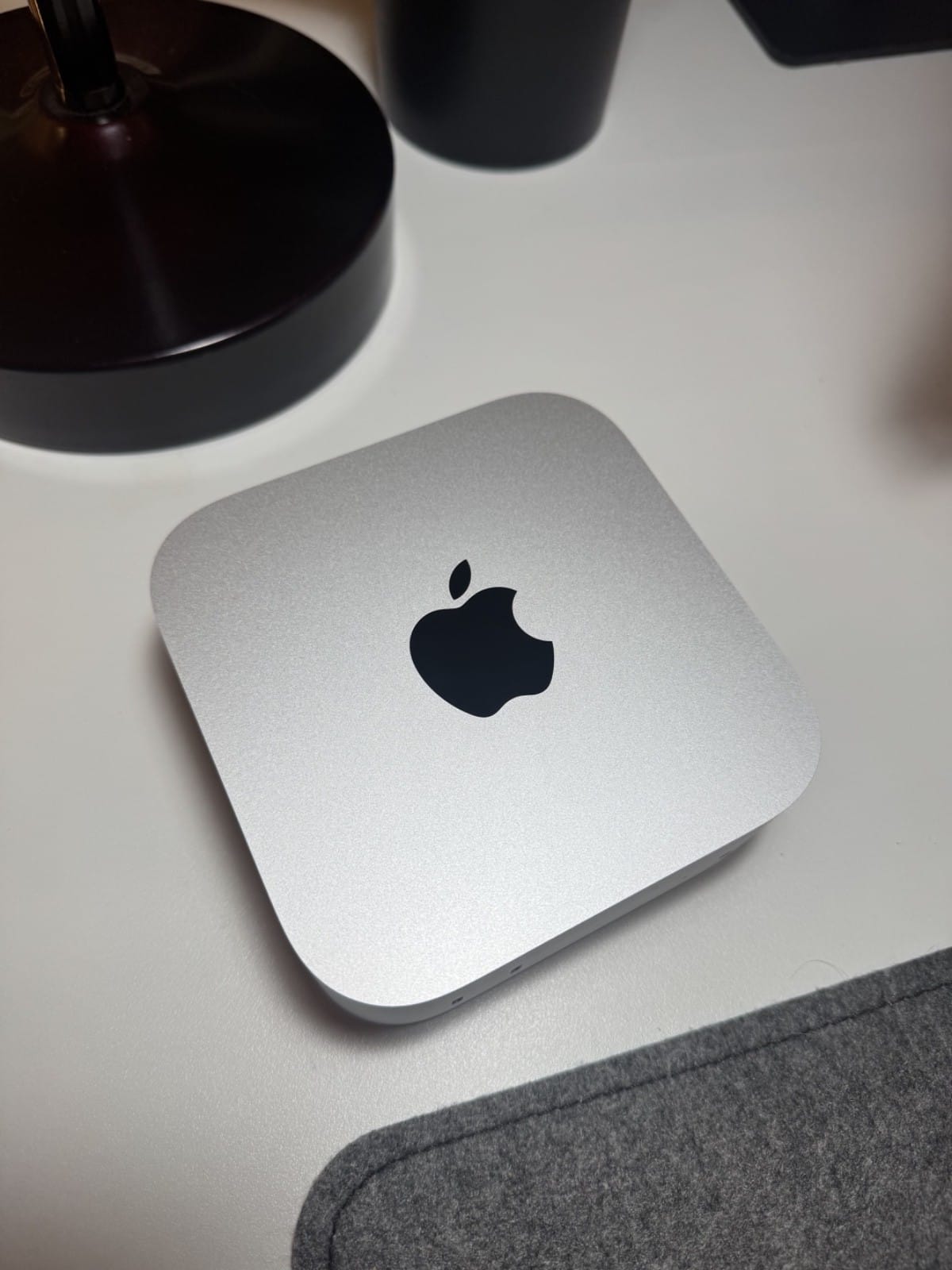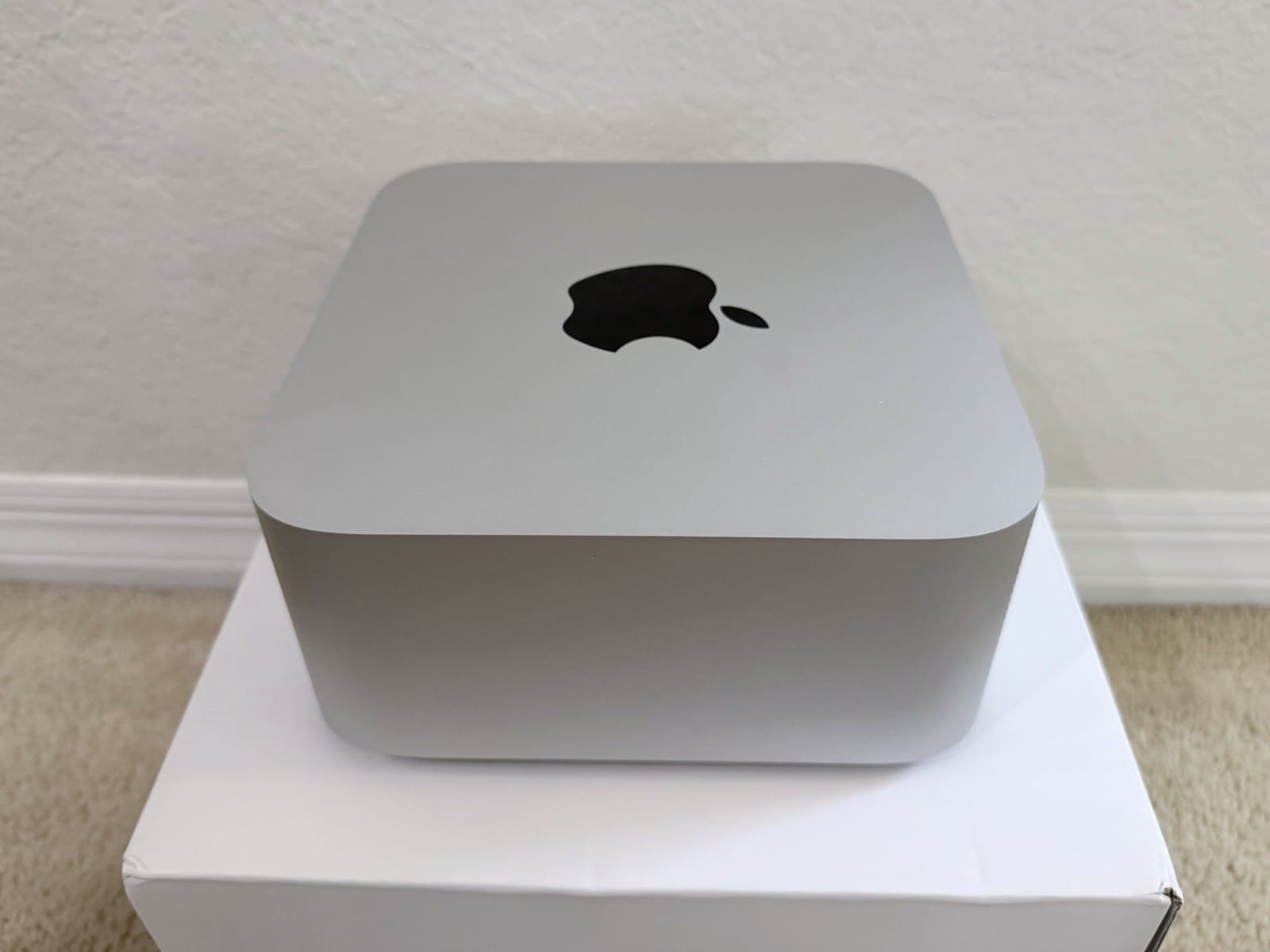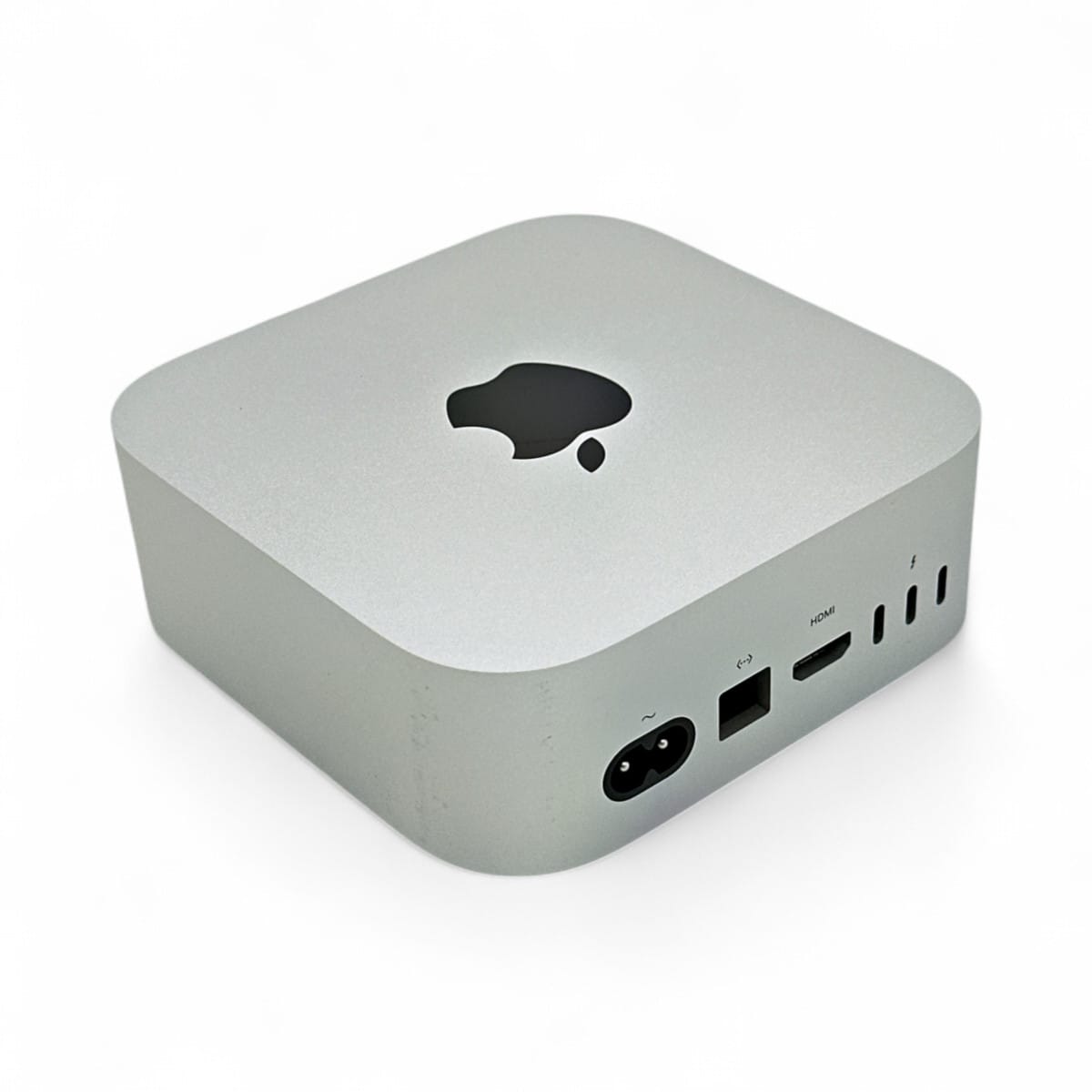
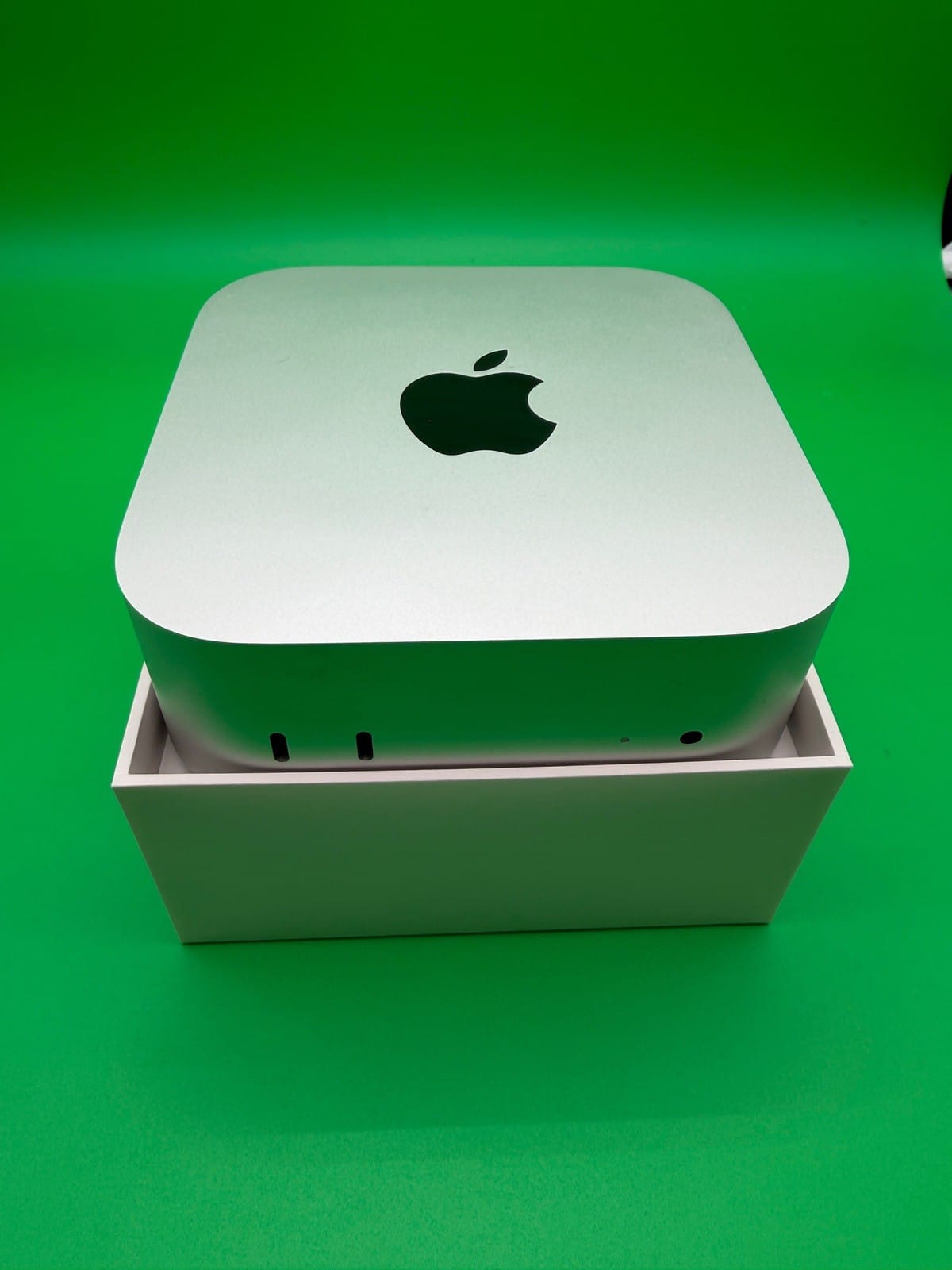
The short answer: the $899 M6 Mac mini is a fine little computer and a poor local-LLM machine. It caps at 32GB of memory, runs at 153 to 170 GB/s, and has no Thunderbolt 5, so it cannot cluster. For serious local AI the mini you want is the M5 Pro: 307 GB/s of bandwidth (nearly double), up to 64GB of memory, and Thunderbolt 5, but it starts at $1,699 and a 64GB build lands near $2,700 to $3,000. Below the M5 Pro there is no in-between, because Apple quietly retired the old M4 Pro mini. Here is the case for each, and why the cheap one is a dead end if LLMs are the point.
Neither machine ships until September 22 and there are no independent LLM benchmarks yet. This uses Apple's specs, the configurator, and measured numbers from the same M5 Pro silicon in the MacBook Pro. We have not tested the minis first-hand.
What Apple sells now
The lineup reset on August 25. Apple's Mac mini page now lists only two chips, and the M4 and M4 Pro minis are gone:
| M6 Mac mini | M5 Pro Mac mini | |
|---|---|---|
| Starts at | $899 (16GB) | $1,699 (24GB) |
| Max memory | 32GB | 64GB |
| Bandwidth | 153 GB/s (16GB) / 170 GB/s (24–32GB) | 307 GB/s |
| Thunderbolt | 4 (no RDMA clustering) | 5 |
Note the M6's split bandwidth, which Apple does not advertise loudly. As one MacRumors member flagged, "the M6 only provides 170GB/s bandwidth on RAM sizes of 24 or 32GB. If you purchase an M6 with 16GB of RAM the bandwidth is the same as" the M5. So the $899 base machine is the slowest of the bunch for token generation.
For the Intel side of the small-box market, Wendell's test of the first Panther Lake mini PC is the closest comparison point.
Bandwidth is the spec that decides this
For local LLMs, memory bandwidth sets generation speed, because decode is memory-bandwidth-bound. That is the whole reason the M5 Pro is the local-AI pick: at 307 GB/s it moves weights about twice as fast as the M6's 153 to 170 GB/s. A Hacker News commenter put it plainly: "The big difference you're not looking at is the memory bandwidth. The M5 Pro has nearly twice the one of the M6." Everything else (core counts, Neural Engine) matters far less for token generation than that one number.
Configurator math: $899 to $3,000 in a few steps
The base prices hide where you land. A 24GB M6 with more storage is about $1,299, a 32GB M6 about $1,499. The M5 Pro starts at $1,699, and the 64GB configuration people want for local AI runs to roughly $2,700, with owners quoting "$2,899" for 64GB and "$3,019 with 64GB RAM and a 1TB HD" once storage is added. So the realistic choice is a ~$1,500 32GB M6 or a ~$2,800 64GB M5 Pro, and the gap is real money.
What fits in 32GB vs 64GB
This is where the memory ceiling bites. Verified GGUF sizes for the current 30B-class models:
| Model | Q4 size | 32GB M6 | 64GB M5 Pro |
|---|---|---|---|
| gpt-oss-20b | 12.1GB | Yes, easily | Yes |
| Qwen3.8-27B | 17.8GB (Q8 29GB) | Yes at Q4 | Yes at Q8 |
| Muse Glimmer 30B | 16.8GB | Yes | Yes |
| Nemotron 3.5 Lightning 30B-A3B | 25.5GB | Tight | Yes, roomy |
| gpt-oss-120b | 63.4GB | No | No (over usable limit) |
The 32GB M6 handles 30B-class models at 4-bit, which is genuinely useful; the 64GB M5 Pro runs them at higher precision and squeezes a 70B in tight. But note the last row: gpt-oss-120b (63.4GB) does not fit even the 64GB mini, because macOS wires only about 75 percent of memory to the GPU by default, leaving roughly 48GB usable. If your goal is 100B-class MoEs, neither mini is enough; that is Mac Studio territory. The older Mac mini guide covers who the cheap mini suits.
Apple's 4.8x claim, and the Neural Accelerator asterisk
Apple says the M6 mini is "up to 4.8x faster" at LLM prompt processing than the M4, and the M5 Pro "up to 4x" faster than the M4 Pro. Two caveats. First, that headline was measured on a 32GB M6, not the 16GB $899 box, and it is a prompt-processing (time-to-first-token) number, the compute-bound phase; generation speed still tracks that slower bandwidth. Second, those prefill gains come from new GPU Neural Accelerators, and they only show up when your runtime uses Apple's Metal 4 tensor API. As of early September that path was uneven: MLX uses it, but LM Studio's GGUF runtime shipped for months without it (issue #2040), where a tester measured 877 versus 1,833 tok/s on the same machine once it was enabled. The upstream llama.cpp fix (PR #27461) only merged on September 1. So the advertised prefill speed depends on software that is still landing. Our M5 prompt-processing explainer covers this in depth.
What the same silicon measures in a laptop
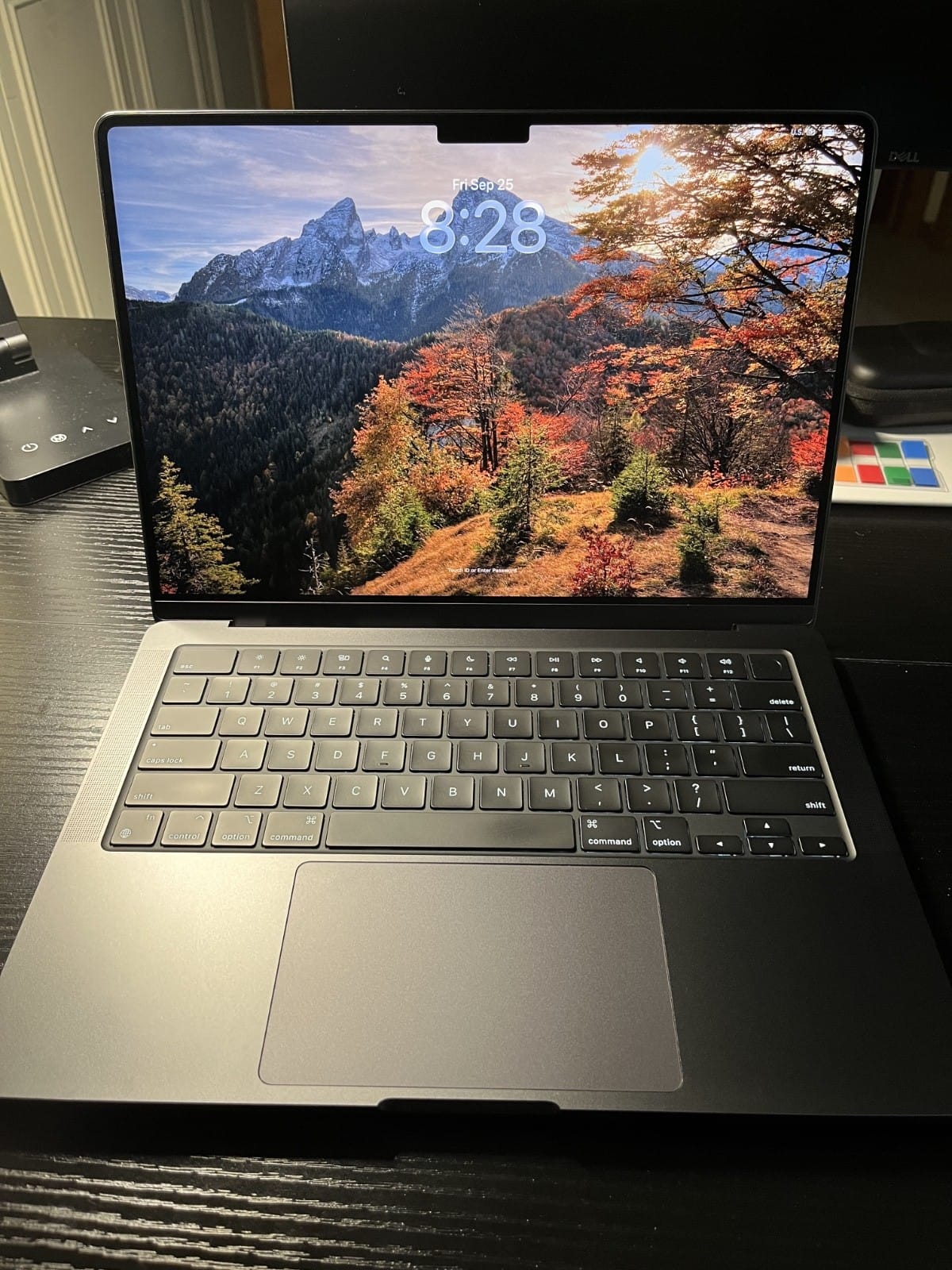
The M5 Pro mini has no reviews yet, but its chip already ships in the MacBook Pro. On the crowd-sourced llama.cpp benchmark, an M5 Pro (20-core GPU) hits 1,621 tok/s prompt processing and 66 tok/s generation on a small model, versus 440 and 51 for the M4 Pro. An owner running MLX on a 64GB M5 Pro laptop measured 66 to 80 tok/s on small models and about 18 tok/s on a 30B-class one. Those are solid numbers for a mini-sized box, and the Studio-class thermals of the desktop chassis should hold them better.
Verdict: is the $899 mini a dead end?
For general computing, no; it is a great cheap Mac. For local LLMs, mostly yes. The 32GB ceiling, the 153 to 170 GB/s bandwidth, and Thunderbolt 4 (so no future clustering) make it an 8-to-14B machine that can stretch to a 30B at 4-bit and no further. If you want a mini specifically to run local models, the M5 Pro at 64GB is the one that earns it: double the bandwidth, real 30B-and-up headroom, and Thunderbolt 5, at roughly $2,800. One owner's plan captures the appeal: "M5 Pro in a Mac Mini with 64GB RAM and 10Gbit Ethernet seems like the perfect Jellyfin server and Ollama test server." Just go in knowing that even 64GB does not reach the 100B-class models, and that the cheap mini's low bandwidth is not something a software update can fix.
Sources and how we researched this
- Specs and prices: Apple newsroom and Mac mini tech specs; configurator totals cross-checked against contemporaneous coverage.
- Decode is bandwidth-bound: our Bandwidth, Not TFLOPS piece. The Neural Accelerator software caveat: llama.cpp PR #27461 and LM Studio issue #2040.
- Measured M5 Pro figures from the llama.cpp Apple Silicon benchmark thread and an owner MLX writeup; GGUF sizes from Hugging Face; community views from Hacker News and MacRumors. We have not tested the minis first-hand.
Related: Which Mac for local LLMs · Qwen3.8-27B, the 30B-class default · Bandwidth, Not TFLOPS · The cheapest way to run a 70B