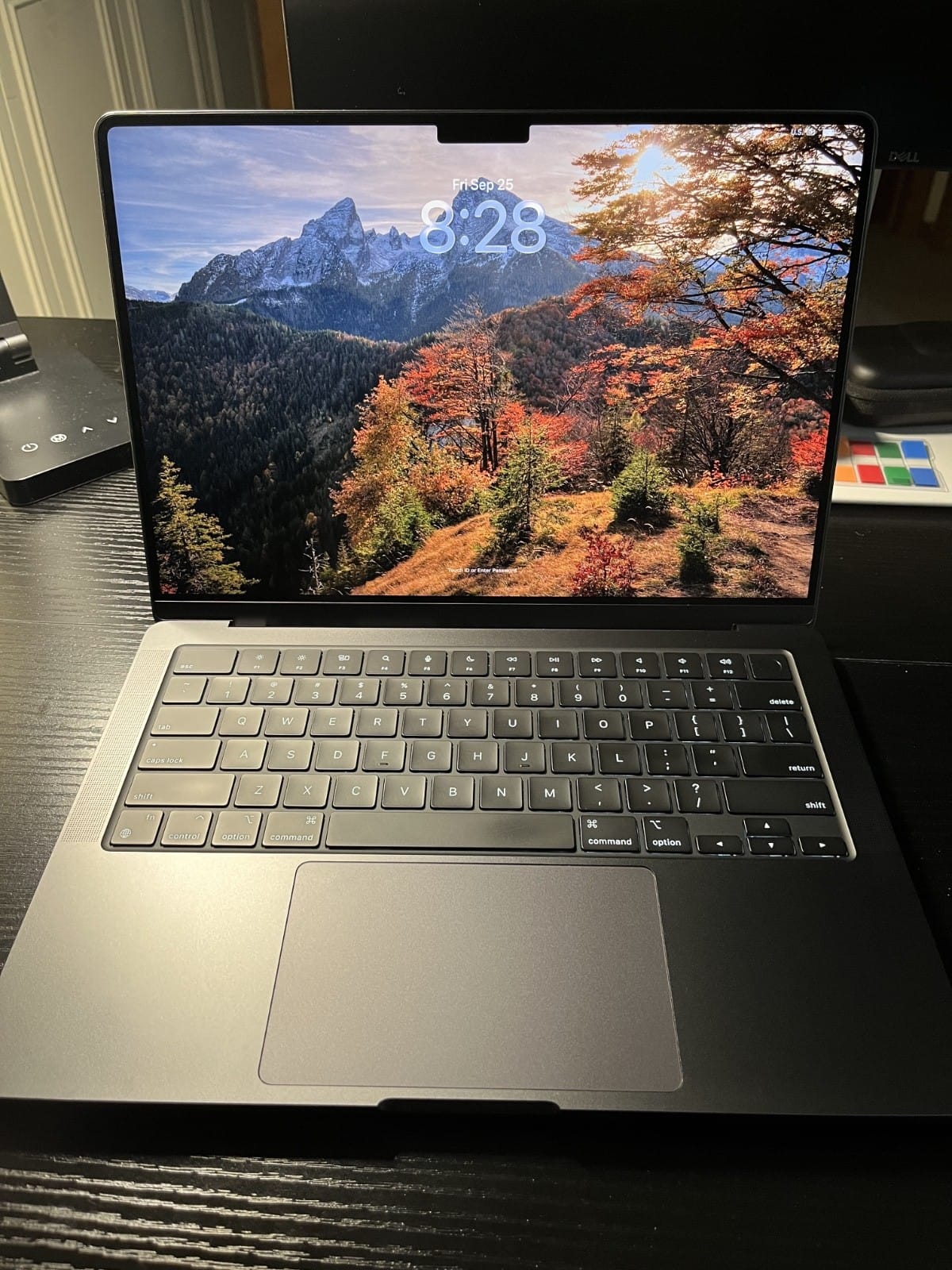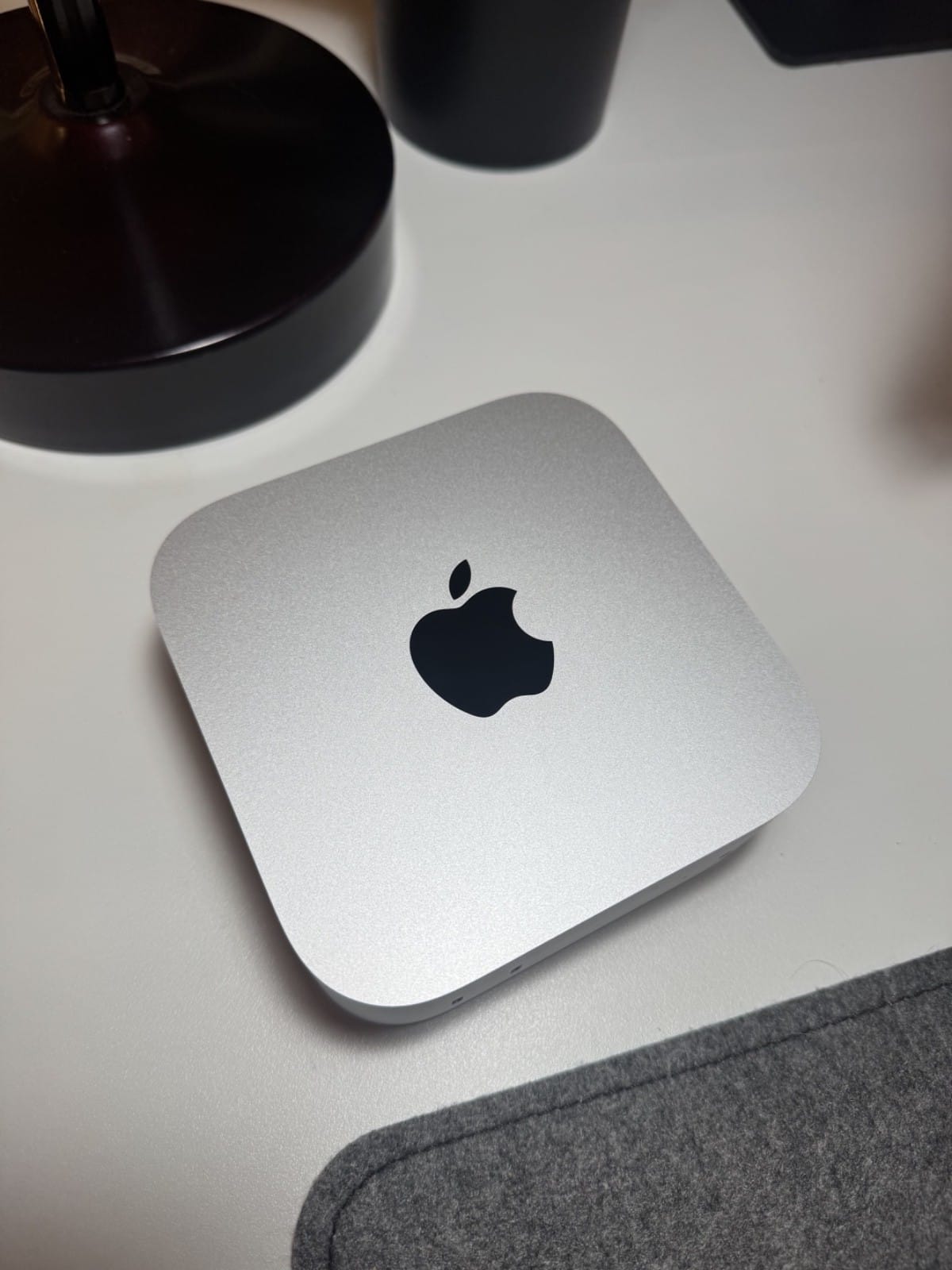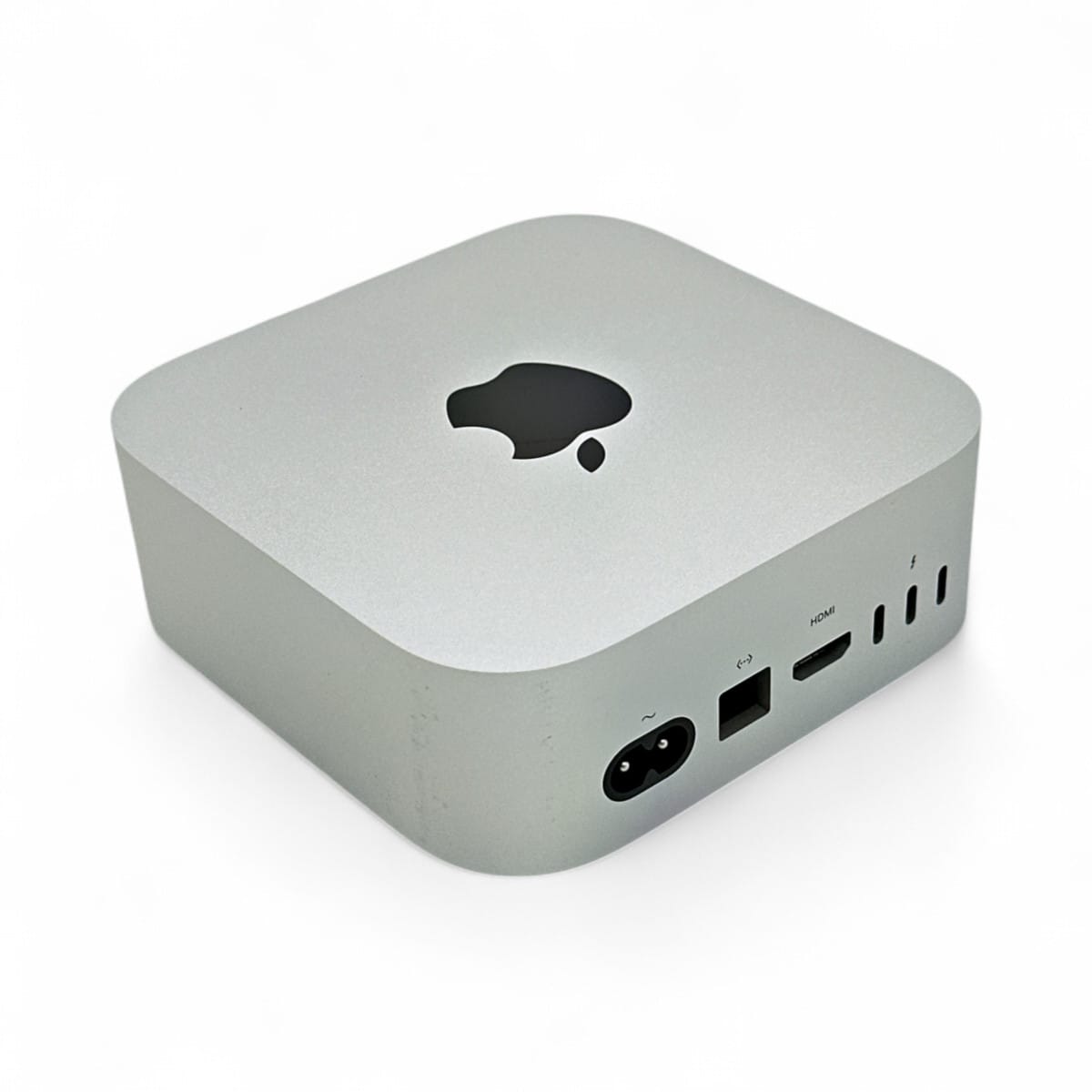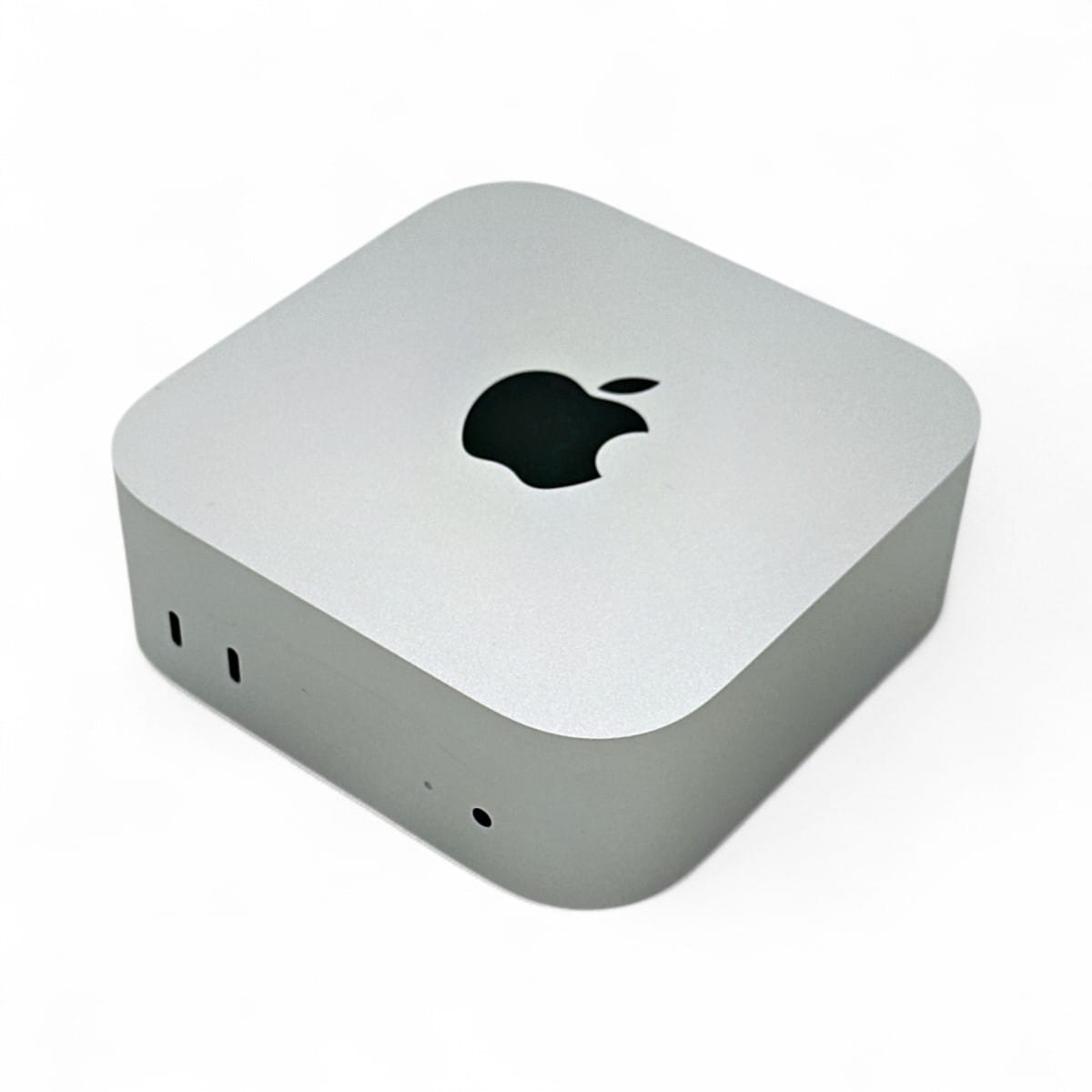
The short answer: pick a Mac for local LLMs by unified memory first, then memory bandwidth, and treat the chip name as a distant third. Memory decides which models load at all; bandwidth decides how fast they generate. For most people the sweet spot is a 64GB machine (the new M5 Pro Mac mini, or an M5 Pro laptop), 128GB if you want 70B models with headroom, and only the 256GB-and-up Mac Studio if you need to run frontier-size mixture-of-experts models nobody else can fit. Here is the whole decision, with real measured numbers and the caveats Apple's marketing leaves out.
Timing note, because it matters this week: Apple announced the M5 Max and M5 Ultra Mac Studio on August 25, 2026, shipping September 22 (the 512GB M5 Ultra config lands in late October). If you were about to buy a Mac Studio, that changes the math, and we cover it below.
We have not benchmarked every configuration first-hand. This synthesizes Apple's own specifications, independent benchmarks, the research literature, and owner reports, all linked at the end.
Why unified memory is the number that matters
A Mac has no separate graphics card and no separate VRAM. The CPU and GPU share one pool of fast memory, which is the whole reason a Mac can run big models a 24GB gaming GPU cannot: on a 128GB Mac, the GPU can address well over 100GB of weights. We wrote a full explainer on the mechanism in Unified Memory, Explained. The buying consequence is simple: the amount of unified memory you configure is a hard ceiling on model size, and you cannot upgrade it later. It is soldered on. Buy the memory you will want in two years, not the memory you need this week.
The second number is memory bandwidth, measured in gigabytes per second. Once a model fits, generation speed is set almost entirely by how fast the machine can stream the model's weights through memory on every token. Apple's own research says it plainly: "Generating subsequent tokens is bounded by memory bandwidth, rather than by compute ability." That is why a base M5 (153 GB/s) and an M5 Ultra (1.2 TB/s) can hold the same small model but generate at wildly different speeds. Bandwidth climbs steeply as you go up the chip ladder, and it is the single best predictor of tokens per second.
How much unified memory do you need?
Start from the file-size rule (a model's weights take roughly parameters × bits-per-weight ÷ 8), then leave real headroom for the KV cache and macOS. A 4-bit quant is the practical default. Here is what each memory tier realistically runs:
| Unified memory | What it comfortably runs (4-bit unless noted) |
|---|---|
| 16GB | 7–8B dense with room to spare, up to ~13–14B tight. Small-model tinkering only. |
| 24GB | Apple's own figure: an 8B in full precision, or a 30B-class MoE at 4-bit, under 18GB. |
| 32GB | Up to ~32B dense with modest context, or a 30B MoE at higher precision. |
| 48GB | A 70B dense fits, but tightly (short context). 32B at Q8 is the comfortable pick. |
| 64GB | 70B dense at Q4 with real context, or a 100–120B-class MoE. The mainstream "serious" tier. |
| 128GB | 70B at Q8, a 120B MoE at Q4–Q6 with long context, or a ~180B model at Q4. |
| 256GB | 200B-class dense at Q4, or Qwen3-235B / Llama-405B at Q3–Q4. Not DeepSeek 671B. |
| 512GB | The full DeepSeek-V3/R1 671B at Q4 (~340–400GB) with usable context. The "run almost anything" tier. |
Two things to notice. The jump that gets you 70B-class models with headroom is 64GB, and the jump that reaches frontier mixture-of-experts models is 256–512GB. Everything in between is a question of how much context and precision you want. Size your exact shortlist against your machine in our Can I run it? calculator before you spend a cent.
The current Mac lineup for local LLMs, by tier
Here is where every relevant chip lands as of early September 2026. Memory bandwidth figures are Apple's published "up to" numbers (binned base configurations run lower, noted where it matters), verified against Apple's newsroom and independent teardowns.
| Chip | Max unified memory | Bandwidth | Cheapest machine | Best for |
|---|---|---|---|---|
| M5 (base) | 32GB | 153 GB/s | MacBook Air / 14" MacBook Pro ($1,599) | ≤14B, laptop-first buyers |
| M4 Pro | 64GB | 273 GB/s | Mac mini M4 Pro (discontinued Aug 25; clearance only) | 30B-class, a bargain if you find one |
| M5 Pro | 64GB | 307 GB/s | Mac mini M5 Pro ($1,699, ships Sep 22) / 14" MacBook Pro | 30B-class, the new value pick |
| M4 Max | 128GB at launch | up to 546 GB/s | Mac Studio M4 Max (discontinued; clearance only) | 70B, on clearance |
| M5 Max | 128GB | up to 614 GB/s | Mac Studio M5 Max ($2,499, ships Sep 22) | 70B, the new workstation pick |
| M3 Ultra | 512GB at launch (later cut) | 819 GB/s | Mac Studio M3 Ultra (discontinued) | Large MoE, superseded |
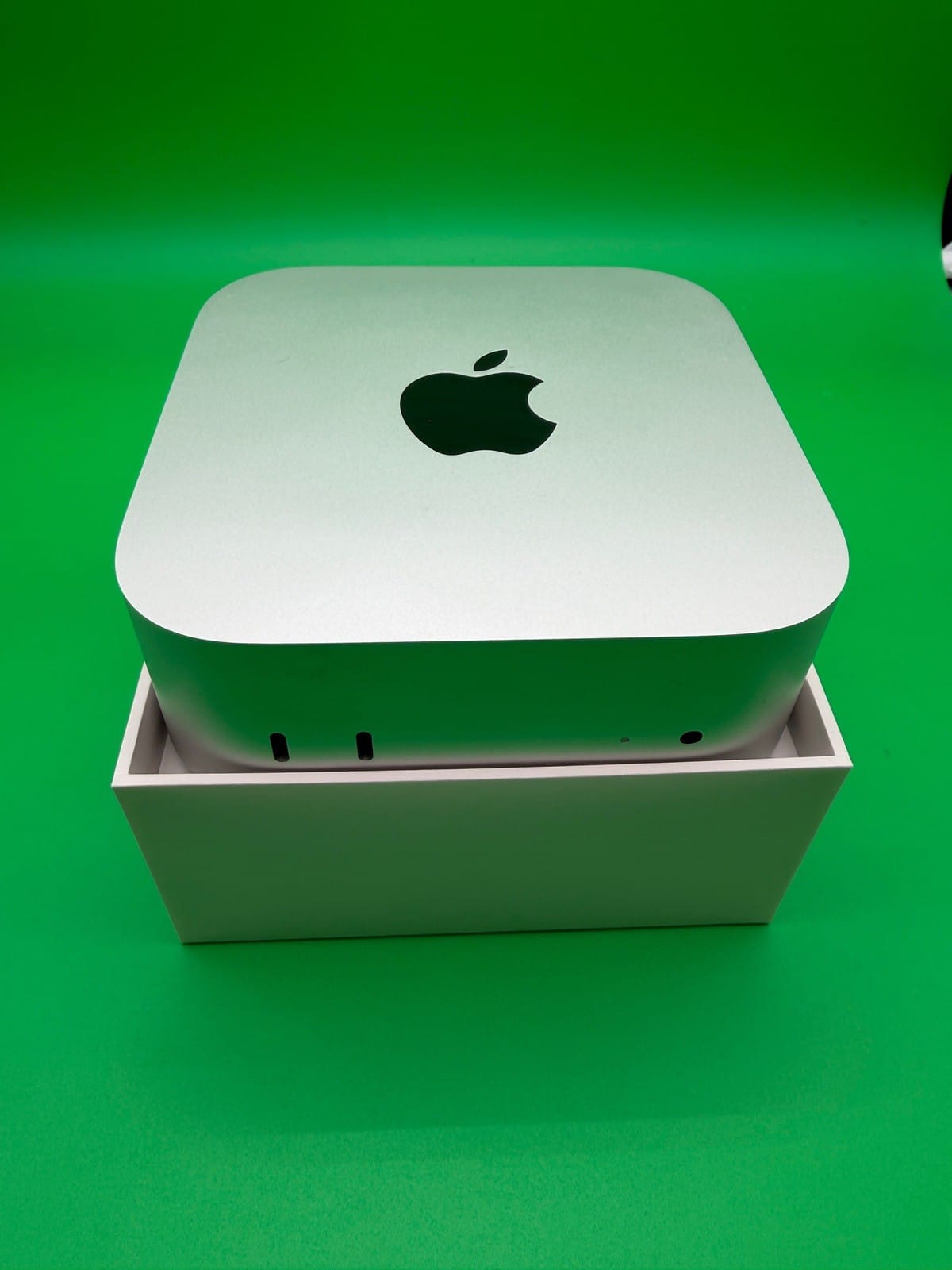
| M5 Ultra | 512GB | 1.2 TB/s (1,229 GB/s) | Mac Studio M5 Ultra ($5,499, ships Sep 22) | Frontier MoE, the capacity king |
Reading that as buying advice:
- Entry (32GB). The base M5 laptops and the entry Mac mini are inexpensive and fine for 7–14B models, but 32GB is a low ceiling for local AI. If LLMs are the point of the purchase, skip this tier. Our Mac mini buyer's guide covers who the cheap mini is really for.
- Value pick (64GB). The new Mac mini M5 Pro (from $1,699 with 24GB, configurable to 64GB, ships September 22) takes over as the price-to-performance sweet spot: 307 GB/s runs 30B-class models at usable speed and squeezes a 70B Q4 in tight, and it adds Thunderbolt 5. The M4 Pro mini it replaces (273 GB/s) was discontinued on August 25; if you find one on clearance, it is a bargain. If you want it portable, the M5 Pro MacBook Pro has the same chip.
- Workstation (128GB). This is the "run 70B comfortably" tier. The outgoing Mac Studio M4 Max did it at 546 GB/s; the new M5 Max Studio does it faster at up to 614 GB/s, from $2,499 (a 128GB configuration runs well above that).
- Capacity king (256–512GB). Only the Ultra tier loads frontier mixture-of-experts models like DeepSeek 671B. The M3 Ultra held that crown with 512GB at 819 GB/s, but Apple has raised its price, capped current configs at 256GB, and is replacing it. The M5 Ultra Mac Studio takes over: 512GB at 1.2 TB/s, which is both more capacity and about 50% more bandwidth.
What Macs are genuinely great at
Two things, and they are things a discrete GPU cannot match at any sane price or power.
Frontier mixture-of-experts models, held entirely in memory. A sparse Mixture-of-Experts model only activates a fraction of its parameters per token (DeepSeek-V3 is 671B total but "37B activated for each token"), so a big-memory Mac that can hold all the weights generates at genuinely usable speeds. Owners running DeepSeek R1/V3 671B at 4-bit on a 512GB M3 Ultra report roughly 6 to 18 tokens per second depending on the framework, and Qwen3-235B-A22B at 16 tok/s on llama.cpp to 24 tok/s on MLX. Those are interactive speeds for models that will not load on any consumer graphics card. Our owner-measured comparisons back this up: see Mac Studio M3 Ultra vs DGX Spark and RTX 5090 vs Mac Studio M3 Ultra.
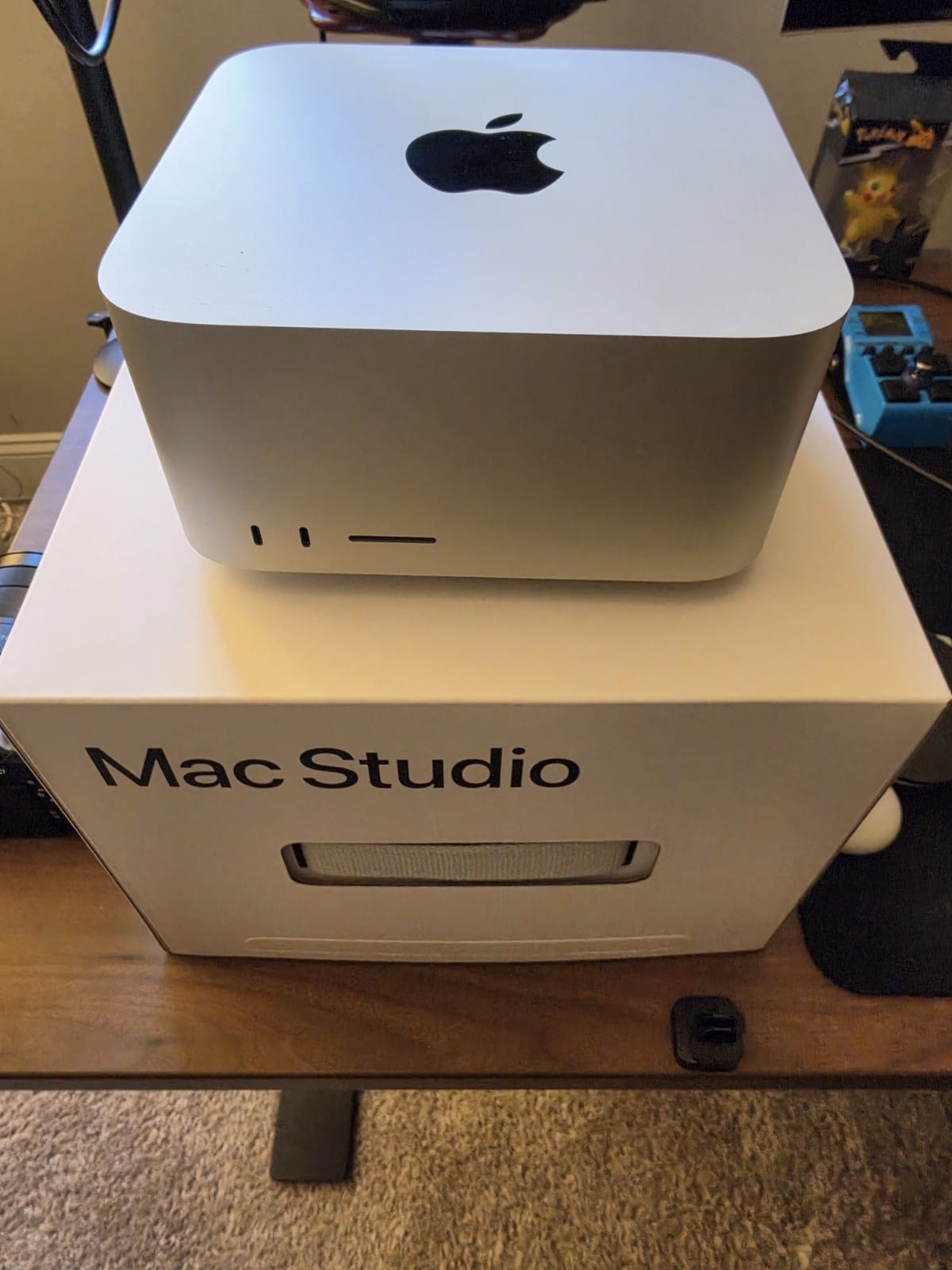
Quiet, low-power, always-on inference. A reviewer measured the M3 Ultra running the 671B model under 200 watts, against the kilowatts a comparable multi-GPU rig would pull, with idle draw of a few watts. If you want a machine that sits on a shelf answering queries all day without a space-heater tax, this is the platform.
Where Macs fall down (know this before you buy)
Two weaknesses recur in every serious test, and both trace back to the same root: Apple's chips have enormous memory but modest raw compute compared to an NVIDIA card.
Dense giant models crawl. Because dense decode is bandwidth-bound and Apple tops out near 800 GB/s (M3 Ultra) or ~1.2 TB/s (M5 Ultra) against an NVIDIA card's higher ceilings, a dense model with hundreds of billions of parameters is painful even when it fits. On a 512GB M3 Ultra, an owner measured dense Llama 3.1 405B at Q6 running at just 1.25 tok/s, and Command-A 111B at Q8 at 3.24 tok/s. The lesson: a Mac's memory lets you load a dense giant, but you will want a sparse MoE of similar capability to use it at a workable speed.
Prompt processing on long inputs is the real Achilles heel. There are two phases to running a model. Generating tokens is memory-bound (Macs do fine), but reading your prompt (prefill) is compute-bound, and that is exactly where Apple's lack of tensor-core-class matrix throughput shows. Splitwise, the serving paper, frames it as "a compute-intensive prompt computation, and a memory-intensive token generation." Head-to-head, an M2 Ultra processes prompts about 5 to 8 times slower than an RTX 4090, while its generation gap is only 1.3 to 2.5 times. At scale this becomes a usability problem: an owner clocked a 512GB M3 Ultra taking about 14.8 minutes just to ingest an 8,000-token prompt for DeepSeek V3 671B before the first output token appeared. It gets worse with context length, because attention cost is quadratic. If your work is long documents, big codebases, or heavy RAG, that turnaround will frustrate you. We go deeper in The M5 Mac and Local LLMs, which explains why Apple added matmul hardware to the M5 to attack exactly this.
MLX or llama.cpp? The software has shifted
The runtime is not your purchase decision (both are free and install side by side), but it changes your speed by a lot, so know the state of play. MLX, Apple's own framework, has become the faster default for most local-LLM work on Apple Silicon: independent benchmarks put it roughly 1.4 to 1.8 times faster than llama.cpp on dense models and up to about 3 times faster on MoE models. The clearest signal is that Ollama added an MLX backend in March 2026, routing GGUF weights to llama.cpp and MLX weights to MLX. On the new M5, MLX gets an extra structural edge: Apple's research shows the M5 GPU's new per-core Neural Accelerators give MLX up to a roughly 4x faster time-to-first-token versus M4, because prefill is compute-bound and those units accelerate the big matrix multiplies.
llama.cpp still wins in three places: very long context (its Flash Attention implementation pulls ahead past ~30K tokens), maximum model and quant compatibility through the GGUF ecosystem, and simplest setup. The practical takeaway: install both, use MLX for coding agents and long generations and MoE models, and reach for llama.cpp when you need a very long input context or a model MLX does not support. Which file to download for either is what our quant picker is for.
The macOS memory gotcha every Mac LLM buyer hits
This one is not on any spec sheet and it trips up new buyers. macOS does not hand the GPU all of your unified memory by default. The Metal driver caps the GPU's working set at roughly 70 to 75 percent of installed RAM (about 96GB on a 128GB machine), reserving the rest for the system. That cap, not the physical RAM, is what blocks a large model from loading. You raise it with one command:
| Machine | Command (a ceiling, not an allocation) |
|---|---|
| 128GB | sudo sysctl iogpu.wired_limit_mb=114688 (~112GB) |
| 512GB (for DeepSeek 671B) | sudo sysctl iogpu.wired_limit_mb=458752 (~448GB) |
It takes effect without a reboot, does not persist across reboots, and consumes nothing on its own (it only permits the GPU to wire more memory later). Leave real headroom for the OS (about 14GB on 128GB, 24GB on 256GB), and if Memory Pressure turns yellow, lower it. It does not create hidden VRAM, and it does not change your bandwidth ceiling. Apple does not officially support the tweak, so a future macOS could change the behavior.
Buy now or wait for the M5 Studio?
Because of the August 25 announcement, the answer depends on which tier you want, and for once the timing is clean.
- Want a Mac Studio (128GB or Ultra)? Wait. The M4 Max and M3 Ultra Studios are discontinued, the M3 Ultra's price went up and its 512GB option was pulled before that, and the M5 Max / M5 Ultra replacements ship September 22 (the 512GB M5 Ultra in late October) with more bandwidth for the money. Buying the outgoing Studio at a raised price weeks before its faster successor arrives is the one clearly wrong move this month. We laid out the same logic earlier in Mac Studio M3 Ultra: Buy Now or Wait for M5? and the wait paid off.
- Want a 64GB machine? The Mac mini M5 Pro (from $1,699, ships September 22) is the one to order; it replaced the M4 Pro mini on August 25. If a retailer is clearing M4 Pro minis at a real discount, that is the one case where the outgoing model is the smarter buy, since 273 vs 307 GB/s is a small gap.
- Want a laptop? The M5 / M5 Pro / M5 Max MacBook Pro line is already the current generation (shipped March 2026), so there is nothing to wait for. Pick the memory tier, not the launch date.
The cheat sheet
| Your goal | Buy |
|---|---|
| Tinker with 7–14B models, laptop | Base M5 MacBook Air/Pro, 32GB |
| Best value for 30B-class local AI | Mac mini M5 Pro configured to 64GB (from $1,699, Sep 22) |
| Run 70B models comfortably | Mac Studio M5 Max, 128GB ($2,499, Sep 22) |
| Run frontier MoE (DeepSeek 671B) locally | Mac Studio M5 Ultra, 512GB ($5,499 base, 512GB late Oct) |
| Fast long-document / RAG turnaround | Reconsider: a discrete GPU's prefill is 5–8x faster |
The one line to remember: a Mac buys you capacity and quiet, not raw speed. It is the best consumer machine for running large sparse models that will not fit anywhere else, and the wrong machine if your bottleneck is prompt processing on long inputs, where a graphics card still wins. Match your real shortlist and context length to the memory tier before you order, because you cannot add memory later.
Sources and how we researched this
- Specs, prices, and lineup as of early September 2026: Apple Newsroom (M4 Pro/Max, M5, M5 Max/Ultra Mac Studio), cross-checked against independent teardown reporting. Every memory-bandwidth figure was verified against at least two sources.
- Decode is memory-bandwidth-bound; prefill is compute-bound: Apple Machine Learning Research, Exploring LLMs with MLX and the M5 Neural Accelerators (verbatim on memory-bandwidth-bound decode; M4 120 GB/s vs M5 153 GB/s); Pope et al. 2022; Patel et al., Splitwise, 2023 (the compute-intensive prompt vs memory-intensive generation split).
- MLX vs llama.cpp on Apple Silicon: an arXiv comparative study of Apple-silicon runtimes (arXiv:2511.05502, MLX highest sustained generation throughput), plus the MLX and llama.cpp project docs.
- Active vs total parameters in MoE: Shazeer et al. 2017 and the DeepSeek-V3 Technical Report ("671B total parameters with 37B activated").
- Measured tok/s and prompt-processing times: attributed owner reports and community benchmark threads (llama.cpp and MLX GitHub discussions, and hands-on writeups), quoted in the piece with links. We have not tested every configuration first-hand; this is a synthesis of primary specs, the literature, and owner data.
Related: Unified Memory, Explained · The M5 Mac and Local LLMs · Strix Halo vs the Mac, 128GB · Taming a model hoard on Apple Silicon