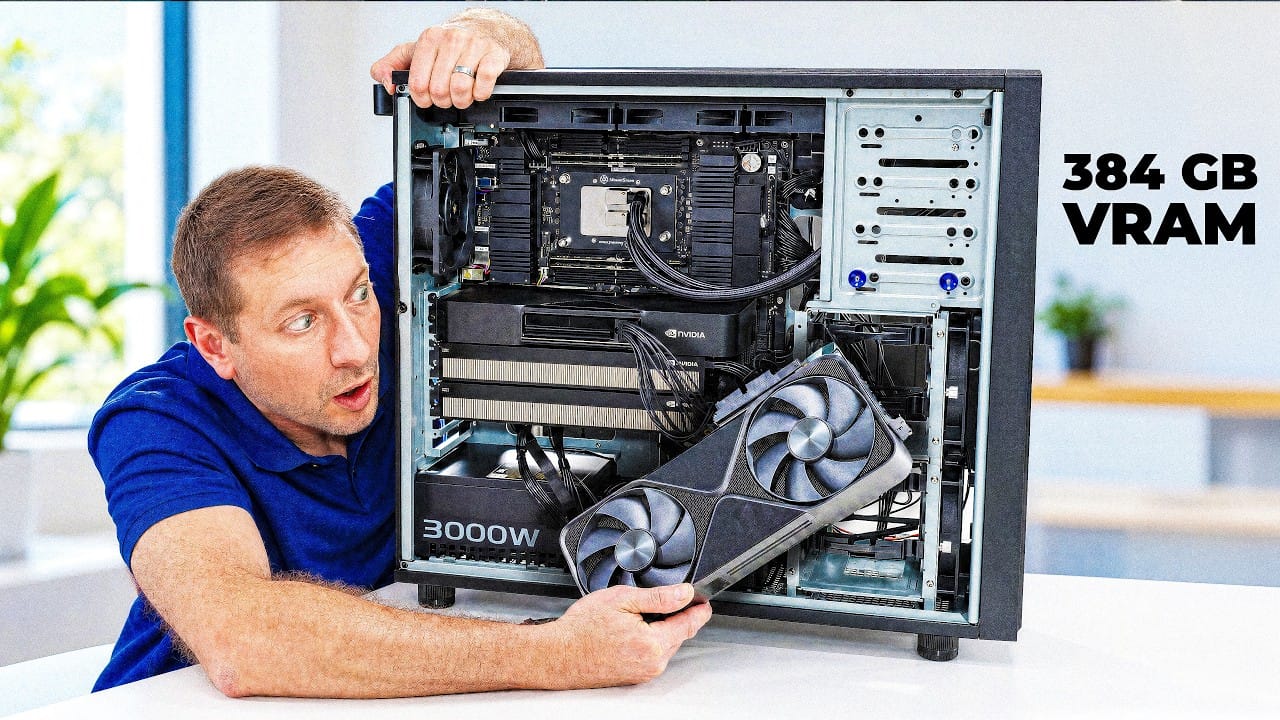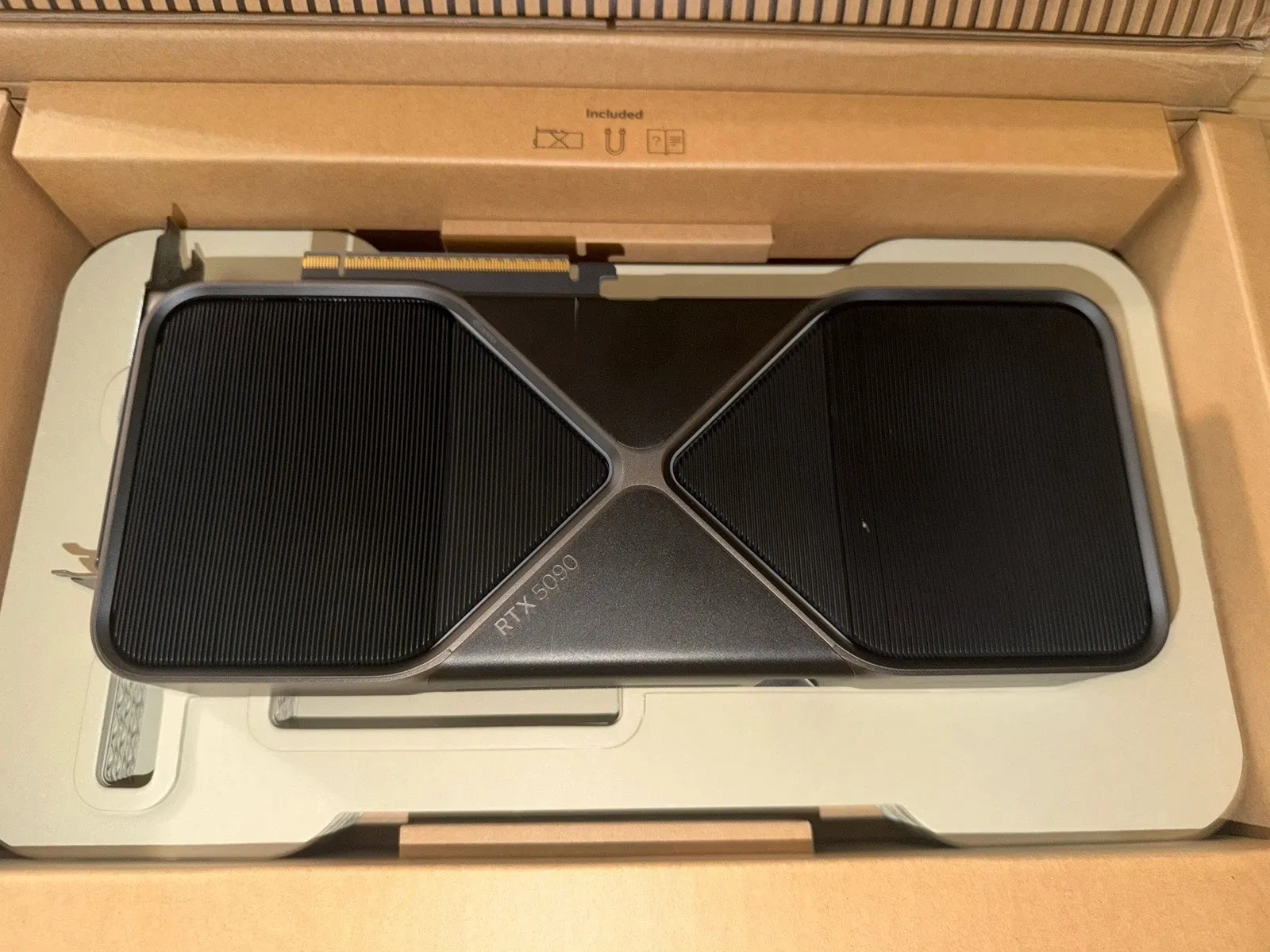
The RTX 5090 is the fastest consumer graphics card you can buy, and for once the headline spec matters far beyond gaming: 32 GB of GDDR7 on a 512-bit bus, good for 1,792 GB/s of memory bandwidth (NVIDIA's own spec sheet). For local LLMs, bandwidth is everything, it's the number that decides how many tokens per second you feel. So the 5090 is a genuine crossover product: a 4K-everything gaming flagship and a serious single-card AI workstation in one box.
It also lists at $1,999 (and frequently sells for more), draws a 575 W board power, and asks you to trust the same 12-pin power connector that has been melting since the 4090. This is the buyer-first version: what the 32 GB really gets you, what owners are seeing, and the specific people who should buy something else.
The spec that matters: 32 GB at 1,792 GB/s
Local inference is almost always memory-bandwidth-bound, not compute-bound, a point r/LocalLLaMA makes constantly. As one commenter put it while comparing Apple silicon, "LLM are usually memory bandwidth limited. The M2 Ultra has 819 GB/s bandwidth, the M4 Pro supposedly 273 GB/s, so right now I'd expect the M4 Pro would be 3x slower in LLM tasks" (r/LocalLLaMA). At 1,792 GB/s, the 5090 has roughly 1.8× the 4090's bandwidth and more than 2× a Max-class Mac's, and it shows up directly as generation speed.
What does 32 GB run? Comfortably, a 32B-class model at a 4-bit quant (~19 GB of weights plus KV cache) with real context to spare, and owners report it streaming in the 40–60 tokens/sec range on those models, fast enough that it feels instant. Step up to a 70B dense model and you're out of room on a single card: you either drop to a punishing quant, spill layers to system RAM, or add a second GPU. Don't guess at the fit, our quant picker tells you exactly which GGUF file lands in 32 GB at your context, and Can I run it? shows what a given model needs. The mechanics of why a 4-bit file is "good enough" are in our plain-English quantization guide.
The math: what fits, and what it costs
The fit rules are simple once you see them. A 4-bit (Q4_K_M) quant is roughly the parameter count × 0.6 GB per billion. So a 32B model is ~19 GB of weights; add a couple of GB of KV cache at normal context and you're near ~21 GB, a comfortable fit in 32 GB, with headroom for long context. A 70B model is ~42 GB at Q4, it does not fit one 5090, full stop. That single line should drive the purchase.
Line the options up by one goal, "run a 70B at usable speed":
- One RTX 5090 (32 GB, ~$2,000): won't hold a 70B, but it's the fastest card going for up-to-32B models.
- Two RTX 5090s (64 GB, ~$4,000): holds a 70B at a good quant, at the fastest consumer speed, the premium build owners keep describing.
- Two used RTX 3090s (48 GB, ~$1,400): also holds a 70B, slower and hotter, but the cheapest real path. See our used-3090 guide.
- A 128 GB unified-memory box (~$2,000–3,300): holds even 120B-class models the 5090 can't touch, but at far lower tokens/sec.
Put plainly: the 5090 wins on speed per card, not capacity per dollar. Run your exact model through the quant picker before you spend a cent.
What owners are saying
The most common local-AI use for the 5090 isn't one card, it's the dream of two. "32 GB of fast memory + just 2 slot width means that this will let me build an amazing 64 GB 2x5090 LLM rig. Now I just need to sell a kidney to afford it," wrote one builder in the r/LocalLLaMA spec thread. Two 5090s gets you to 64 GB of the fastest consumer VRAM going, enough for a 70B at a good quant, at single-card-class speed.
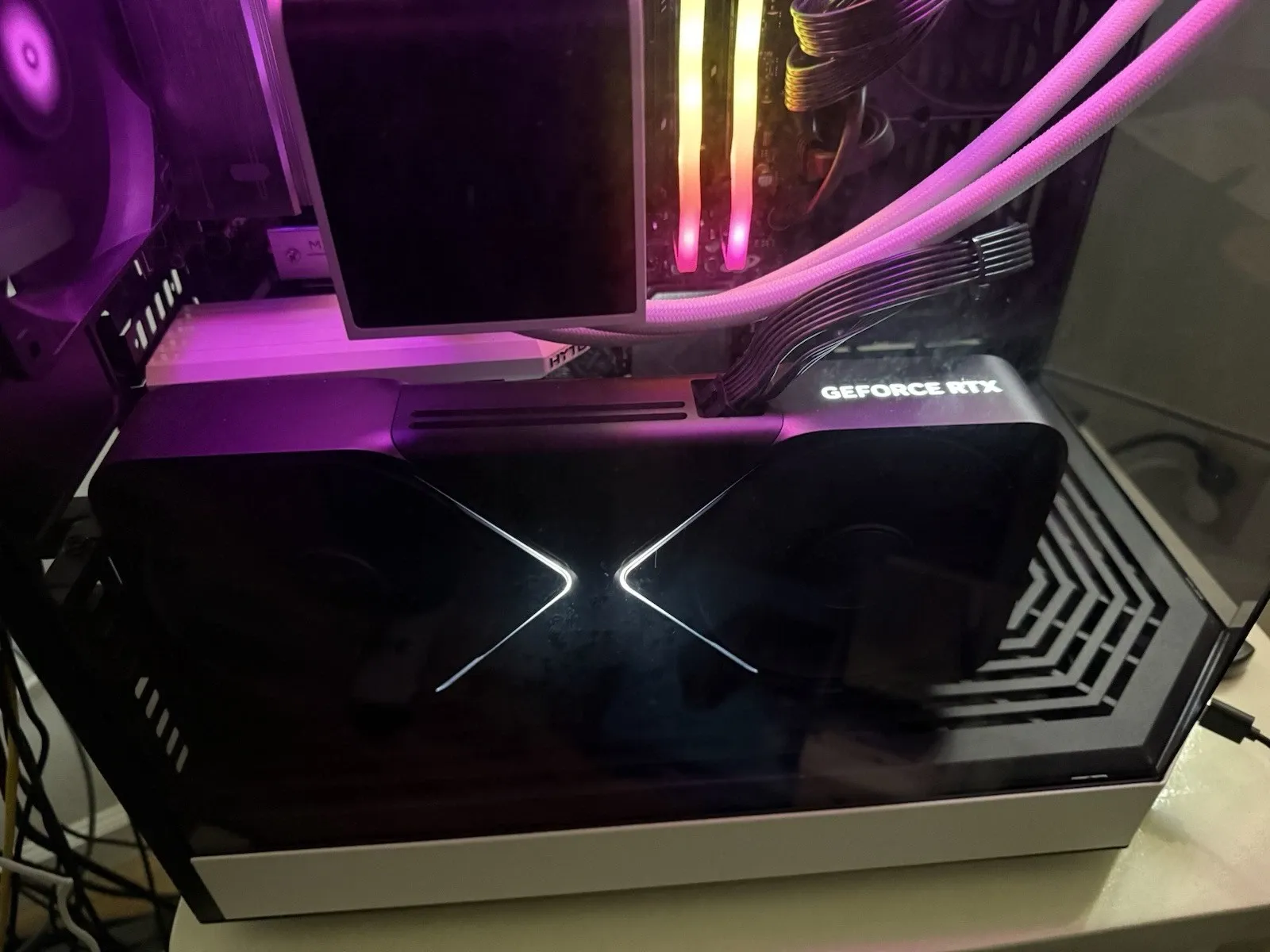
But the same thread is where the skepticism lives, and it's mostly about power and value. "That same 600 W could power 1.62 3090s. You can limit 3090s power to less than 200 w," one owner noted, a reminder that a stack of used RTX 3090s remains the value king for raw VRAM-per-dollar. Another wanted the product NVIDIA still won't make: "We desperately need a 3060 speed card with 24 gb VRAM. That would be a perfect price point and usage sweet spot." And used-3090 supply hasn't cratered the way people hoped: "3090s have been really steady around me, if not even a bit more expensive for the past year."
The catch nobody should skip: the power connector
The 50-series carries over the 12VHPWR/12V-2x6 connector, and r/nvidia's 12VHPWR megathread is not reassuring. The sharpest technical comment isn't hysteria, it's specific: "There is no load balancing of the connector whatsoever in the 50 series. The entire card could pull hundreds of watts through a single 16ga wire, just because that particular wire has less resistance due to manufacturing variance." Another clarifies the root cause: "The connector isn't the problem, the lack of downstream VRM load balancing is what's doing this." Practical takeaway: use a high-quality, properly seated cable, don't reuse a sketchy adapter, and check your connector temperatures, especially on a card that can sit at 575 W for hours during inference.
Who should buy it, and who shouldn't
Buy it if you genuinely want one box that does both: 4K/high-refresh gaming and fast local inference on up-to-32B models, with the option to add a second card later. The 5090 is the only consumer card that delivers top-tier gaming and ~32 GB of the fastest VRAM available, and for a single-GPU AI workstation it's the speed ceiling.
Buy something else if your goal is purely local AI and you care about VRAM-per-dollar: one or two used 3090s get you the same-or-more VRAM for far less, at lower power if you cap them. If you need to run large models (70B–120B+) more than you need speed, a 128 GB unified-memory box (Strix Halo, a Max/Ultra Mac) fits models the 5090 simply can't hold, just expect lower tokens/sec, since "anything upwards of 5 t/s is usable just fine" is the bar there, not 50. And if you're weighing the 5090 against a workstation card, our RTX 5090 vs RTX Pro 6000 deep-dive shows where VRAM, not raw speed, decides the buy.
Bottom line
The RTX 5090 is the fastest way to run a 32B-class model on a single consumer card, and the most flexible if you also game. It is not the cheapest path to local AI, the most VRAM per dollar, or the way to run the biggest models, and the power draw and connector deserve real attention. If "fast, one card, also games" describes you, it's the obvious pick. If "cheap" or "huge models" describes you, the 3090 stack and the unified-memory boxes are still smarter money.
Sources & how we researched this
We don't test hardware first-hand, we aggregate verified specs and real owner reports, and link every source. Specs: NVIDIA GeForce RTX 5090 product page (32 GB GDDR7, 1,792 GB/s, $1,999 MSRP). Owner sentiment: r/LocalLLaMA's 32 GB spec thread and Mac-vs-5090 discussion, plus r/nvidia's 12VHPWR megathread for the connector concerns (linked as the critical counterpoint). Fit and quant math come from our own quant picker, Can I run it?, and quantization guide.