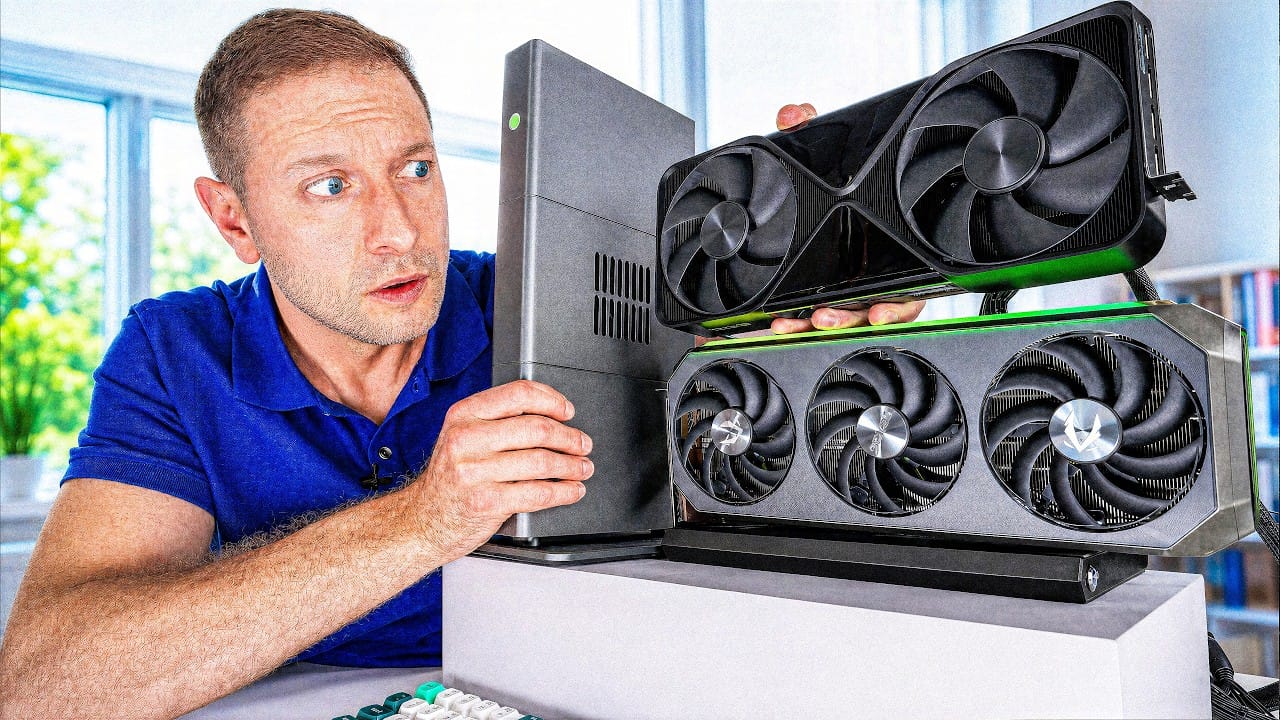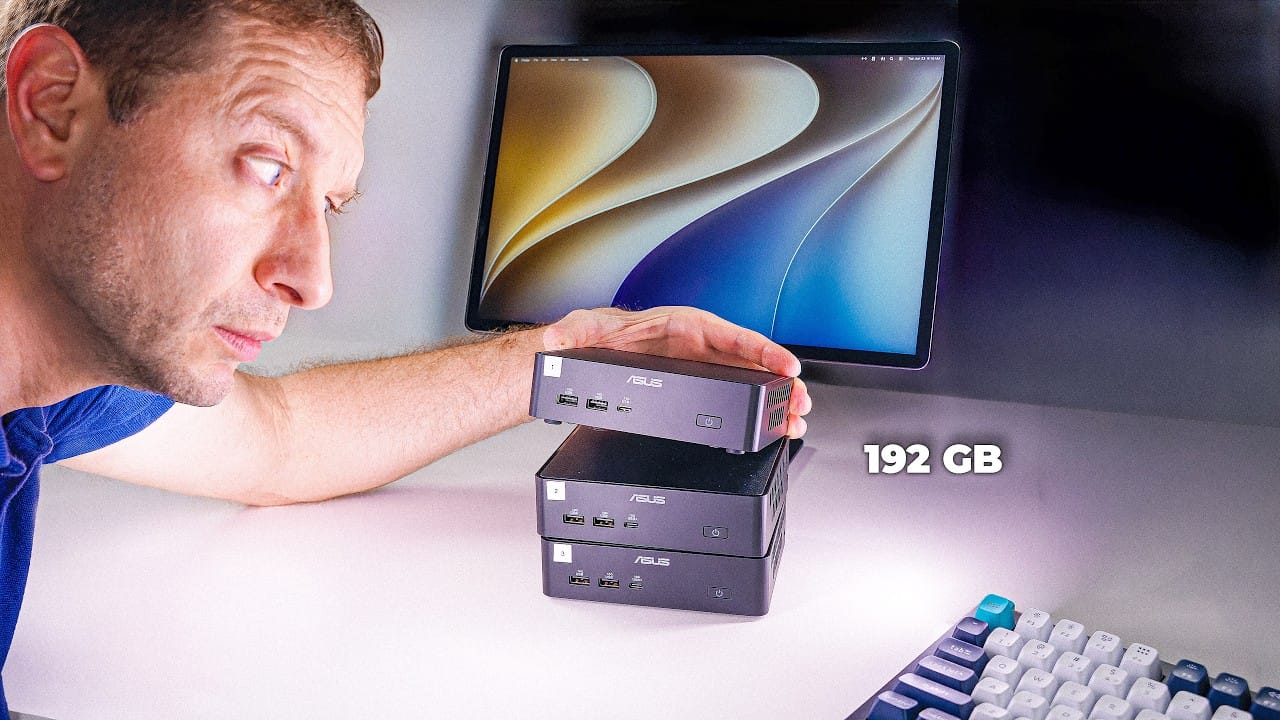
Can you bolt a few mini PCs together and run a model too big for any one of them? It is one of the most common questions in local AI, and it sounds like a cheat code: three small boxes, one giant model, no five-thousand-dollar GPU. Alex Ziskind (AZisk) just put it to the test with three of Intel's brand-new ASUS NUC 16 Pro mini PCs and a 70-billion-parameter model that none of them can hold on its own. The answer is clear and useful, and it overturns the instinct that more machines means more speed.
We have not run this setup ourselves. What follows summarizes Ziskind's findings, with the hardware, the numbers, and what they mean before you buy a stack of mini PCs, plus the research that explains why he got the results he did.
The hardware: three of Intel's newest mini PCs
The machine is the ASUS NUC 16 Pro, built on Intel's new Panther Lake silicon: a Core Ultra X7 358H (16 cores, four performance plus eight efficient plus four low-power), the new Arc B390 integrated GPU, and a dedicated NPU, rated together at up to 180 TOPS. Ziskind's units had 32GB of LPDDR5X-9600 memory and ran about $1,700 each. They are genuinely nice little dev boxes, with dual Thunderbolt, dual Ethernet, Wi-Fi 7, upgradeable storage, and a tool-free pull tab to get inside. Three of them is roughly a $5,000 experiment, which is the first thing to keep in mind.
The reason these are interesting for local AI is the same reason any mini PC is: they run your models on your own data, with no API bill at the end of the month. The question Ziskind set out to answer is whether you can chain a few of them into one machine that runs what a single box cannot.
One box first: the memory wall
Before clustering anything, Ziskind measured a single NUC, and this is the most important number in the whole video. Turning on the Arc GPU roughly doubled prompt processing (reading your input), to over 1,000 tokens per second. But token generation (writing the reply) did not move at all: about 46 tokens per second on the CPU, and about 46 on the GPU. Identical.
That is the memory wall. Generating each token means reading the entire model out of memory once, so generation speed is set by memory bandwidth, not by how fast the chip can compute. On these mini PCs the GPU shares the same LPDDR5X memory as the CPU, so its extra muscle does nothing for generation. As Ziskind put it, for tokens per second, "memory bandwidth is the boss." This is exactly the split we walk through in prompt processing vs generation: prefill is compute-bound, decode is memory-bound, and they behave nothing alike.
He also put the NPU to work, and the result is a fair warning about bleeding-edge hardware. The popular tool, llama.cpp, cannot talk to the NPU at all, so he switched to Intel's own OpenVINO. A small model ran on the NPU; a bigger one failed, because Intel's own prebuilt models would not load on Intel's own chip until he rebuilt them by hand. Worse, on the same Arc GPU, the free open-source llama.cpp (via Vulkan) generated at 34 tokens per second versus OpenVINO's 14, roughly two and a half times faster than Intel's own software. The NPU did win on efficiency, drawing the least power (17 watts versus 24 for the GPU and 30 for the CPU), but the GPU finished work sooner and used less total energy per token. The takeaway: the silicon is real, the software stack is not ready.
The cluster: splitting a model makes it slower, not faster
Then he wired all three together and split one model across them, expecting more machines to mean more speed. It went the other way. A 35B model that fits comfortably on one machine ran at roughly 17 tokens per second alone, and split across three it dropped to about half that.
The reason is structural, and it is well documented. This kind of clustering uses pipeline parallelism: the model is cut into chunks, one chunk per machine, and every single token has to hop from box to box over the network before it is finished. You are not adding compute, you are adding traffic, on top of the same memory wall. Academic work on home clusters finds the identical bottleneck stack. The prima.cpp paper (Li et al., 2025), which targets 30 to 70B inference on exactly these "low-resource home clusters," names memory, disk, and network as the limits and reports about 674 milliseconds per token for a 70B on four consumer devices, which is roughly 1.5 tokens per second, almost exactly what Ziskind measured.
The obvious fix, a faster network, does not work either, and this is the part most people get wrong. He rewired the three machines into a Thunderbolt triangle at 20 gigabit, eight times the bandwidth of plain 2.5-gigabit Ethernet. The 70B's generation speed went from 1.43 tokens per second to 1.43 tokens per second. No change. The bottleneck was never the cable's bandwidth, it was memory speed plus the thousands of tiny messages flying between machines every second. A wider highway does not fix a traffic jam that is not on the highway. (Tensor parallelism, the other split strategy, needs even more frequent synchronization and is why a true low-latency interconnect like RDMA matters; vLLM's parallelism docs spell out the trade-off, and llama.cpp is simply not built for it.)
So what is a cluster good for?
Two things, and they are different jobs, which is the lesson worth keeping.
Cluster for size: split the model. The reason to chain machines is not speed, it is to run a model that will not fit anywhere else. Ziskind loaded Llama 3.3 70B, a dense 75GB model. A single 64GB box physically cannot hold it. But three machines pool 192GB, so split across them, it runs, at about 1.4 tokens per second. Slow, but it runs, where one box returns nothing. Note the word dense: most "big" open models now are mixture-of-experts, which are huge in total but only activate a few billion parameters per token (we explain that in Mixture-of-Experts, explained), so they behave very differently. A dense 70B is the genuinely heavy case.
Cluster for speed: copy the model. If your model does fit on one machine, there is a completely different way to use three of them. Put a full copy on each box and send each incoming request to a different one. Ziskind measured roughly 500 tokens per second across the three this way, about two and a half times one machine. That is real scaling, but it is throughput for serving several people at once, not faster answers for one person. The one-line rule from his test: you cluster one way for size (split the model) and a completely different way for speed (copy the model and spread the work). Do not mix them up.
What viewers are saying
The comment section added useful field data, especially from people running their own clusters. One viewer with a proper high-speed-interconnect setup confirmed the size-versus-speed split and what good hardware buys you: "Tensor parallel vs pipe parallel! That's why spark is a gem, 200gb roce over fabric/cx7. Deepseek V4 flash 397b is my daily driver on dual sparks. 3000 ts pp, 40 t/s tg" (@Badmavs on YouTube), 40 tokens per second on a 397B model, because it uses RDMA over a real fabric rather than plain Ethernet.
Others echoed the software warning. "I am not buying B70 for this reason. Intel just lowered my expectations" wrote @takomayowasabi6491, pointing at the immature toolchain. And the top request was a cross-platform showdown: "We need a shootout with M5 Pro Mac Mini, AMD StrixHalo 395 and Nvidia GB10 (Spark) with this latest Intel. One machine" (@DS-pk4eh), which is the right instinct: for a model that fits, the contest is decided in one box, by memory bandwidth and capacity, not by how many boxes you own.
Should you buy a stack of mini PCs?
For most people, no, not as a cluster. Ziskind's blunt verdict: for any model that fits on a single machine, a cluster like this is pointless, and one box wins every time. Three NUCs would be better used as a Proxmox host running virtual machines than as an AI cluster. The split-cluster only earns its $5,000 price tag in two cases: the model is genuinely too big for any single machine you can afford, or you are serving an office of people and want throughput.
If your real goal is to run a big model fast, the money is better spent putting capacity and bandwidth in one box: a large unified-memory Mac or a Strix Halo machine that holds a 70B in a single pool, which we compare in Strix Halo vs DGX Spark. A single ASUS NUC 16 Pro, meanwhile, is a strong local-AI dev box in its own right for models up to roughly its memory size. To see what a given machine can run and how fast, put your specs into the Can I run it? calculator, and use the hardware cheat-sheet to match model size to the cheapest box that holds it. The capacity math is in how much VRAM you need for a 70B.
Sources and how we researched this
We have not tested this hardware first-hand. The benchmark figures are Alex Ziskind's owner-measured results from his video, "3 New PCs, One Giant AI Model" (we summarize his genuine findings and omit the sponsored segment), and the viewer quotes are from that video's comments, linked and attributed. Hardware specs come from ASUS and retailer listings. The physics of why splitting a model across machines is slow is grounded in the prima.cpp paper (Li et al., 2025, on 30 to 70B inference on home clusters) and vLLM's parallelism documentation. Owner figures are single measurements and will vary by model, quant, runtime, and driver, and the Intel software stack here is new and improving.
Related guides
- Prompt processing vs generation, the memory wall Ziskind ran into
- Panther Lake's first mini PC, another look at Intel's new NUC silicon
- Strix Halo vs DGX Spark, running a 70B in one box instead of a cluster
- The local-LLM hardware cheat-sheet