Alex Ziskind finally unboxed the RTX Pro 6000s he had been sitting on, bought a Threadripper Pro to feed them, and built a four-GPU, 384GB machine. Then he measured where the time in a coding-agent turn goes, and the answer was not the GPUs. In All That VRAM Needs a Bigger Brain (6 September 2026), the closing verdict is the useful part: if you run one agent at a time, an 8-core desktop chip matches a 32-core Threadripper, and the money should go to GPUs first. This piece pulls out the numbers, checks them against other people's quad-card builds, and works out who this applies to.
The build, and the two things that bit
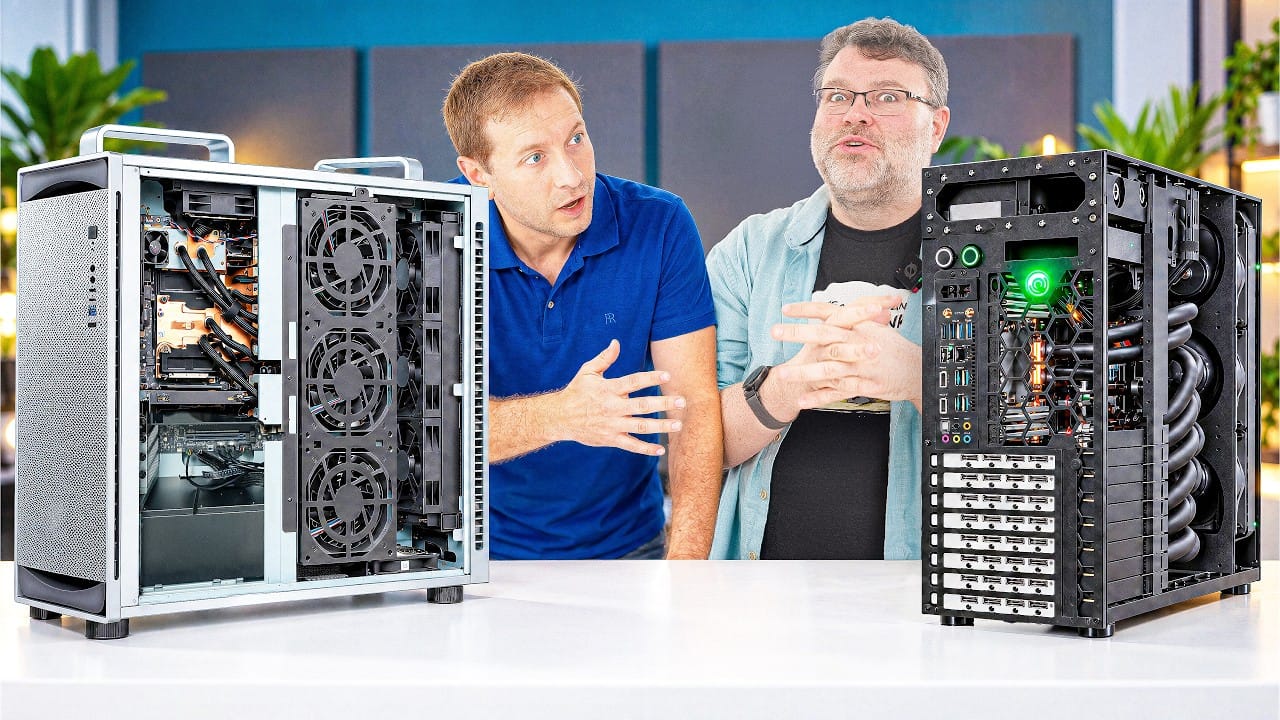
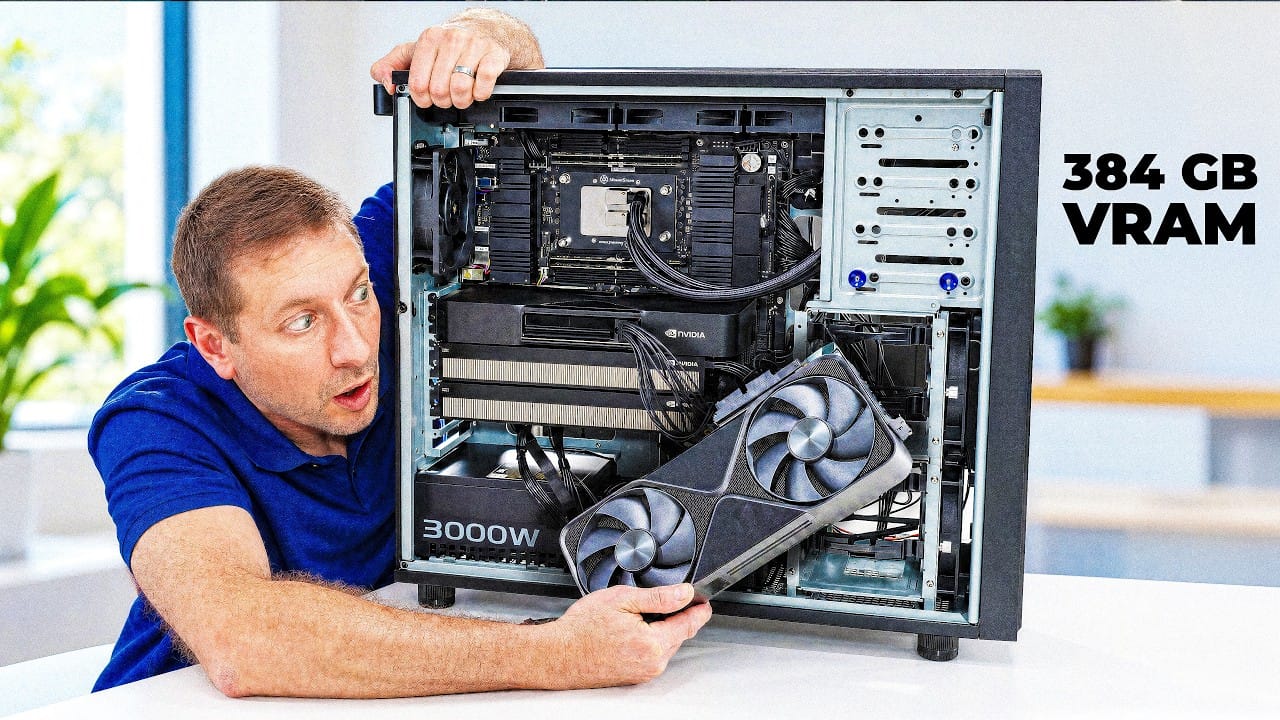
The parts: an ASUS ET900 AX9 case (Ziskind notes it is a sibling of the DGX Station chassis) with the Pro WRX90E-SAGE board pre-installed, seven PCIe 5.0 slots, a Threadripper Pro 9975WX (32 cores, 64 threads, roughly $4,000 at retail), 128GB of DDR5 in four of the eight channels because RAM prices made filling all eight unappealing, and four RTX Pro 6000 Blackwell cards: two Max-Q editions at 300W each and two Workstation editions that can pull 600W each. He runs Ubuntu 24.04 and caps the combined GPU power at 1,200W rather than the 1,800W the cards could draw together.
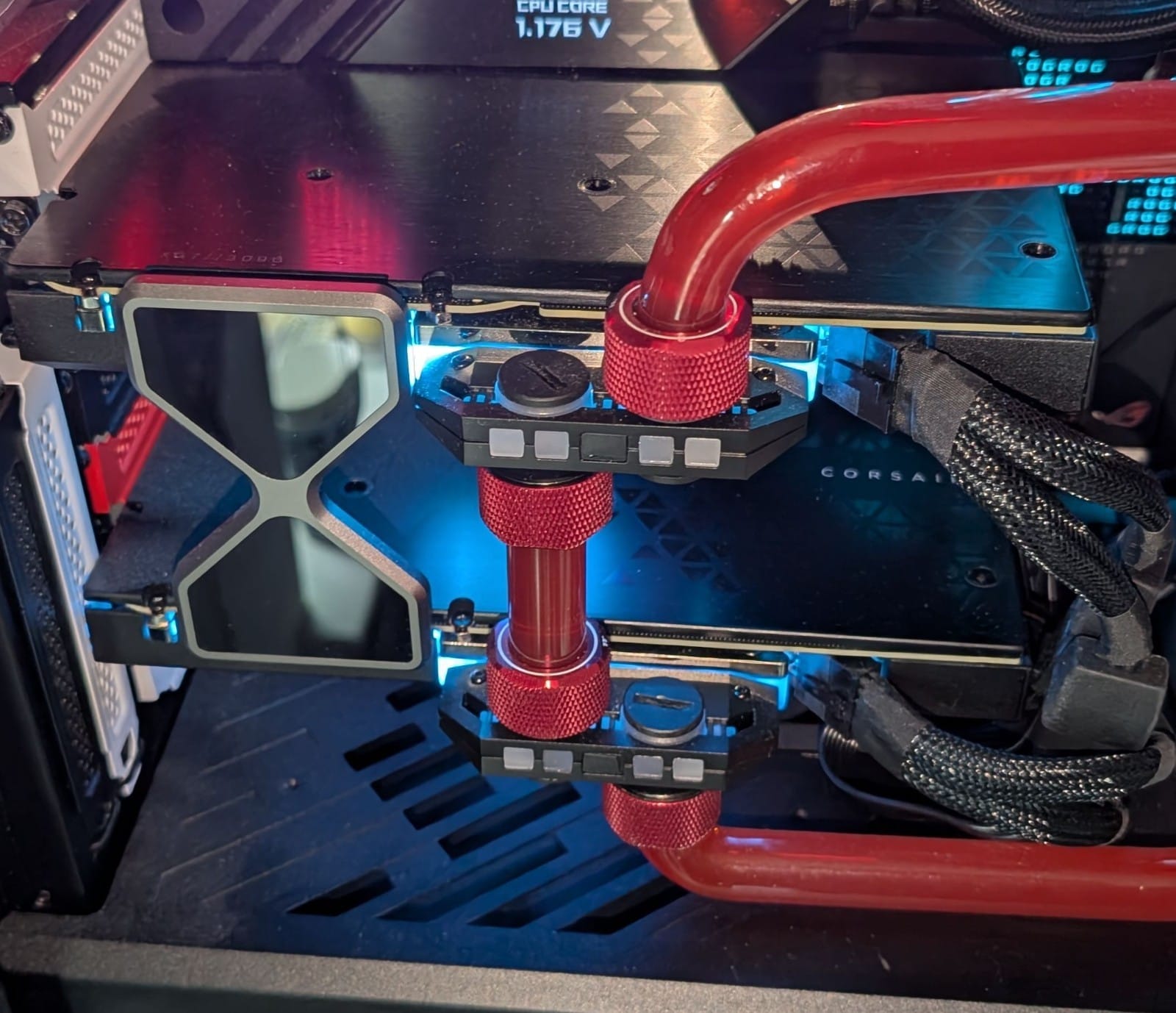
Two practical snags are worth more than the parts list. First, the 3,000W power supply ASUS sent needs a 240V circuit. A standard US 115V outlet on a 15A breaker gives you roughly 1,440W before the breaker trips, so a build like this in the US means an electrician. Second, the fourth card went on a riser cable because a two-slot card would not seat cleanly in the bottom slot next to the front-panel headers, and the system did not see it until he reseated it. A commenter on the video (@youtubecommenter4069) flagged the risk: passive flexible risers at PCIe 5.0 speeds tend to degrade the signal and force the link down to Gen 4 or Gen 3.
For reference, NVIDIA's spec page lists the Workstation Edition at 96GB of GDDR7, 1,792 GB/s of memory bandwidth and 600W, and the Max-Q at the same memory and bandwidth, 300W, and 3,511 AI TOPS against the Workstation card's 4,000 (both FP4 with sparsity). Same memory, same bandwidth, half the power, about 12% less compute on paper. That ratio matters later.
What four cards do with DeepSeek V4 Flash
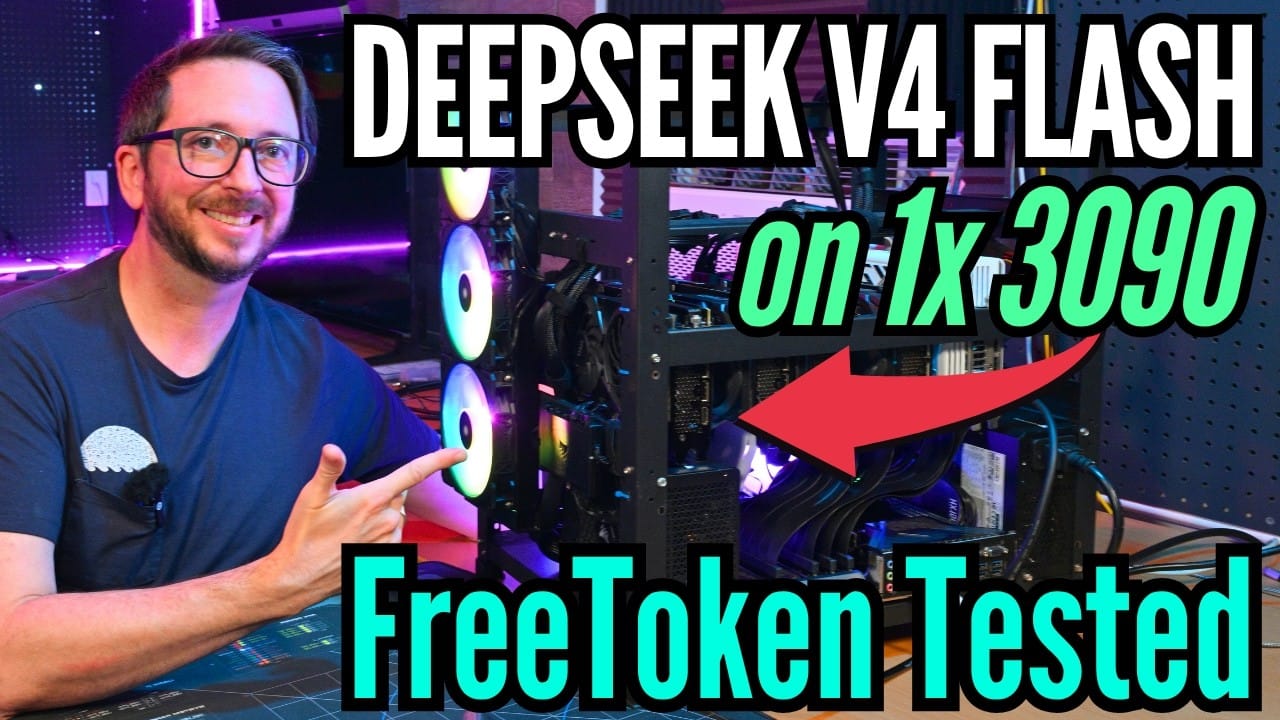
The one inference test in the video runs DeepSeek V4 Flash with FP4 experts and FP8 attention spread across all four GPUs. With a single agent talking to it, Ziskind measured 33 tokens per second. That is the number a solo user feels, and it is not dramatically better than what a much cheaper box manages with the same model (our earlier piece covers V4 Flash on a single RTX 3090). The picture changes with concurrency: 62 tokens per second aggregate at two agents, 116 at four, and 364 at sixteen, after which it tails off.
That scaling is the whole argument for a machine like this, and it is not magic. Batched serving keeps the weights resident and amortises each pass over many requests; the vLLM paper that introduced PagedAttention (Kwon et al., 2023, arXiv:2309.06180) reports 2–4× the throughput of earlier serving systems at the same latency by wasting almost no KV-cache memory and sharing it across requests. One user gets one stream at whatever the bandwidth allows. Sixteen users get eleven times the aggregate output from the same silicon. If you are the only person at the keyboard, you are paying for capacity you cannot use.
Independent numbers line up. The Level1Techs forum member ambientlight, on the same ASUS board with four Max-Q cards and a 64-core 7985WX, logged DeepSeek V4 Flash between 39 and 697 tokens per second depending on context length and concurrency, and MiniMax M3 between 35 and 1,076. On a single card, Vadi Taslim's llama-bench set (March 2026, llama.cpp with flash attention, batch size 1) puts Llama 3.1 70B at Q4_K_M at 27 tokens per second and an 80B MoE at 124, which is the same "MoE breaks the size-speed relationship" pattern we described in the MoE-era hardware piece.
Where a coding-agent turn goes: 71% not on the GPU
This is the part of the video nobody else is measuring. Ziskind instrumented an agent loop and broke each turn into its stages: the LLM call, then scaffolding, compile, running tests, parsing the syntax tree, hashing and packaging. Plotted on a timeline, the GPU's share is a thin sliver. His figure is that 71% of each turn happens off the GPU entirely, on the CPU and disk. Everyone budgets for the model call. Almost nobody budgets for the other seven tenths.
So he raced the CPUs. Same Zen 5 architecture on both sides: a Ryzen 9700X (8 cores, 16 threads) on an open bench against the 9975WX (32 cores, 64 threads). With one worker, meaning one agent running at a time, the desktop chip did 89.7 turns per minute and the Threadripper 85.6. A dead heat, and if anything the cheaper chip's higher clocks show. Two workers, still level. At eight workers the gap opens (11.57 seconds for the Threadripper's batch against 14.96), at sixteen the Threadripper takes 16.11 seconds and the desktop chip roughly double, and the 9700X stalls: it peaks at 568 turns per minute and goes no higher at 32. The 9975WX keeps climbing, 2,113 turns per minute at 32 workers and 2,239 at 64, which is 3.5 seconds against 13.5, close to four times faster. Per-worker efficiency at 32 workers: 0.21 on the desktop chip, 0.74 on the Threadripper. At that point the 8-core is thrashing, not running agents.
Then he switched the model call back on so every worker also hit the four GPUs, and past sixteen workers it fell apart in a different place: average model latency went from half a second to twelve seconds. All 32 agents were queueing on one inference server. The CPU work spreads over 64 threads; the model calls just line up behind each other. That is the ceiling on the other side, and it is a serving-configuration problem rather than a hardware one, the kind of thing covered in our serving guide.
What this changes if you are buying
- One agent, one person: buy the GPU, skip the Threadripper. The single-worker race was a tie. A $4,000 CPU, a WRX90 board and eight channels of DDR5 buy nothing for a solo workflow that the $350 chip does not already deliver. Put the difference into VRAM or bandwidth, which is what sets single-stream speed (see bandwidth, not TFLOPS).
- Many agents in parallel, or a team: the CPU becomes the product. Past eight concurrent workers the core count is the difference between four-times-faster and a stalled queue. This is also the case where a quad-GPU box earns its aggregate throughput, since batched serving is what turns 33 tokens per second into 364.
- Cloud models plus local agents: the GPU does nothing. Ziskind's own framing. If the model call goes to an API, the machine is a CPU, RAM and disk problem, and the money should follow.
- Max-Q is the sane quad-card choice. VRLA Tech tested four Workstation cards (2,400W of GPU power) against four Max-Q (1,200W) on a 9995WX with all eight memory channels populated and side panels on. The 600W set peaked at 89–90°C with no margin and they declined to ship it; the Max-Q set was validated on air at 10–15% lower per-card throughput. Ziskind's own 1,200W cap on a mixed set is the same conclusion arrived at from the other direction.
- Budget the circuit as well as the parts. ambientlight's log shows 800–900W idle and 1,003–1,124W under full GPU load on four Max-Q cards, a 15A breaker that was not enough, GPU temperatures of 82–91°C with the sandwiched cards hottest, and NCCL needing ACS and IOMMU disabled in the BIOS before tensor parallel would run. Total cost: $54,092 before the UPS. a16z's build (four Max-Q, a 7975WX, 256GB ECC, a 1,650W supply) was designed specifically to live on a standard 15A/120V outlet, which tells you where the constraint is.
What builders are saying
The Hacker News thread on a practical guide to running eight RTX Pro 6000s has the debate in miniature. On the case for NVIDIA over a big Mac: "If you want to see how impressive Nvidia is, serve 32 concurrent requests on it and compare the same with the mac" (segmondy). On the case against: "Sure, let me just buy $60,000 worth of GPUs to run a quantized non-frontier model" (jplusequalt), and "600W × 8 just for the GPUs when maxed out (besides the cost). Def nothing for my home lab" (christkv). Both sides are right, and the video's concurrency numbers are the reason: the machine is a multi-user machine.
What viewers are saying
The top comment under the video, from @En1Gm4A with 145 likes, is a request rather than praise: "sick build - now pls run glm 5.3 flash." @rhoderzau put the alternative on the table: "the 512GB M5 Ultra Mac Studio is calling me, I just hope the speed increases continue." @stephenkbolton dated the RAM problem: a Threadripper bundle he bought a year ago included memory that is now listed at $3,699.99. And @youtubecommenter4069's riser warning, quoted above, is the most useful technical comment on the page.
Limits of what the video shows
One inference test, one model, one serving stack, and the agent benchmark is Ziskind's own harness, so the exact turns-per-minute figures will not transfer to your codebase. The 71% figure is for his workload; an agent that mostly writes prose will look different from one that compiles and runs a test suite every turn. He also says the queueing collapse past sixteen workers may be a configuration issue on his side. Treat the shape of the results as the finding, not the decimals.
Verdict
The build is a serving box, and a good one. What Ziskind measured, though, is a purchasing rule for everyone who is not building one: count how many agents you run at once. One, and an 8-core desktop CPU with the best GPU you can afford is the right machine. Eight or more, and the CPU becomes the bottleneck long before 384GB of VRAM does. Run your own numbers through the cost calculator before you buy either.
Sources and how we researched this
Primary source: Alex Ziskind, "All That VRAM Needs a Bigger Brain", 6 September 2026, summarised with attribution; the retailer segment and promotional links in the video were left out. Specifications from NVIDIA's RTX Pro 6000 Workstation and Max-Q pages. Batched-serving throughput: Kwon et al., Efficient Memory Management for Large Language Model Serving with PagedAttention, 2023. Independent builds and tests: ambientlight's Level1Techs build log, a16z's workstation write-up (Marco Mascorro), VRLA Tech's four-card thermal test, Vadi Taslim's single-card llama-bench results, and the Hacker News discussion quoted above. We have not tested this hardware; the site is non-commercial and links to no retailer.
Related: AZisk's RTX Pro 6000 on a Strix Halo · RTX 5090 vs RTX Pro 6000 · Why is my local LLM slow · Prompt processing vs generation