The short answer, August 2026: match the model to your memory. On 8 to 12GB of VRAM, run gpt-oss-20b. On 24GB (an RTX 3090 or 4090), run Gemma 4 31B or Qwen3.6-35B-A3B. On a 128GB unified box, run gpt-oss-120b or DeepSeek V4 Flash. Above that, GLM-5.2 or Inkling; for Kimi K3, rent. The table and the reasons are below, and if you want the exact quant for your machine, our Can I run it? calculator answers it directly.
Two things make this a genuinely different question than it was six months ago. The models all went Mixture-of-Experts, so a 30B model now punches like a much bigger one, and a wave of small models got so good that, as one r/LocalLLaMA owner put it, "the current gen models that are around 25-35b are so good that they knocked out anything above them until you get into a couple hundred b parameters." So the map is not "bigger is better." It is "run the best model your memory holds, and stop there." We have not benchmarked every model first-hand; this synthesizes vendor specs, third-party benchmarks, and owner reports, all cited.
The quick-reference table
| Your hardware | Sweet-spot pick (Aug 2026) | Also strong |
|---|---|---|
| 8 to 12GB VRAM | gpt-oss-20b (Apache 2.0, ~12GB) | Gemma 4 12B, Ministral-3 8B, Granite 4.1 |
| 16GB VRAM | Qwen3-30B-A3B (Q4 MoE) | gpt-oss-20b full, Gemma 4 26B-A4B |
| 24GB (RTX 3090 / 4090) | Gemma 4 31B or Qwen3.6-35B-A3B | gpt-oss-20b, any 30B-class MoE |
| 128GB unified (Strix Halo / Mac) | gpt-oss-120b or DeepSeek V4 Flash | Qwen 3.6 35B, Gemma 4 31B + MTP |
| 512GB+ (Mac Studio / cluster) | GLM-5.2 or Inkling (2 to 3-bit) | rent a GPU node for Kimi K3 |
| Best for coding, any tier | DeepSeek V4 Flash | Qwen3-Coder-Next, GLM-5.2 |
Best local LLM for 8 to 12GB VRAM
This is most gaming PCs (an RTX 3060, 4060, or 5060). The pick is gpt-oss-20b: OpenAI's small open model is a 21B Mixture-of-Experts with only 5.1B active parameters, Apache 2.0, and it ships in MXFP4 at roughly 12GB, so it is 4-bit at its native precision rather than a lossy afterthought. It reasons well above its size and runs fast because so little of it fires per token; owners report 50 to 60+ tokens per second on capable hardware. For a dense alternative with strong writing and emotional range, Gemma 4 12B is the other pick, and Ministral-3 8B or Granite 4.1 cover the very tight cases. If you have 12GB of VRAM plus a healthy pile of system RAM, you can also reach up a tier with expert offload (more on that below).
Best local LLM for 16GB VRAM
16GB (an RTX 4060 Ti 16GB, 5060 Ti 16GB, or Arc B580) opens the door to the 30B MoE class. Qwen3-30B-A3B at Q4 is the value pick: 30B total, 3B active, so it decodes at small-model speed while holding mid-model knowledge. gpt-oss-20b now runs with full context headroom, and Gemma 4's 26B-A4B MoE variant fits comfortably. This is the tier where the "a good 30B beats everything up to a few hundred B" rule starts paying off, because these models fit and fly.
Best local LLM for 24GB (RTX 3090 or 4090)
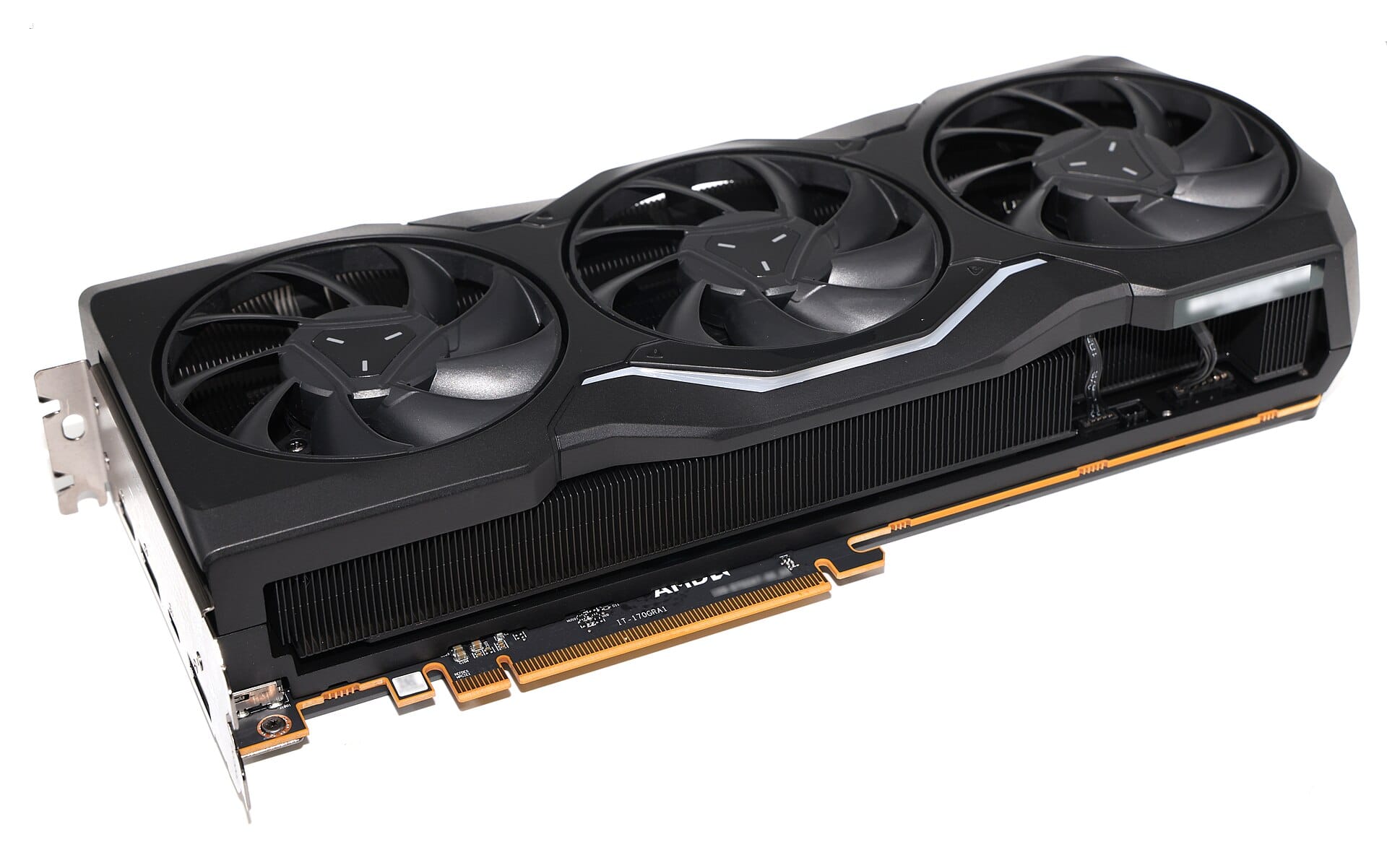
The enthusiast sweet spot. A used RTX 3090 or a 4090 gives you 24GB at roughly 936 GB/s of bandwidth, which is fast enough that mid-size models feel instant. Two picks split by use. For conversation, reasoning, and general smarts, Gemma 4 31B is the community favorite; in the "best chat model" threads on r/LocalLLaMA, owners repeatedly land on it: "the best conversationalist, is quite smart, and has good emotional IQ compared to other, even bigger models." Run it at a Q4-class quant, and add its MTP draft model for a free speed boost. For agentic and mixed work, Qwen3.6-35B-A3B is the sparse-MoE alternative that decodes faster. Either way, 24GB is where a single card stops feeling like a compromise.
Best local LLM for 128GB unified memory (Strix Halo, Mac, DGX Spark)
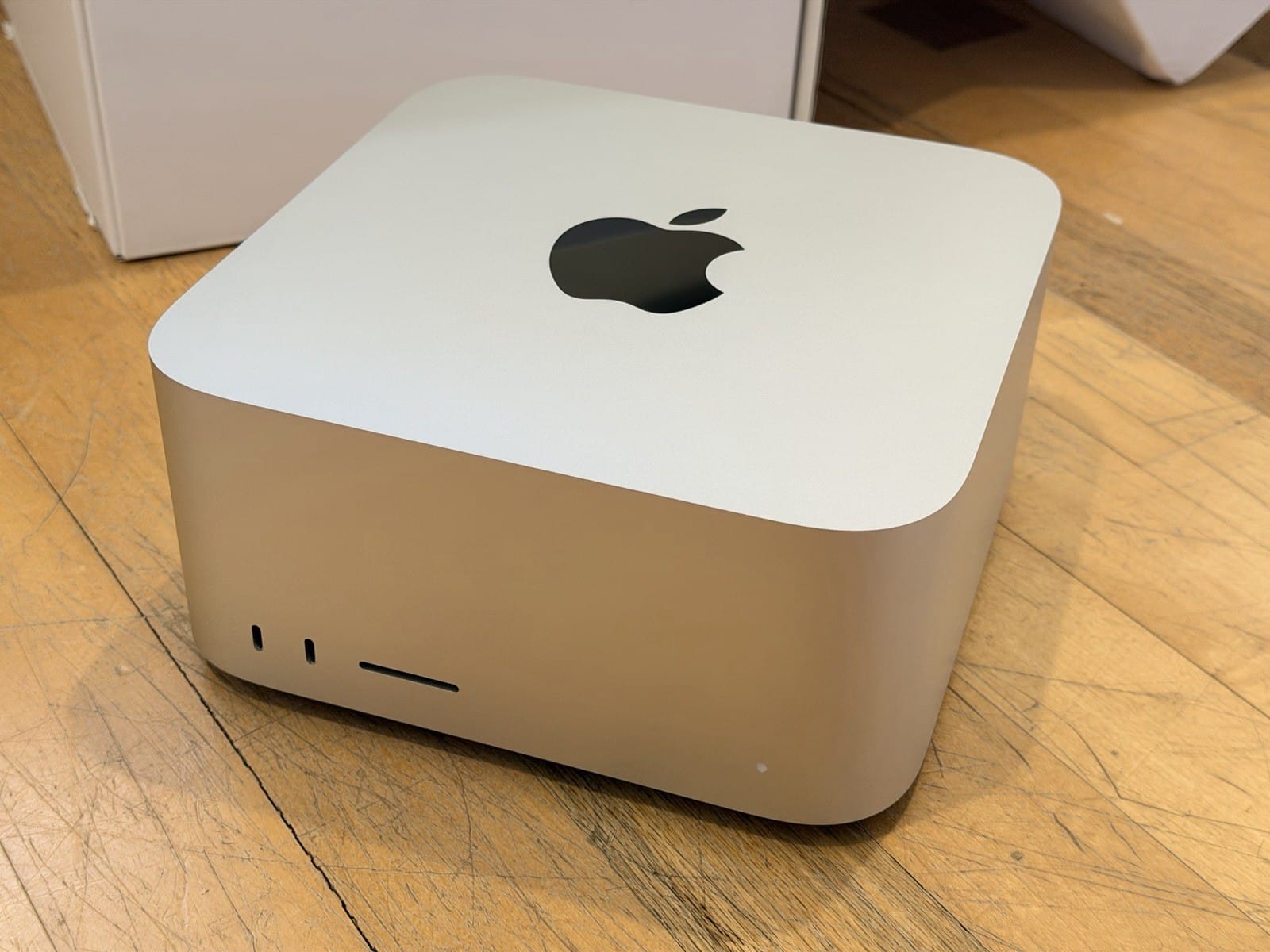
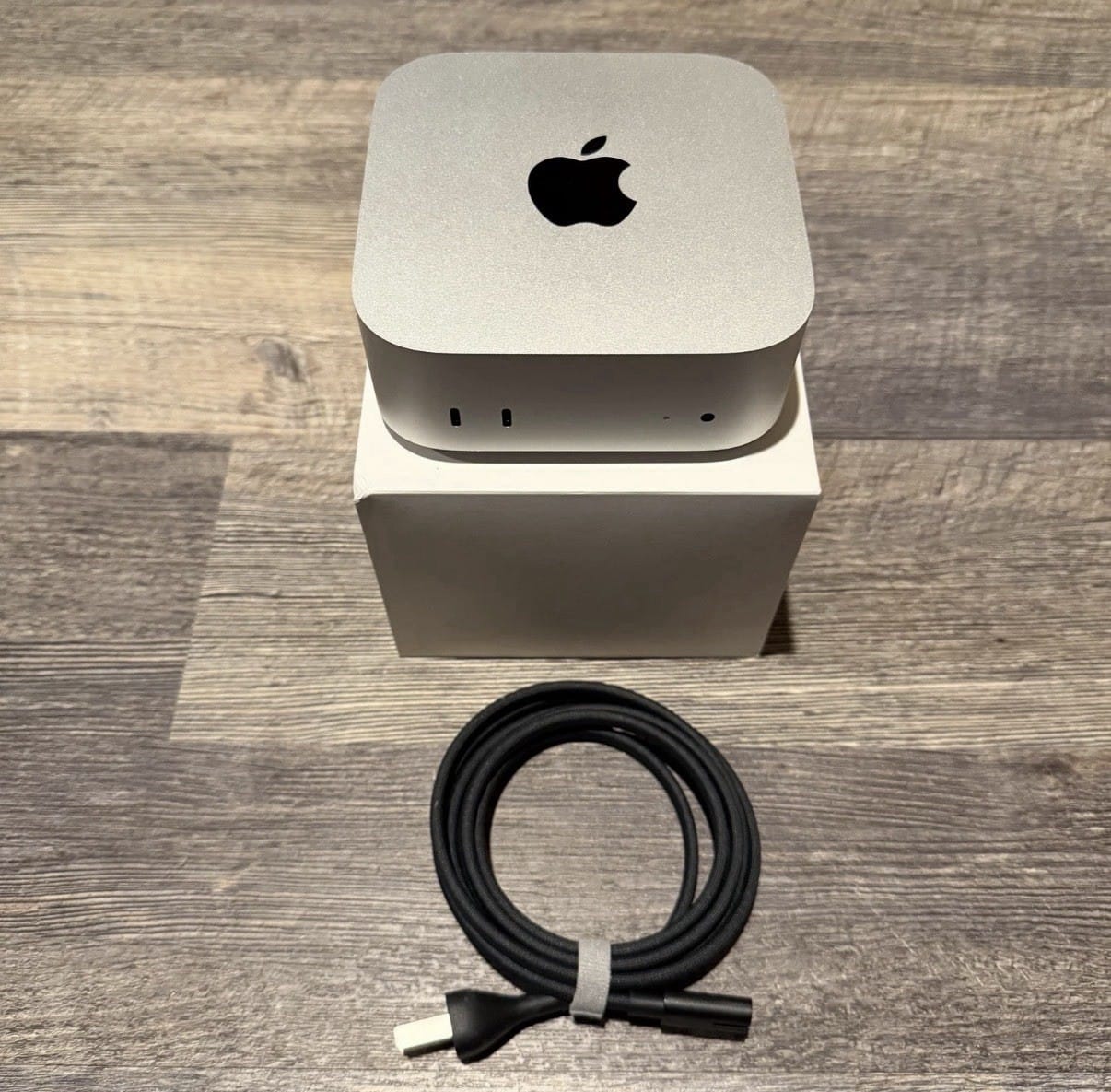
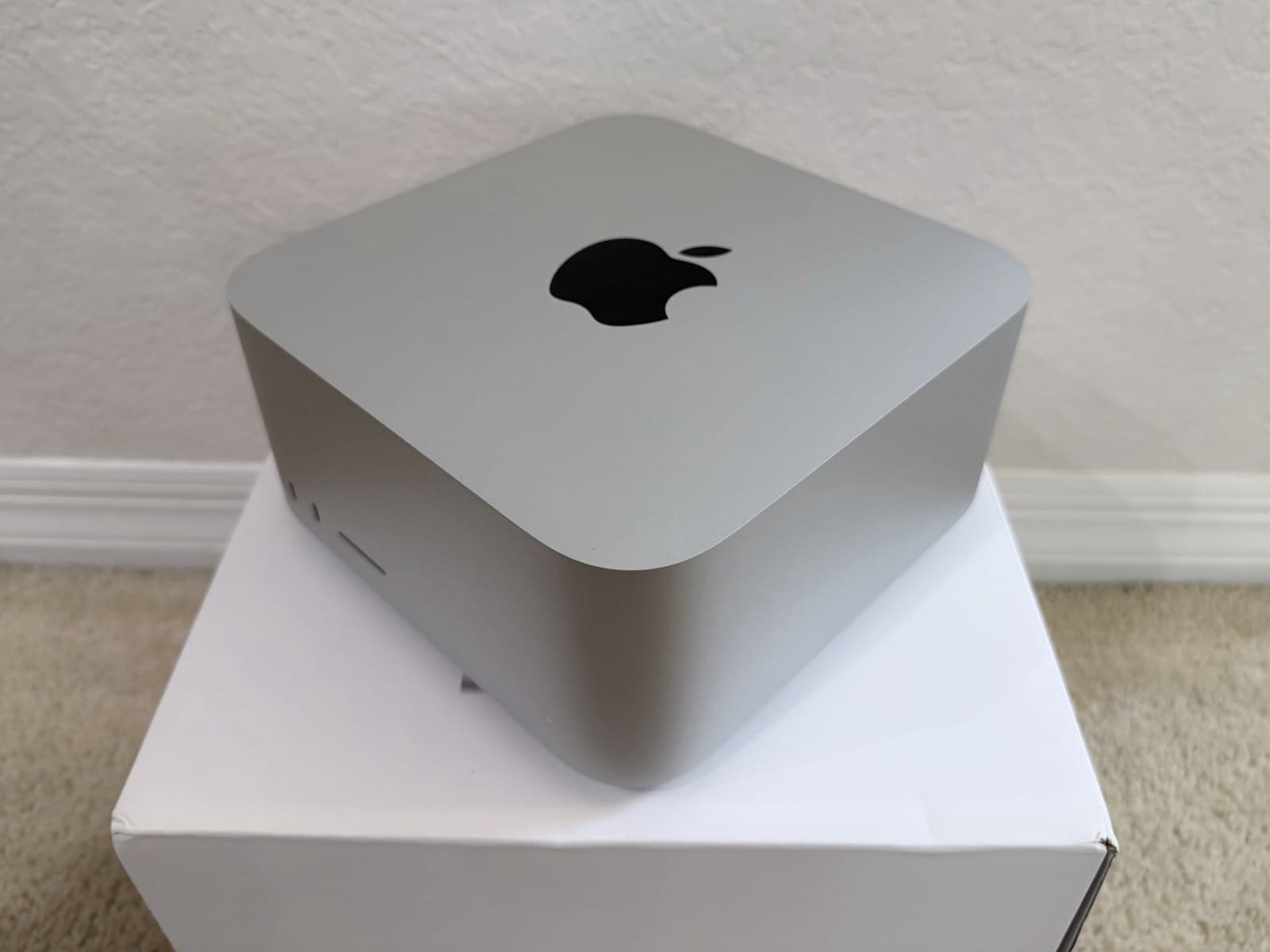
The 128GB tier (a Strix Halo mini-PC, a Mac, or a DGX Spark) is the one that reaches frontier-adjacent models. Two picks, by job. For a fast, capable all-rounder, gpt-oss-120b: the 117B MoE runs at a measured 56 tokens per second on a $1,900 Strix box, plenty for real work. For agentic coding and million-token context, DeepSeek V4 Flash: the 284B MoE scores one point behind the 753B GLM-5.2 on the independent Artificial Analysis index at a third the size, and owners fit its dynamic quants on a single 128GB machine, as we covered in full. The 128GB "best fit" threads bear this out, with owners naming DeepSeek V4 Flash for agentic use and Gemma 4 31B for pure chat. This is the tier where "run it locally" and "run something genuinely strong" finally overlap.
Best local LLM for 512GB and up
At 512GB (a maxed Mac Studio) or a small cluster, the true giants come into range, though "into range" still means aggressive quants. GLM-5.2 (753B) and Inkling (975B) both fit a single 512GB Mac at a 2-to-3-bit build, the reversal Inkling made possible. The one model that still does not fit any single box is Kimi K3 (2.8T, 104B active): its smallest usable quant is 594GB, so it wants a cluster or, for almost everyone, a rented GPU node. That buy-vs-rent line is exactly what our cost calculator is built to price, and for a model you touch occasionally, renting usually wins.
Best local LLM for coding
Coding is the one workload where the pick changes, because agentic benchmarks reward different models. DeepSeek V4 Flash is the standout: MIT-licensed, 284B total, and it jumped to 54.4 on the DeepSWE agentic benchmark (a DeepSeek-reported figure), which is what put it on every coder's radar this month. If you want a smaller Apache-licensed coder, Qwen3-Coder-Next (80B total, 3B active) is the one owners say they can genuinely run. Above those, GLM-5.2 leads several coding suites but demands the 512GB tier. Whichever you pick, pair it with a draft model for a real speedup on the deterministic text that code generation is full of.
The one trick that moves you up a tier
You are not locked to your VRAM. Because these models are sparse MoE, llama.cpp's expert offload (--n-cpu-moe) keeps the rarely-touched expert weights in cheap system RAM while the hot parts stay on the GPU. A 24GB card plus 128GB of system RAM can run models that would never fit in VRAM alone: slower than unified memory, far cheaper, and it fits. That single flag is why "what fits in my VRAM" and "what I can run" are no longer the same question.
How to pick for your exact machine
The tiers above are the map; your machine is the specifics. Bandwidth sets how fast any of these decode (why here), and the quant you pick sets whether it fits at all (the quant guide). Rather than guess, put your GPU or box into our Can I run it? tool: it returns the models that fit, the largest quant that fits, and the theoretical tokens per second, and the quant picker tells you the exact file to download. That is the fastest way from "what should I run" to a model actually loaded on your hardware.
Sources and how we researched this
- Model specs and licenses: vendor model cards and our per-model coverage, linked inline (DeepSeek V4 Flash, Inkling, Kimi K3, GLM-5.2). gpt-oss figures from OpenAI's release; the DeepSWE score is DeepSeek's own reported number.
- Third-party throughput: the measured gpt-oss-120b Strix Halo figure from the community benchmark grid cited in our Strix Halo coverage; the independent Artificial Analysis index for cross-model ranking.
- Owner consensus: the r/LocalLLaMA "best chat model that fits in 128gb" thread and related discussions, quoted verbatim and attributed.
- This is a synthesis of vendor documentation, independent benchmarks, and owner reports as of August 2026; we have not tested every model first-hand, and the picks will move as new models ship. Prices and quants shift weekly in the current memory market.
Related: Every frontier open model is a MoE now · What "open weights" actually lets you do · The local-LLM hardware cheat sheet · Speculative decoding, explained