Our Kimi K3 spotlight ended on a wall: the largest open model ever announced, and a single 512GB Mac Studio cannot hold it at any quant. The obvious next question, the one filling our inbox, is "fine, so what should I run it on?" This is the answer, ranked, with the projected memory and cost math for each option.
Update, July 30, 2026: the weights shipped July 26 and Unsloth's GGUFs followed on July 29, so the sizes below are now measured, not projected, and the active count is confirmed at 104B (our pre-release ~50B caveat was right to be a caveat: the real number is double). The rankings survived contact with the measured files; the speed estimates got slower. No credible owner token rates exist yet because the GGUFs still need a llama.cpp fork (mainline support is tracked here); we will add them when they appear.
The answer most people do not want to hear
For almost everyone, the optimal hardware for Kimi K3 is none. It is a 2.8-trillion-parameter model, which is a datacenter model, not a desktop one. Moonshot's own API costs $3 per million input tokens and $15 per million output ($0.30 cached), and no machine you can buy will beat that on cost-per-token for a model this size. Buy hardware for K3 only if you specifically need to self-host it: privacy, data control, or offline use. If that is not you, the buy-vs-rent-vs-API math ends at "use the API," and you can stop reading.
Still here? Then you want to self-host, and the rest of this is for you.
The two numbers that decide everything
A Mixture-of-Experts model has two parameter counts, and they do different jobs. Total parameters decide whether it fits in your memory. Active parameters decide how fast it decodes, because generation is memory-bandwidth-bound: each token only reads the experts that fire. Our MoE explainer covers the mechanism.
For K3, total is a firm 2.8T. Active is now settled: the released config confirms 104B active per token (16 of 896 experts plus 2 shared). That is more than double the ~50B estimate that circulated before release, and more than triple Kimi K2's 32B. Every token reads roughly 55 to 60GB at the native 4-bit-class precision, which caps decode speed everywhere below.
The trap this creates: "only 104B active" does not mean K3 runs on a 104B-class card. The router picks different experts every single token, so you must keep the entire model in fast memory or pay a catastrophic streaming penalty. Total params set what fits; active params only set the speed once it does.
The measured footprint
Originally we projected these sizes from Kimi K2's real files. As of July 29 Unsloth's ladder gives us measured ones:
| Quant | Measured size | Our pre-release projection |
|---|---|---|
| UD-IQ1_S / IQ1_M (1-bit) | 594GB / 649GB | (not projected) |
| UD-IQ2_XXS / Q2_K_XL (2-bit) | 711GB / 861GB | ~0.9 to 1.0 TB |
| UD-Q4_K_XL (4-bit) | 1.51TB | ~1.6 to 1.7 TB |
| UD-Q8_K_XL (lossless) | 1.56TB | ~2.8 to 3.0 TB |
Weights only; Unsloth pegs the practical floor at 650GB-plus of combined RAM and VRAM for the 1-bit build. KV cache stays small (tens of GB even at 1M context) because K3 uses Kimi Delta Attention, a linear-attention scheme. The surprise is the top of the ladder: since K3 was trained quantization-aware in MXFP4, the native weights are already 4-bit-class, so lossless is 1.56TB rather than our projected ~3TB, and Q4 gives up almost nothing to it.
What actually holds it, ranked
The rule is simple: your fast memory has to exceed the quant size above, plus overhead. Here is where the common machines land.
| Hardware (usable memory) | Runs K3? |
|---|---|
| RTX 5090 32GB, or 2-4x RTX 3090 (48-96GB) | No, at any quant (off by 8 to 30x) |
| Strix Halo 128GB unified | No (1-bit needs 594GB, about 5x short) |
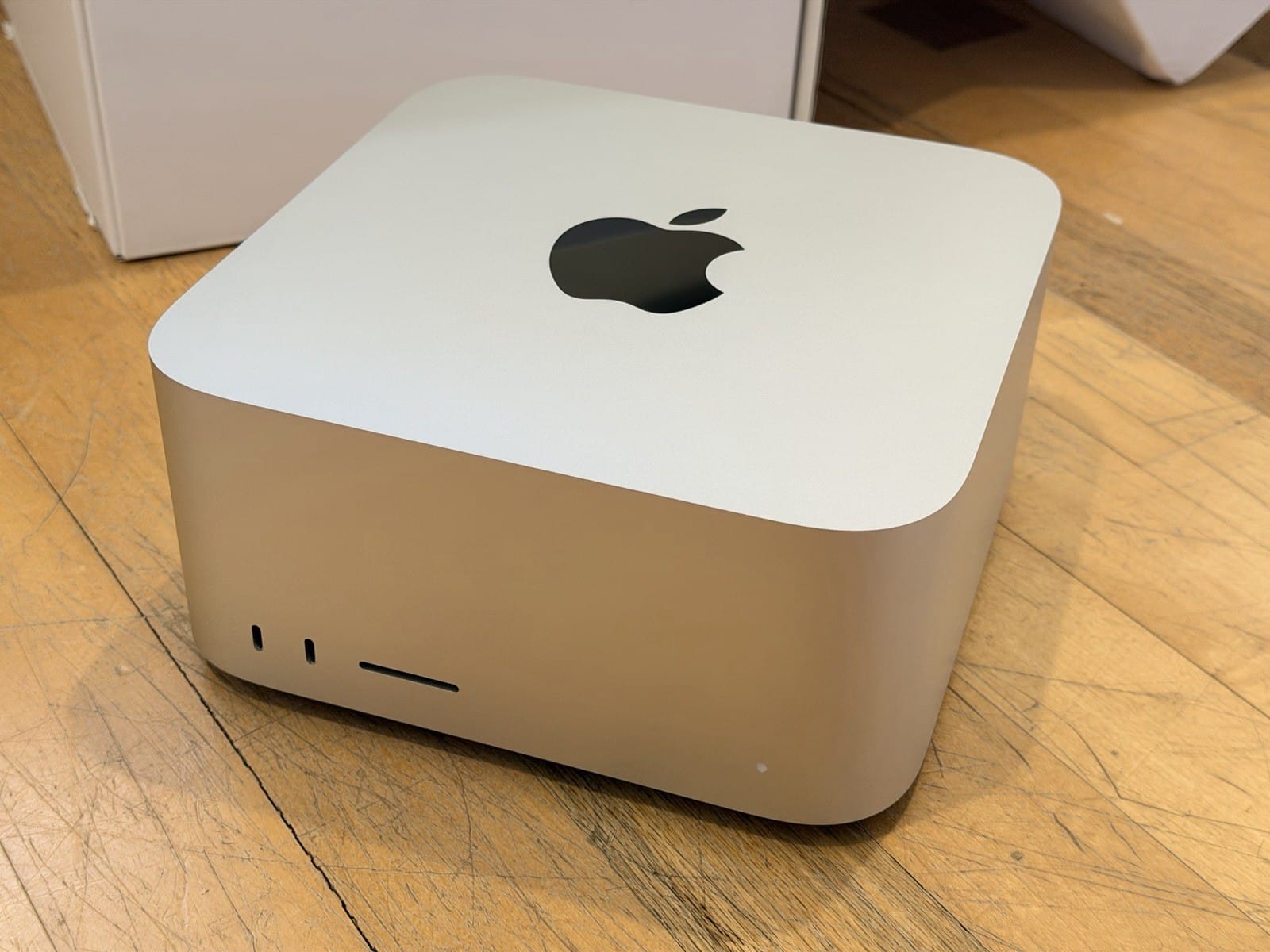
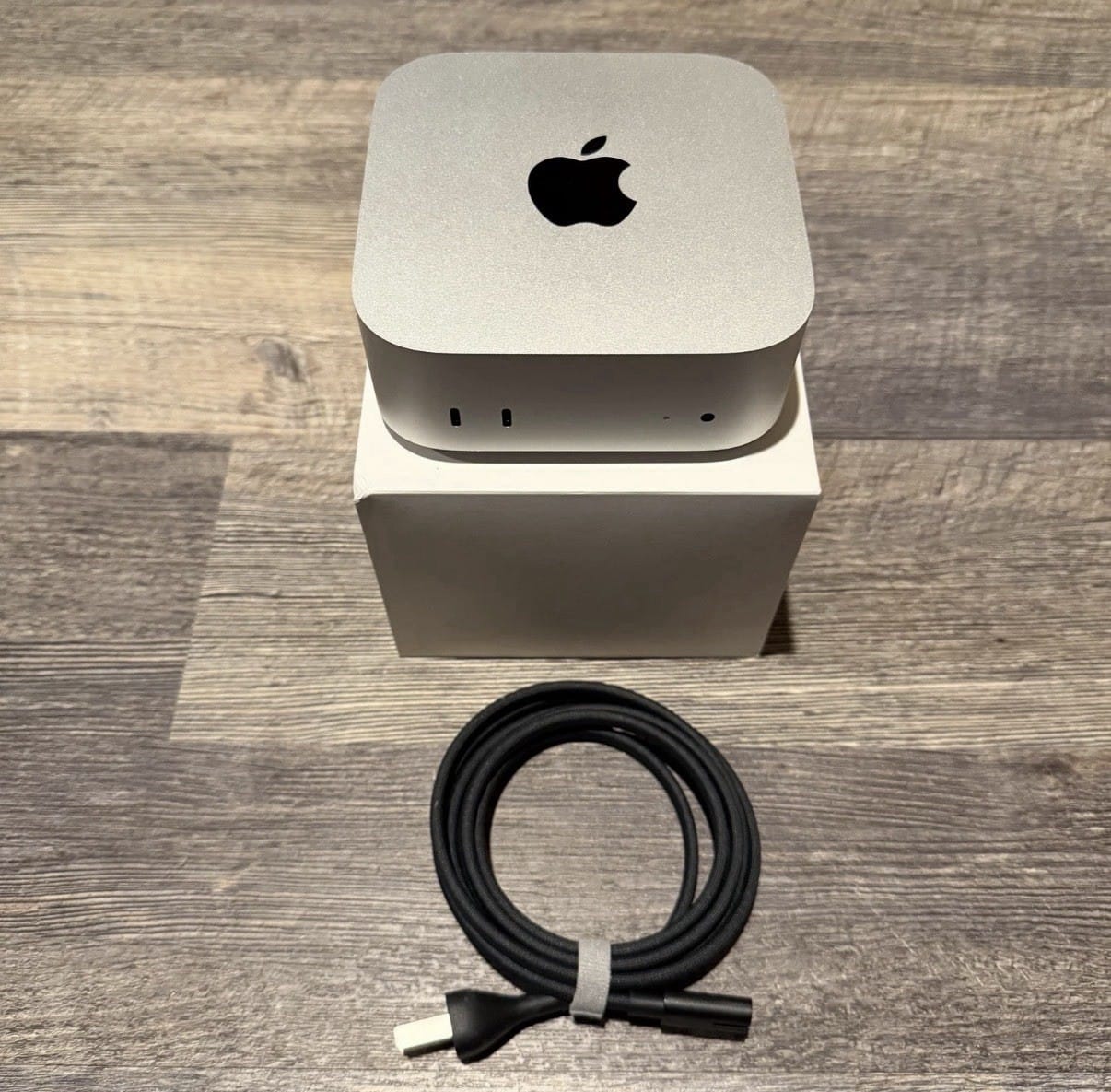
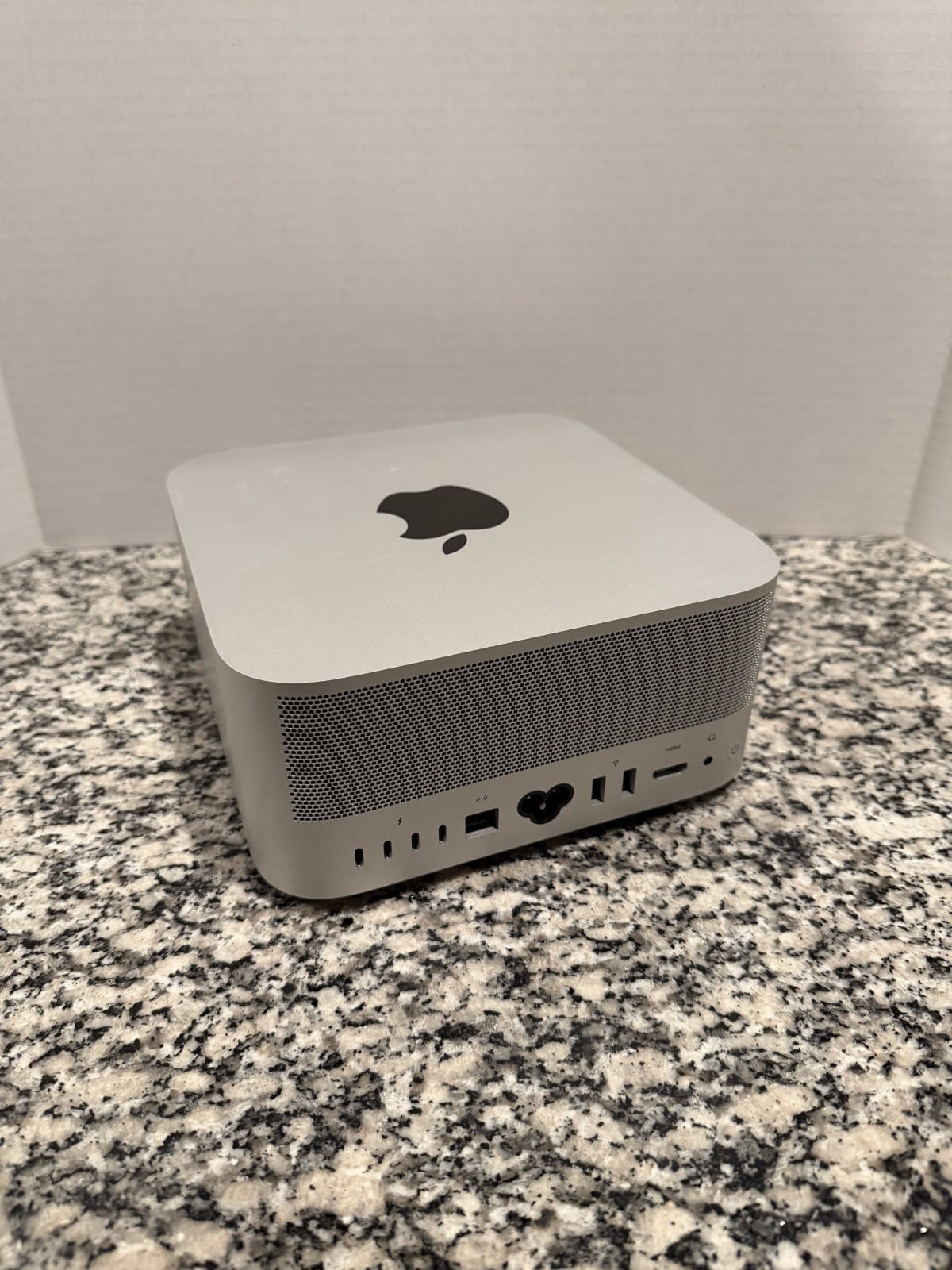
| Mac Studio M3 Ultra 512GB (single) | No, even at 1-bit (measured 594GB > 512GB) |
| 8x H100 80GB (640GB) | No; even 1-bit needs a 650GB-plus floor |
| 8x H200 141GB (1,128GB) | 2-bit fits with KV room (711 to 861GB); the 1.51TB Q4 does not |
| 2x Mac Studio 512GB, clustered (1,024GB) | Fits 1-bit and both 2-bit builds (594 to 861GB) |
The single 512GB Mac line is the reversal from K2: one Mac runs K2 at Q2 comfortably, but cannot hold K3 at any quant.
The optimal box, by goal
Best single-node self-host: an 8x NVIDIA H200 server (1,128GB). It fits a heavy IQ2/Q3 build with headroom, and its roughly 4.8 TB/s of bandwidth per card would decode fastest. With the confirmed 104B active (roughly 55 to 60GB read per token at native precision), that points to somewhere around 40 to 70 tok/s, still an order of magnitude past anything prosumer, but half of what the pre-release ~50B estimates suggested. The cost is the catch: $250,000-plus to own, or rent it by the hour. The 1.51TB Q4 needs about twice that, a 16x H200 setup or a B200/GB200-class node.
Cheapest that genuinely runs it: two Mac Studio M3 Ultra 512GB machines, clustered with a distributed runtime (EXO or MLX): 1,024GB of unified memory, enough for the measured 594 to 861GB 1-and-2-bit builds. Roughly $20,000. It works, but it is slow: each Mac moves 819 GB/s, and once you subtract the Thunderbolt interconnect overhead of splitting a model across boxes, expect single digits to the low teens with 104B active per token. This is the only path that does not require a rack.
Smartest for most self-hosters: rent. An H200 or B200 node on RunPod, Vast, or Lambda, hourly, gives you the fast option with no capital and nothing to babysit. For a model you reach for occasionally, renting the big node when you need it beats owning a $250k box that a much smaller model could serve the rest of the time. This is usually the real answer, and it is exactly the tradeoff our cost calculator is built to price.
A note on speed, since bandwidth rules here
Decode speed on any of these is set by memory bandwidth divided by the bytes read per token, and the bytes read are set by the active parameters, not the 2.8T total. As we cover in Bandwidth, Not TFLOPS, this is why an H200 node (4.8 TB/s) would leave a Mac cluster (819 GB/s per unit, minus interconnect) far behind on tokens per second even when both technically fit the model. The confirmed 104B active settles this question the slow way: per unit of bandwidth, K3 decodes at about a third the pace of Kimi K2 (32B active). The right box can still make it usable; nothing makes it quick.
The verdict
For nearly everyone: use the API, or rent a big GPU node by the hour. Self-hosting Kimi K3 is a five-figure-hardware, cluster-or-datacenter proposition, and the realistic ceiling on "prosumer" is a $20k to $30k Mac Studio cluster running the most brutal quant slowly. If you have the budget and the need, an 8x H200 node is the cleanest single-box answer; if you have the need but not $250k, rent that same class of node. The measured quants are in (July 29) and they confirmed the rankings above. The last missing piece is credible owner token rates, which are waiting on mainline llama.cpp support; we will fold them in when real logs appear.
Sources and how we researched this
- Specs (2.8T total, 16 of 896 experts, 1M context, Kimi Delta Attention, MXFP4 training): Moonshot AI's Kimi K3 announcement.
- Measured footprint baseline: the real Kimi K2 GGUF sizes (Q4 ~587GB, Q8 ~1.09TB), scaled by 2.8x and cross-checked with the params x bits / 8 rule.
- Release status and confirmed 104B active: the official weights repo (July 26, 2026). Measured quant sizes: Unsloth Kimi-K3-GGUF (July 29). Mainline llama.cpp support tracked in #26185.
- Hardware memory and bandwidth figures are vendor specs (NVIDIA H100/H200, Apple M3 Ultra). We have not run K3 first-hand; sizes are community-measured, speeds are directional bandwidth math, and no credible owner token rates exist yet.
Related: Kimi K3: the 2.8T spotlight (part 1) · Why active parameters decide speed · Mac Studio M3 Ultra for local AI · Kimi K2.7 and the 594GB reality