The short answer: for a small model that fits your GPU, 16GB of system RAM is plenty. For the big Mixture-of-Experts models everyone runs in 2026, the number that matters flipped from VRAM to RAM: you want at least 64GB, ideally 128GB or more, because those models keep their rarely-used expert weights in system memory. And RAM speed now matters as much as capacity. Here is how to size it for your case.
We synthesize this from the file-size math, vendor specs, and owner reports, cited below; we have not benchmarked every configuration first-hand.
RAM vs VRAM: which one actually gates a local LLM?
Two different pools do two different jobs. VRAM (on your graphics card) is fast memory the GPU reads directly. System RAM is slower but far larger and cheaper per gigabyte. For years the rule was simple: fit the whole model in VRAM or suffer. That rule broke in 2026, because nearly every notable open model became a sparse Mixture-of-Experts. A tool like llama.cpp can keep an MoE model's hot, always-active layers on the GPU and offload the huge pile of rarely-touched expert weights into system RAM. Suddenly the question is no longer only "how much VRAM," it is "how much RAM."
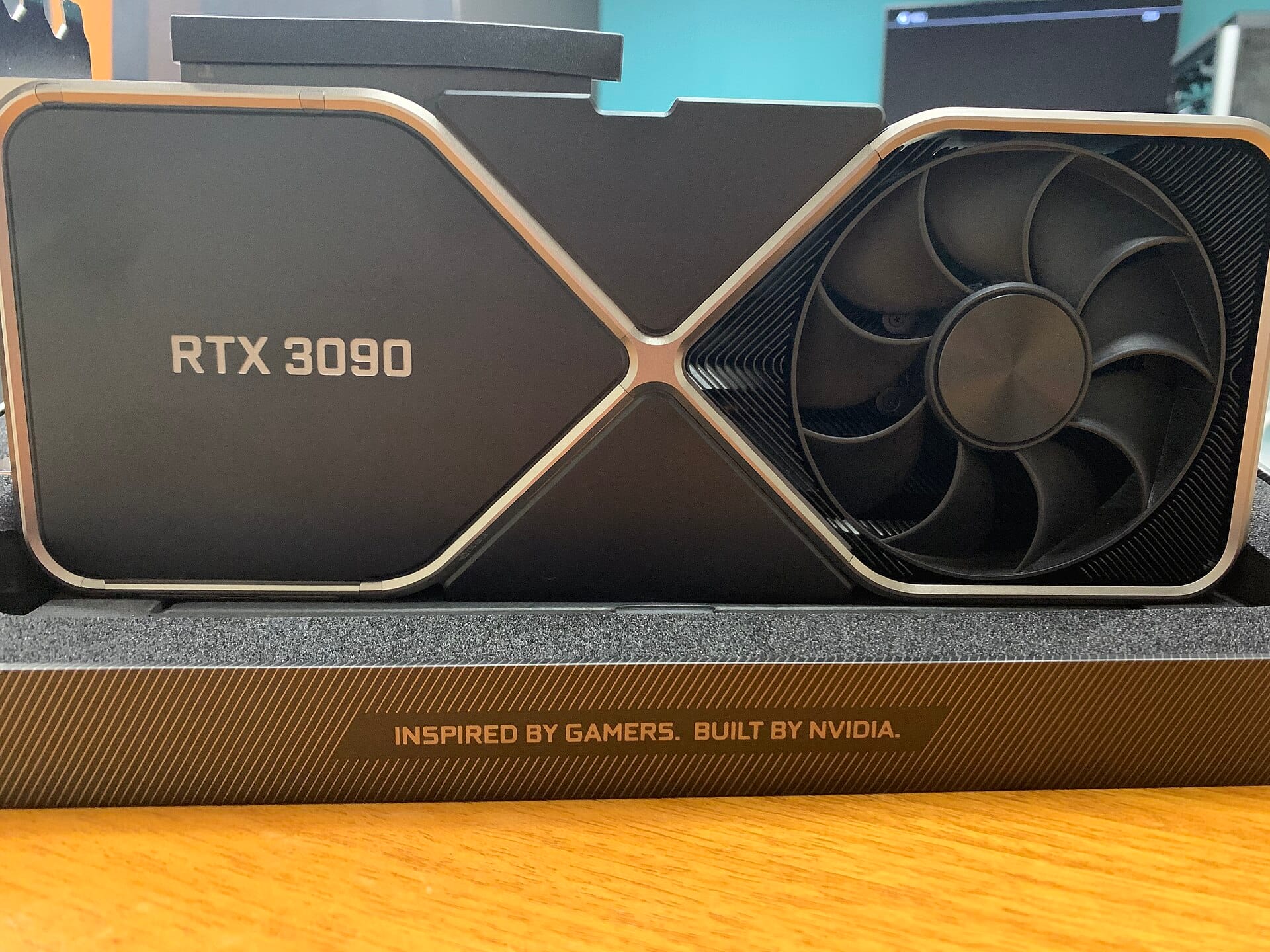
If your budget is a single graphics card rather than a big unified pool, the tiers below still apply: a 16GB card like the RX 9060 XT 16GB sits in the 14B-to-30B-MoE band, and owners who tried stacking cheap cards found that three RTX 3060s measured against one RTX 3090 lose on bandwidth, not capacity. On the unified-memory side, which Mac fits which memory tier is its own decision.
How much RAM do you need to run a local LLM?
Start from the file-size rule (bytes ≈ parameters × bits-per-weight ÷ 8), then add headroom. A rough guide for a 4-bit quant, which is the practical default:
| Model you want to run | System RAM to aim for |
|---|---|
| 8B to 14B (fits most GPUs) | 16GB is fine; the GPU does the work |
| 30B-class MoE (gpt-oss-20b, Qwen3-30B-A3B) | 32GB comfortable |
| gpt-oss-120b (~63GB at 4-bit) | 64GB minimum, 96GB comfortable |
| DeepSeek V4 Flash (284B, ~138GB at 4-bit) | 156GB or more (128GB is not enough) |
| GLM-5.2 / Inkling (700B to 1T class) | 256GB+ or unified-memory Mac |
That DeepSeek V4 Flash row is not theoretical. A reviewer running the full 284B model on a single RTX 3090 via expert offload found that "128GB is not enough; 156GB probably would be, 168GB more common," exactly the trap our companion coverage of that build documents. The GPU was the easy part; the RAM was the ceiling.
Does RAM speed matter for local LLMs?
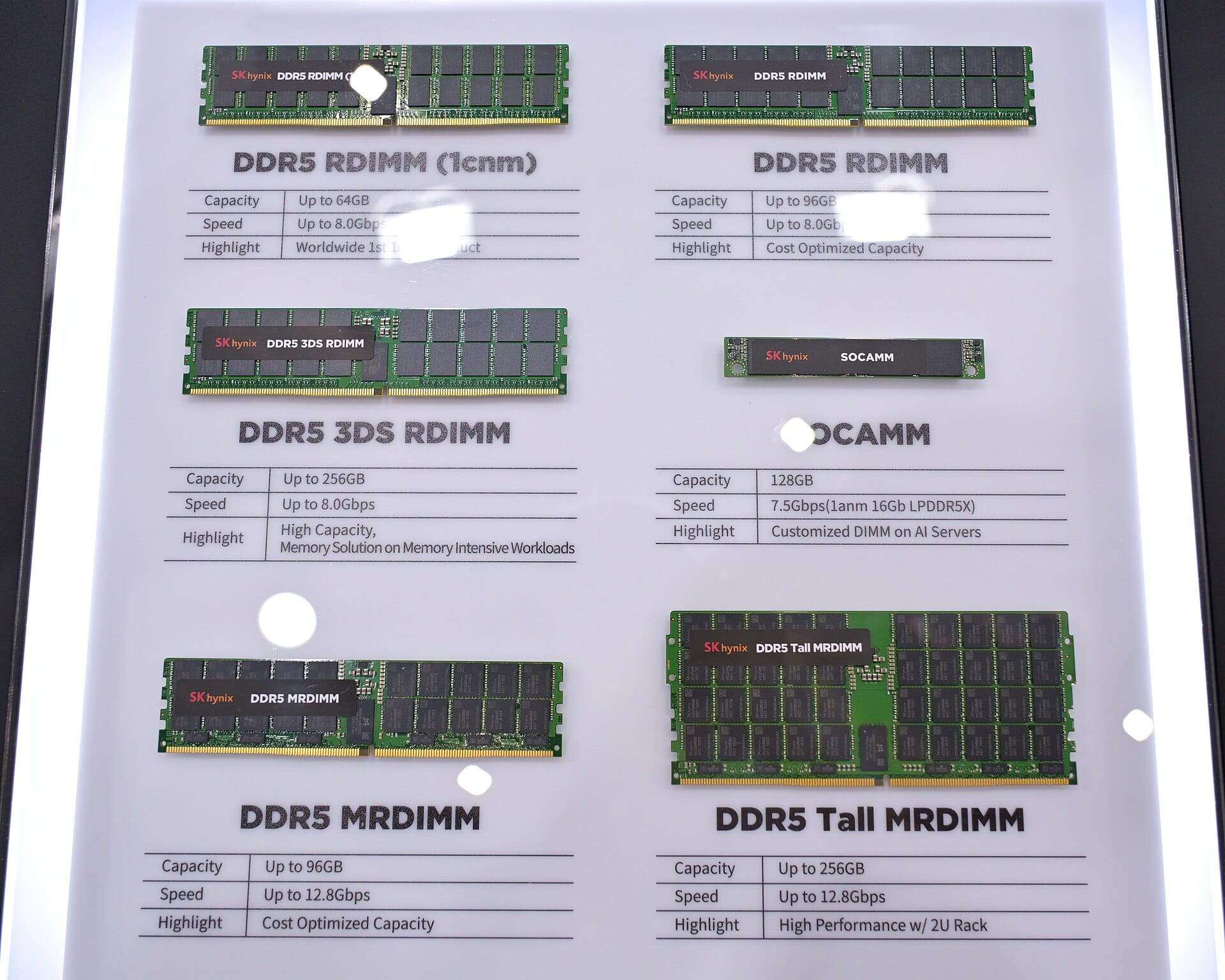
Yes, and more than most guides admit. When expert weights stream from system RAM on every token, your memory bandwidth sets the speed, just as it does inside a GPU. Slow DDR4-2400 leaves real performance on the table versus DDR4-3200 or DDR5-6000, and dual-channel (or quad-channel) is close to mandatory: a single stick halves your bandwidth and chokes generation. One owner running an offloaded MoE put it simply: "I knew there was a good reason I paid all that money for DDR5 6000." Fill all your memory channels, and buy the faster kit if the budget allows.
Unified memory changes the math
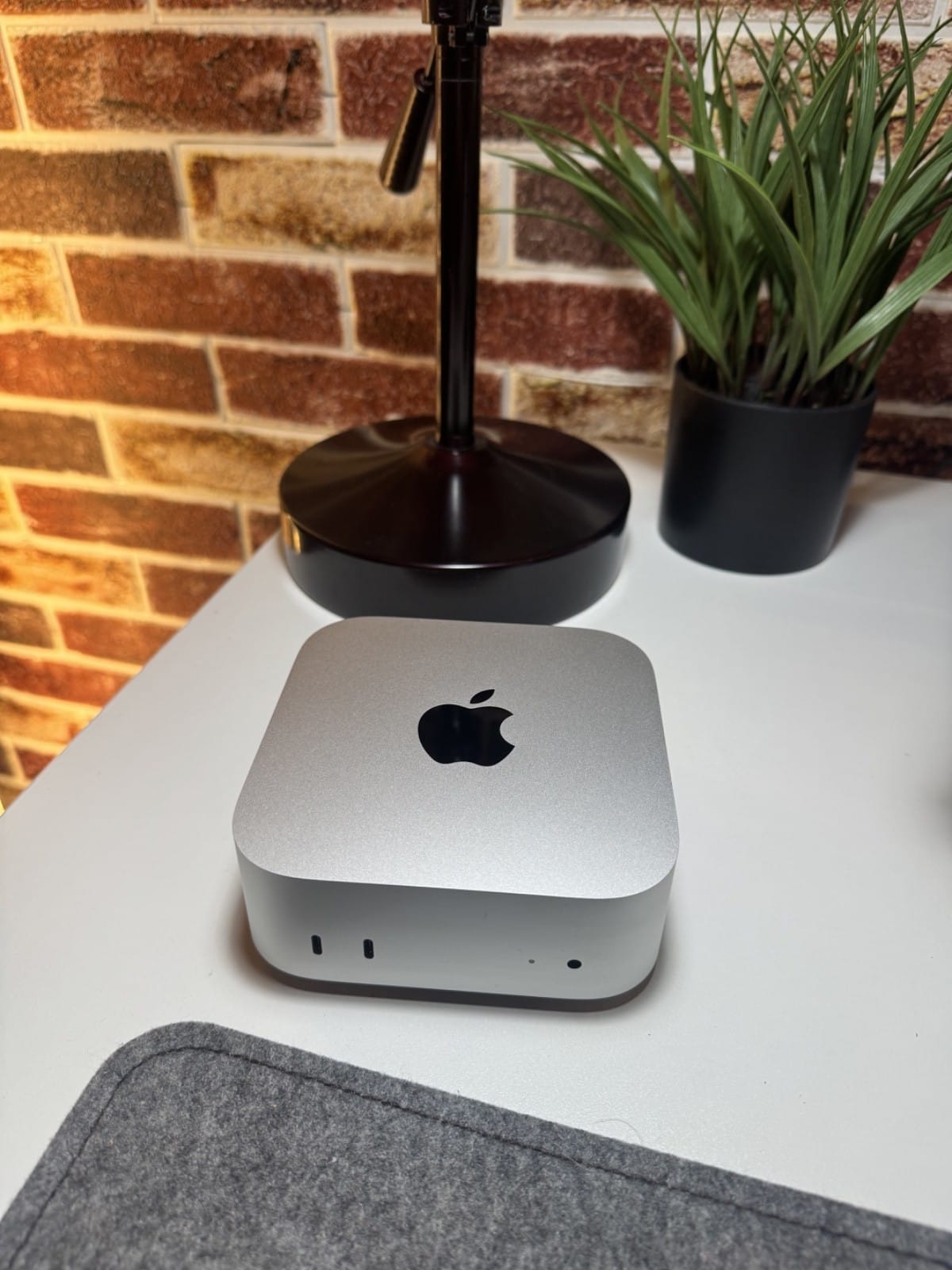
On an Apple Mac or an AMD Strix Halo box, there is no separate VRAM and RAM; it is one unified pool the GPU reads at high bandwidth. That is why a 128GB Strix Halo mini-PC or a big-memory Mac Studio runs models a 24GB graphics card cannot touch: the whole pool is fast, GPU-accessible memory. If you are buying a machine specifically for local AI, this is the tier to compare, our 128GB matchup covers the tradeoffs.
The catch: RAM got expensive
The uncomfortable part of this advice in 2026 is that memory prices spiked. The 128GB-plus you now want for MoE offload can cost more than the used GPU you pair it with. Two practical consequences: buy the RAM you need in one go rather than planning to add more later at a worse price, and do the buy-vs-rent math before committing to a giant local build, our cost calculator prices exactly that.
The cheat-sheet
| Your goal | RAM to buy |
|---|---|
| Run 8B to 30B models on a GPU | 16 to 32GB, dual-channel |
| Offload a 100B-class MoE (GPU + RAM) | 64 to 96GB, fastest kit you can afford |
| Run 284B-class models on one GPU + RAM | 156GB+, dual/quad-channel |
| Buy one machine for everything | 128GB+ unified memory (Strix Halo or Mac) |
The one line to remember: in the MoE era, VRAM decides which models you can run fast, but RAM increasingly decides which models you can run at all. Size both against your shortlist in our Can I run it? calculator before you buy a single stick.
Sources and how we researched this
- The MoE-offload mechanism and active-parameter math: our MoE-era explainer, drawing on the original Mixture-of-Experts paper (Shazeer et al., 2017) and llama.cpp's expert-offload documentation.
- Model file sizes: the params × bits ÷ 8 rule cross-checked against published GGUF sizes (gpt-oss-120b ~63GB, DeepSeek V4 Flash ~138GB at 4-bit).
- Owner RAM findings: attributed reports on running offloaded MoE models, quoted in our related hands-on coverage. We have not tested every configuration first-hand.
Related: Every frontier open model is a MoE now · How much VRAM for a 70B · Unified memory, explained · Bandwidth, Not TFLOPS