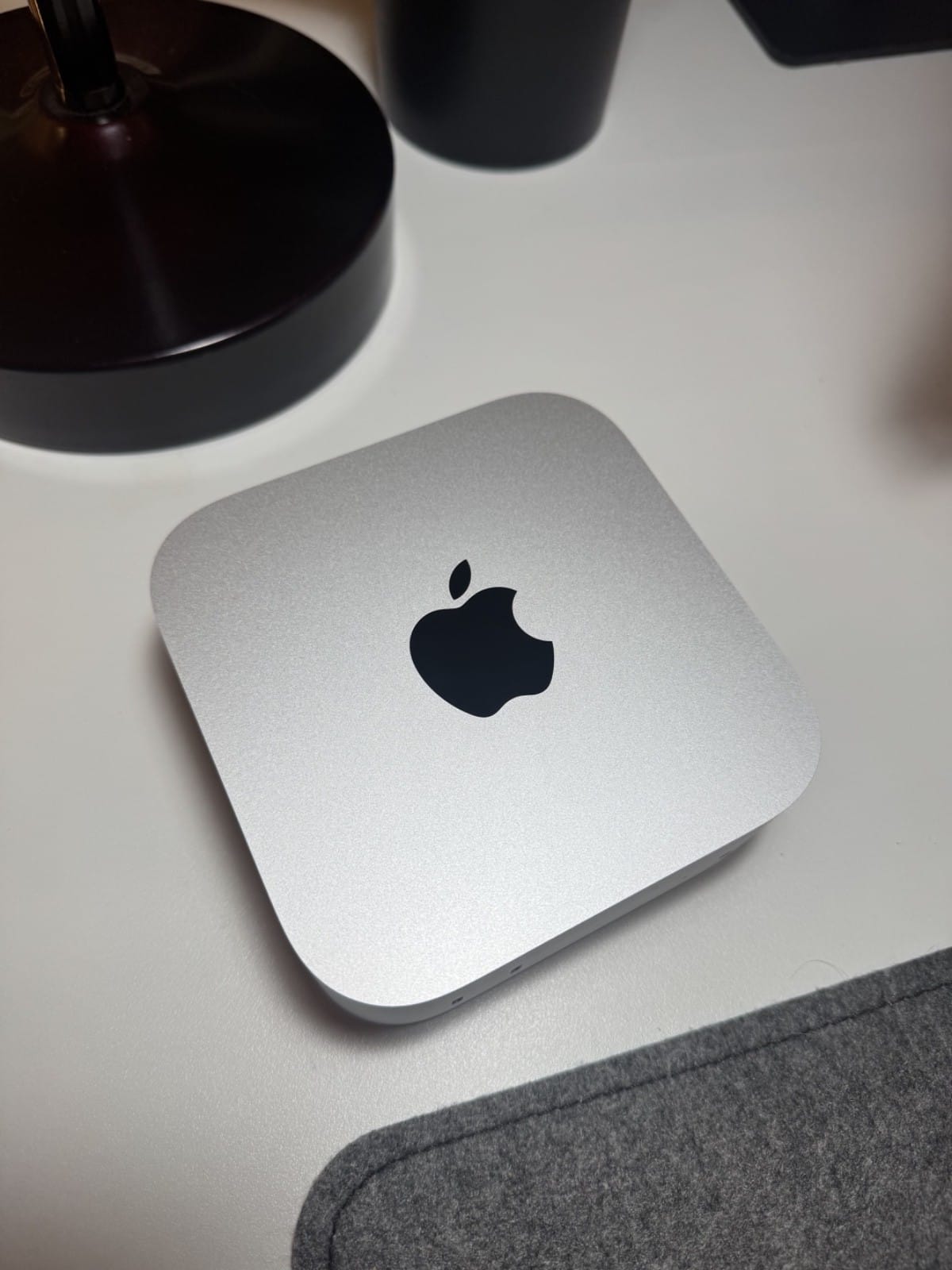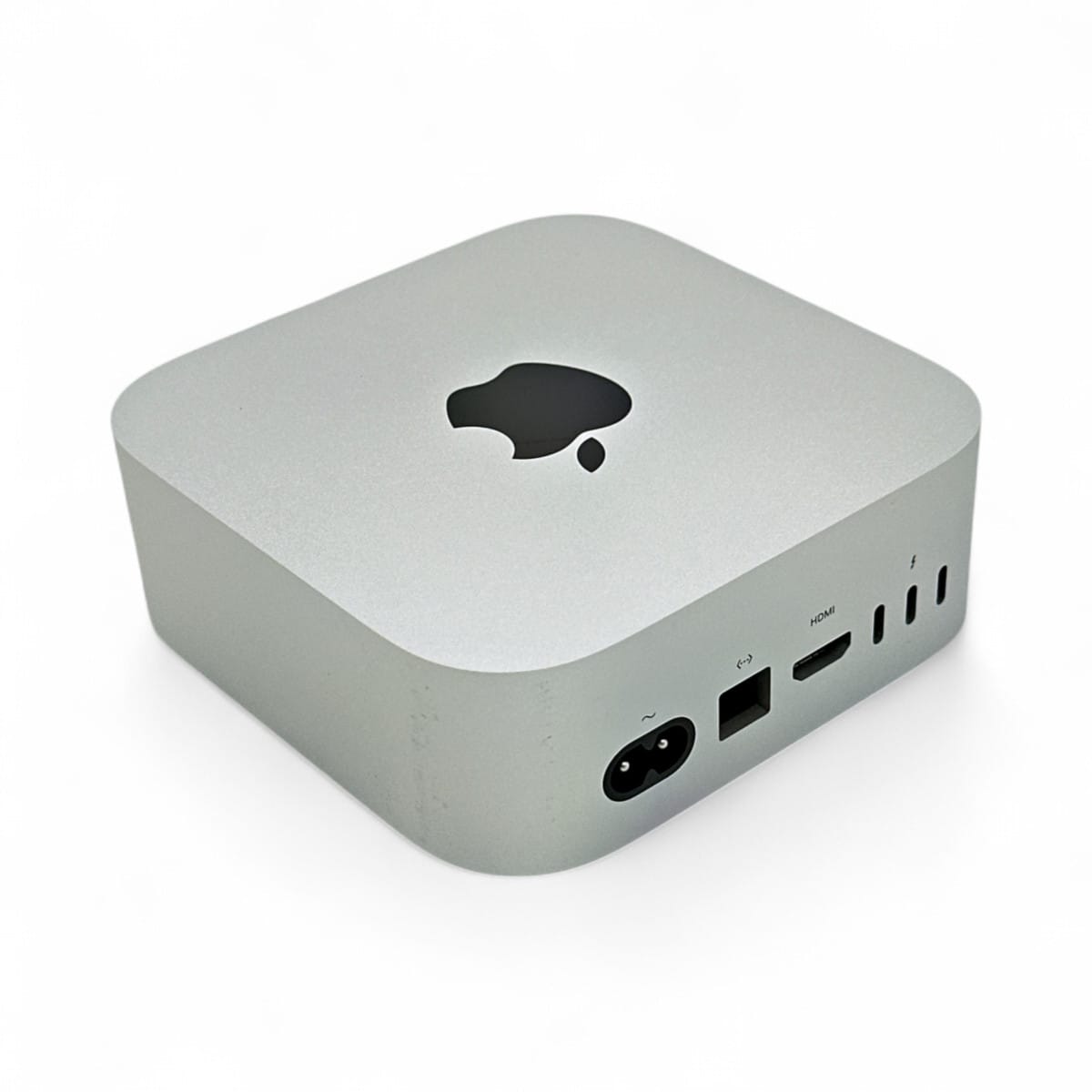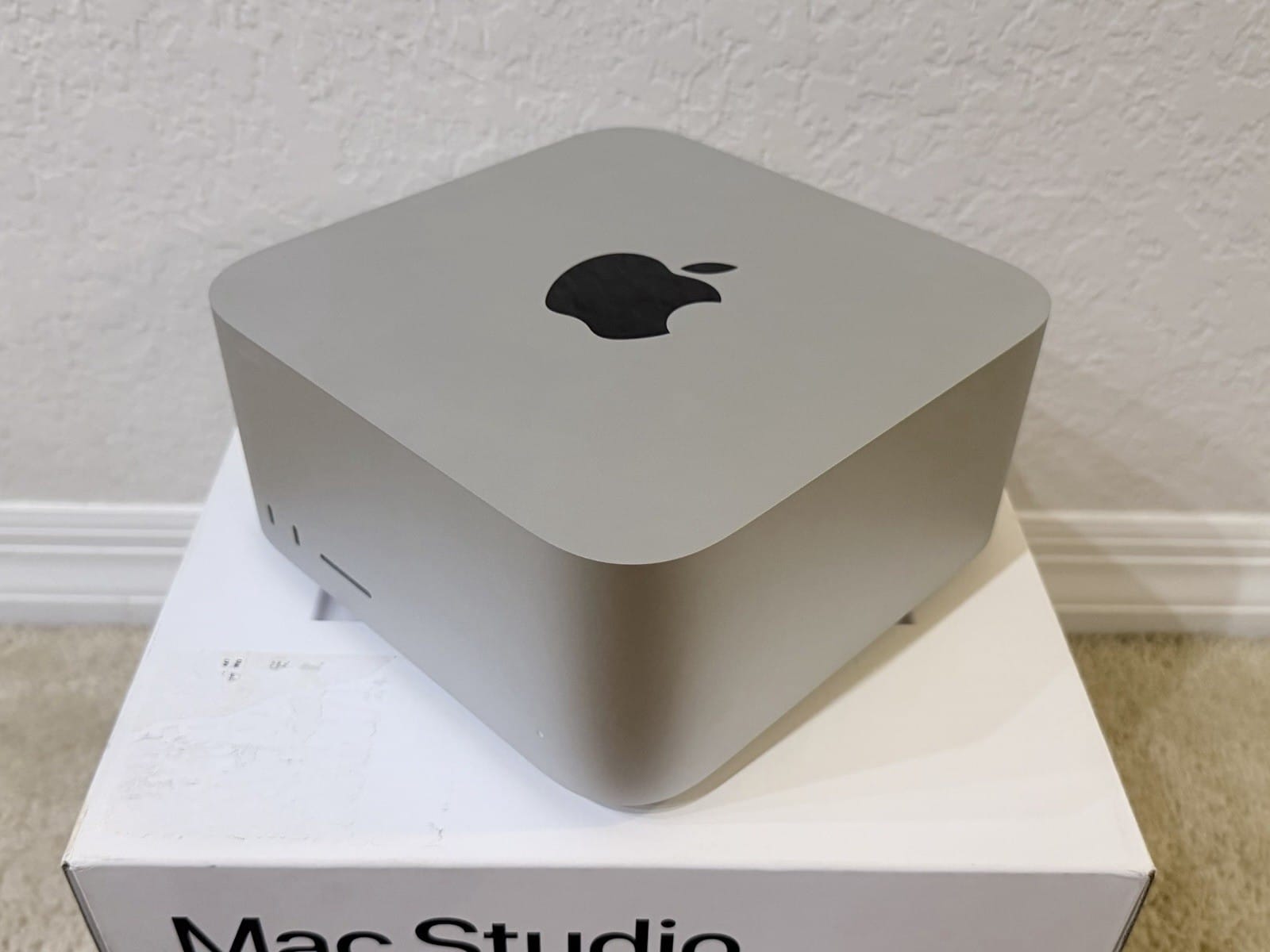
The short answer: at the same 1TB storage, a 128GB Mac Studio M5 Max costs $5,399 and a 96GB M5 Ultra costs $5,499. So for about $100 less, the Max gives you 32GB more memory; the Ultra gives you roughly double the memory bandwidth and a lot more GPU. For the big sparse Mixture-of-Experts models people run in late 2026, that extra 32GB decides whether a model loads at all, which is why the 128GB Max is the smarter buy for most local-LLM work, and why the Ultra only makes sense if you will pay $4,000 more to reach 256GB. Here is the whole decision, with real file sizes and the caveats Apple leaves off the page.
None of the M5 Studios have shipped yet (September 22), so there are no independent benchmarks. This synthesizes Apple's own specs and configurator, the model file sizes on Hugging Face, and owner data from the previous generation, all linked at the end. We have not tested these machines first-hand.
The $100 question
Read Apple's live configurator and the pricing lands in a strange spot. The M5 Max Studio at its top memory tier (18-core CPU, 40-core GPU, 128GB, 1TB) is $5,399. The M5 Ultra Studio at its base (30-core CPU, 64-core GPU, 96GB, 1TB) is $5,499. The cheaper machine has more memory. That inversion is the whole story, because on a Mac, memory is the hard ceiling on model size and you cannot add it later.
| Config (1TB storage) | Memory | Bandwidth | Price |
|---|---|---|---|
| M5 Max, 40-core GPU | 128GB | up to 614 GB/s | $5,399 |
| M5 Ultra, 64-core GPU (base) | 96GB | 1.2 TB/s | $5,499 |
| M5 Ultra + 256GB | 256GB | 1.2 TB/s | $9,499 |
| M5 Ultra + 512GB | 512GB | 1.2 TB/s | late October, unpriced |
The trap is the gap. There is no memory option between the Ultra's 96GB base and its 256GB tier, and that jump is a flat $4,000. The 128GB sweet spot that so many local-LLM buyers want exists only on the Max. As John Gruber put it, "It kind of stinks that there are no RAM options for the M5 Ultra Studio between the 96 GB base and the $4,000 256 GB upgrade." Owners agree: a MacRumors thread opens with a plea for "a 128GB RAM M5 Ultra option," and an M2 Ultra owner who runs 128GB today writes that "stepping down to 96gb feels plain wrong ... but the 4000 jump up to 256gb feels just equally unreasonable."
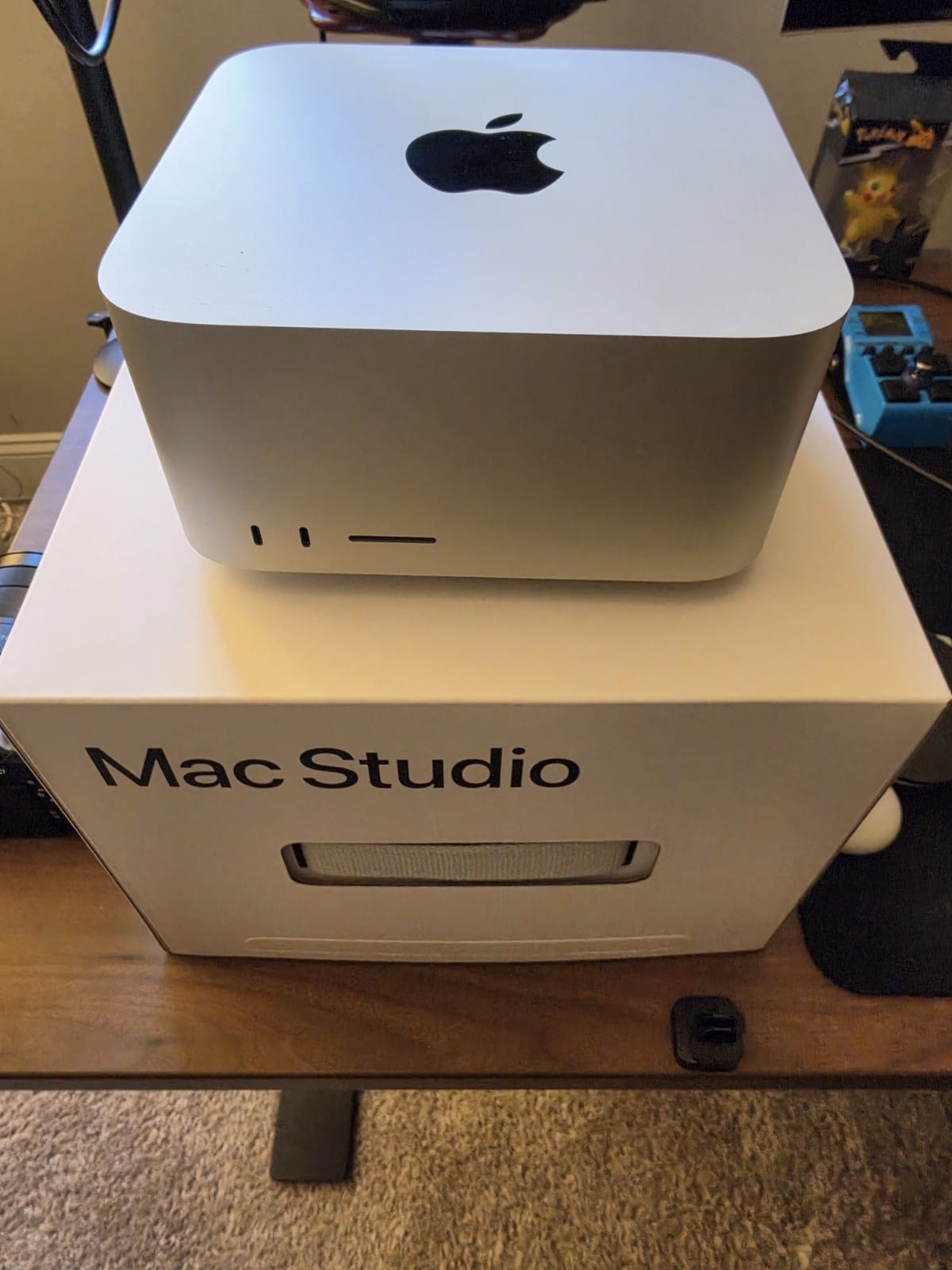
If the 256GB tier tempts you, what it takes to run a 975B model on one box is the concrete case for it. And whichever you choose, the model files pile up quickly; taming a model hoard on Apple Silicon covers where they go and how to prune them.
Why 96GB is not really 96GB
Here is the detail that turns the 96GB Ultra from tight to frustrating. macOS does not give the GPU all of your unified memory. By default the Metal driver wires only about 70 to 75 percent of installed RAM to the GPU, reserving the rest for the system. As one owner summarizes it, "the default cap on what the GPU can address is about 75 percent of installed RAM ... so 96GB usually gives you roughly 70GB of usable model space."
So out of the box, a 96GB Ultra gives the GPU roughly 70GB for weights plus the KV cache, while a 128GB Max gives about 96GB. You can raise the cap with one command (sudo sysctl iogpu.wired_limit_mb=<MB>), which recovers most of the difference, but you still cannot get past the physical ceiling: 96GB is 96GB, and 128GB is 128GB. The 32GB gap is exactly the width of one more quantization step on the models below.
What actually fits: the current models by file size
This is where the 32GB earns its keep. The models worth owning a Studio for are big sparse MoEs, and their 4-bit-class quants cluster right around the 90 to 120GB line, straddling the 96-vs-128 boundary. Verified GGUF file sizes:
| Model (total / active) | Smallest usable quant | 96GB Ultra? | 128GB Max? |
|---|---|---|---|
| gpt-oss-120b (117B / 5B) | MXFP4 63.4GB | Yes, roomy | Yes, roomy |
| Qwen3.8-27B (dense) | Q8_0 28.6GB | Yes, any quant | Yes, any quant |
| DeepSeek V4 Flash (284B / 13B) | Q2_K_XL 96.8GB | No (over usable) | Tight, yes |
| Qwen3.8-Flash-Next (125B / 6B) | IQ4_XS 97.7GB | 1–2 bit only | Yes |
| GLM-5.3-Flash (320B / 18B) | IQ1_S 93.1GB | No (needs ~100GB) | Yes, raised limit |
Look at the last three rows. A 96GB Ultra, with its ~70GB default GPU budget, cannot hold any of GLM-5.3-Flash, a decent DeepSeek V4 Flash quant, or a 4-bit Qwen3.8-Flash-Next; it is pushed down to 1 to 2-bit builds where quality falls off. The 128GB Max holds all three at a usable quant (with the wired limit raised). If the reason you are buying a $5,000 machine is to run these specific models, the Max is the one that runs them. Check any model against your exact config in our Can I run it? calculator, and see which file to grab with the quant picker.
Where the Ultra's bandwidth actually pays off
The Ultra is not the loser here. Its 1.2 TB/s of memory bandwidth is real and it sets decode speed, because generation is memory-bandwidth-bound. Apple states it plainly: "Generating subsequent tokens is bounded by memory bandwidth, rather than by compute ability." The question is how much that matters for your model.
For a dense model, it matters a lot: every token reads all the weights, so a dense 27B at Q8 (28.6GB) tops out near 21 tok/s on the Max's 614 GB/s versus roughly 42 on the Ultra's 1.2 TB/s. For a sparse MoE, it matters much less, because only the active experts are read per token: a 6B-active model like Qwen3.8-Flash-Next streams just a few gigabytes per token, so the bandwidth gap shrinks and the memory-capacity gap grows. As one MacRumors commenter frames the two-sided trade, "128GB will fit bigger models, but the Ultra has 2x the memory bandwidth, 12 extra cpu cores and 24 more GPU cores making it faster." Both halves are true; which half you weight depends on whether you live in dense models or big MoEs.
The Ultra's other real advantage is prompt processing. Its extra GPU cores speed prefill (time to first token), which is compute-bound, exactly the phase where a Mac normally struggles on long inputs. If your work is long documents and big agent contexts, that helps. One Hacker News commenter estimated "1000+ tokens per second prefill and 50+ tokens per second on generation" for DeepSeek V4 Flash on an Ultra, though that is an estimate, not a measurement, and no independent numbers exist yet.
Apple's 10.7x and 9.8x claims, read carefully
Apple's Mac Studio page leads with big multipliers: the M5 Max is "up to 10.7x faster LLM prompt processing" than an M1 Max and "3.9x faster than M4 Max"; the M5 Ultra is "up to 9.8x" faster than an M1 Ultra and "up to 4x faster than M3 Ultra." Two things to keep straight. First, these are prompt-processing (time-to-first-token) numbers, the compute-bound phase that Apple's new Neural Accelerators speed up; decode gains from the higher bandwidth are far smaller. Second, the eye-catching 10.7x and 9.8x are against five-year-old M1 chips. The real generational figures are 3.9x (Max vs M4 Max) and 4x (Ultra vs M3 Ultra), on an 8K-token prompt with a 14B 4-bit model in LM Studio. Useful, but a prefill number, not a tokens-per-second-you-will-feel number. And as MacStories notes, "for now, this is all theoretical: we're going to need actual benchmarks."
Who should buy which
| You want to... | Buy |
|---|---|
| Run a 100–120GB MoE (GLM-5.3-Flash, Qwen3.8-Flash-Next, DeepSeek V4 Flash) at a real quant | M5 Max, 128GB ($5,399) |
| Run dense models fast, or do heavy long-context prefill | M5 Ultra, 96GB ($5,499) |
| Run frontier MoEs bigger than 128GB (Kimi, Hy4, full DeepSeek) | M5 Ultra, 256GB ($9,499) or wait for 512GB |
| Be sure before spending $5,000+ | Wait for the Sep 22 reviews |
The counterintuitive takeaway: for the models that make a Mac special, the cheaper 128GB M5 Max is usually the better local-LLM buy than the 96GB M5 Ultra, because 32GB of headroom beats bandwidth when your model is a sparse MoE that barely fits. Step up to the Ultra when you need dense speed today, or when you are ready to pay for 256GB and run things nothing else can. And since none of this is measured yet, if you can wait until the machines ship on September 22, the first real benchmarks will settle the dense-vs-MoE trade for your exact workload. For the full lineup, see our memory-first Mac buyer's guide.
Sources and how we researched this
- Prices and configs: Apple's live US Mac Studio configurator and newsroom announcement (read 2026-09-02), cross-checked with Daring Fireball and AppleInsider.
- Decode is bandwidth-bound, prefill is compute-bound: Apple Machine Learning Research and Patel et al., Splitwise (arXiv:2311.18677).
- Model file sizes from the Unsloth and bartowski GGUF repositories on Hugging Face; the macOS wired-memory behavior and the 96-vs-128 debate from the MacRumors forum thread and Hacker News. We have not benchmarked these machines; the M5 Studios ship September 22.
Related: Which Mac for local LLMs · Unified memory, explained · Why active parameters decide what runs · The M5 Mac and prompt processing